
Building custom apps used to mean months of developer time and budgets most teams do not have. Now, AI app builder no-code tools can generate a working structure from a paragraph you type, then let you refine everything visually. The real question is which ones can support day‑to‑day business workflows instead of just looking good in a demo. This guide covers the ten strongest options for internal tools and portals, and how to pick the right one for your team.
TLDR:
- AI app builders generate working business apps from plain-English prompts in minutes.
- Focus on managed products with real databases, role-based permissions, and visual editors.
- Free tiers are fine for testing, but they limit rows, users, and features needed for real use.
- For most internal tools, web apps beat native mobile apps since teams skip app store installs.
- Stacker builds everyday tools like CRMs, portals, and process trackers with AI-driven setup and no-code refinement.
What Are AI App Builders and How Do They Work
AI app builders are tools that let you create functional software applications without writing code. Feed them a plain-English prompt describing what you need, and they generate a working app structure in minutes.
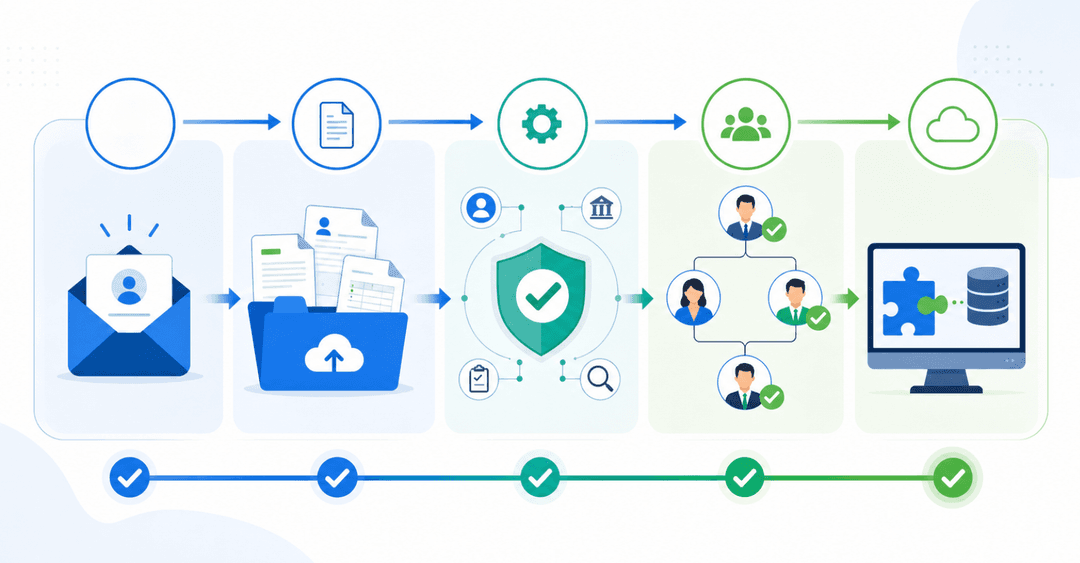
Traditional app development requires developers, timelines, and budgets that most teams don't have. AI app builders cut through that by handling the heavy lifting automatically. You describe your process, the AI sets up your data structure, interface, and logic, and then you refine from there using a visual editor.
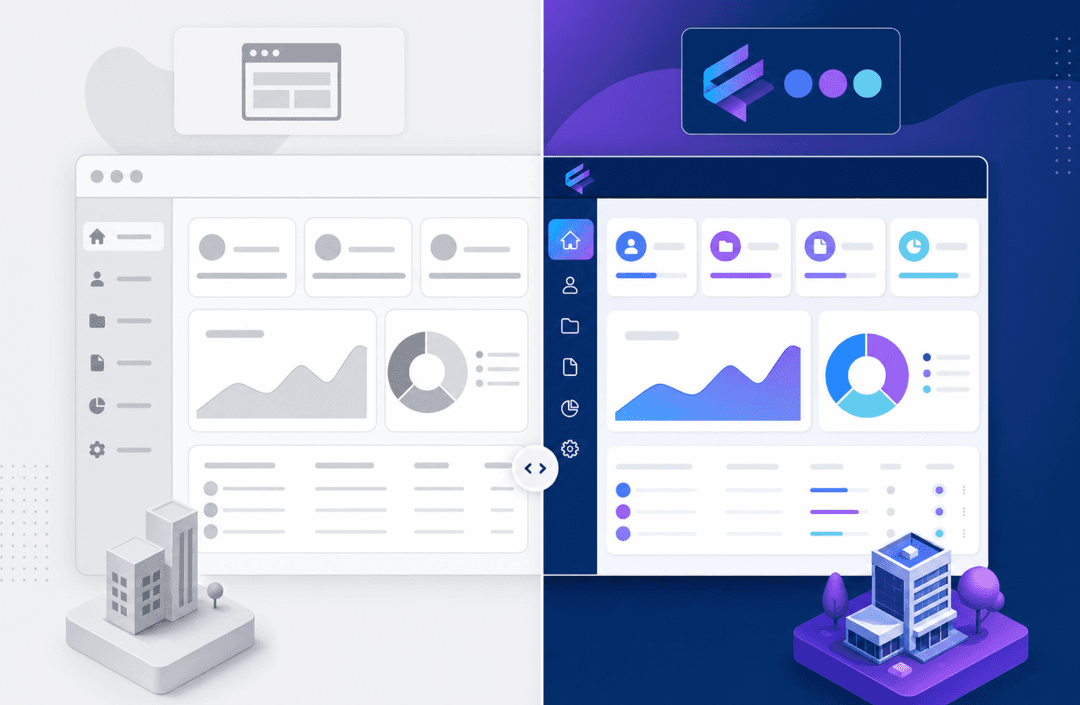
What separates today's AI builders from earlier no-code tools is the prompt-driven creation layer. Earlier tools still required you to manually configure everything from scratch. Now, AI handles the first draft so you can spend your time adjusting instead of building from zero.
Key Features to Look for in an AI App Builder
Not every AI app builder is built for serious business use. Some are great for prototypes; others can run real operations. Here's what to look for:
- Prompt-driven generation that creates a working app, not a wireframe
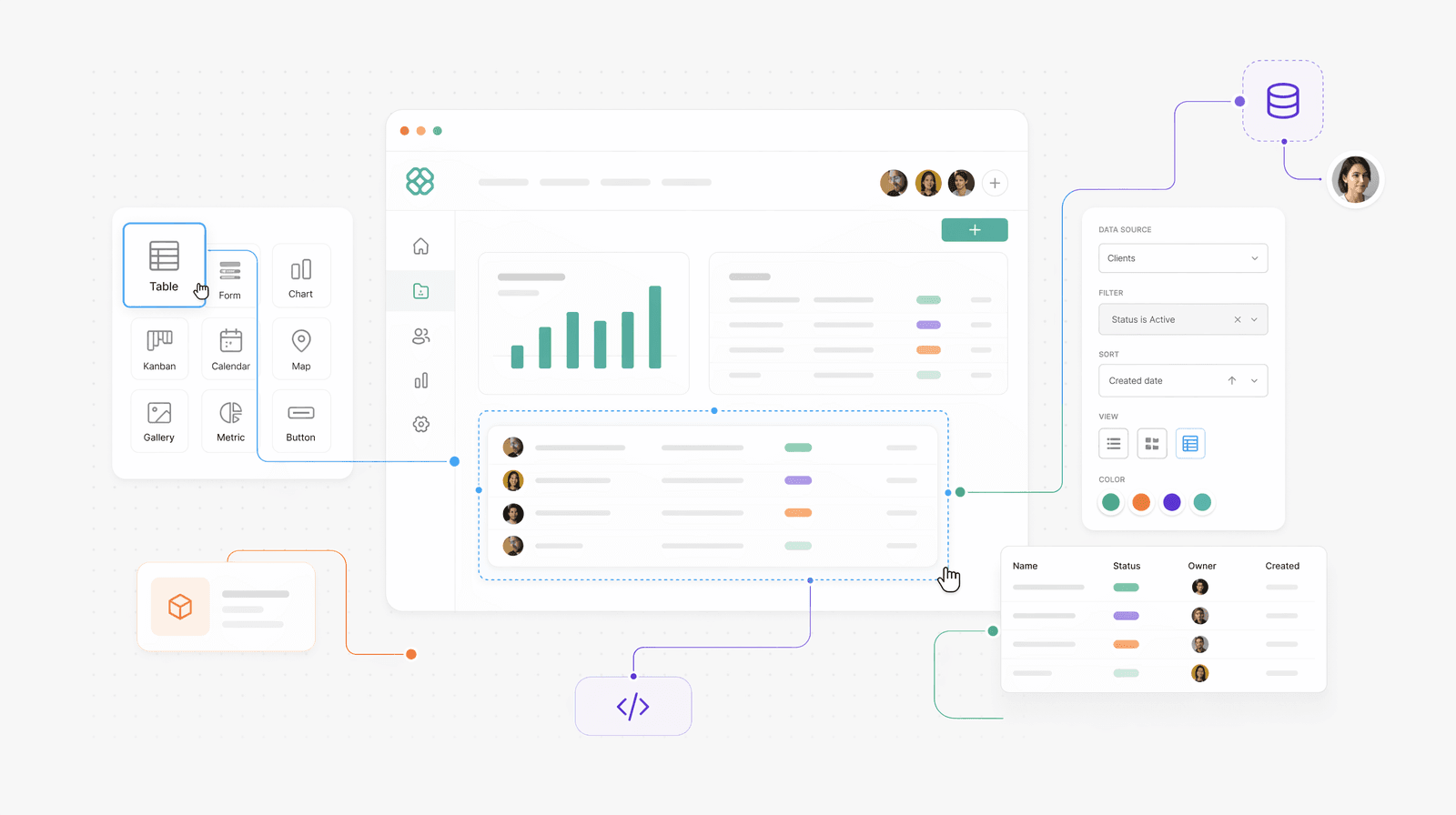
- A visual editor for refining layouts, forms, and data views without touching code
- A real database backend with support for relational data, not a spreadsheet wrapper
- Role-based permissions so that different users see only what they should
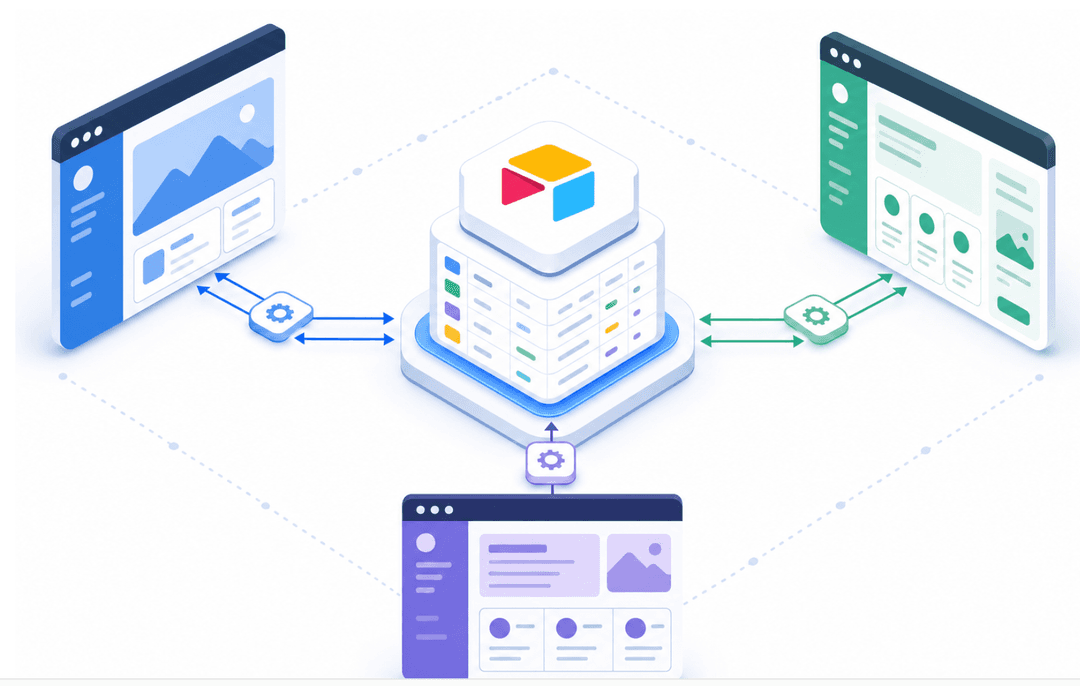
- Integrations with tools you already use, like Google Sheets or Airtable
- Deployment options that don't require you to manage hosting or servers
The last point matters more than people expect. Some AI builders generate code you still have to host and maintain. If something breaks, that's your problem. A managed no-code builder handles that automatically, which is a real difference once you're running something business-critical.
The 10 Best AI App Builders for Business Operations in 2026
Here's a quick look at where each tool fits before we get into the list.
| Tool | Best For | Free Plan |
|---|---|---|
| Stacker | Internal tools & portals | Yes |
| Bubble | Complex web apps | Yes |
| Glide | Mobile apps from sheets | Yes |
| AppyPie | Simple mobile apps | Yes |
| Replit | Developers building fast | Yes |
| Lovable | AI-generated web apps | Limited |
| Softr | Client portals on Airtable | Yes |
| Noloco | Data-heavy internal tools | No |
| Google AppSheet | Android/Google Workspace | Yes |
| Microsoft Power Apps | Enterprise teams | Limited |
1. Stacker
Stacker is built for business operations, not experiments. You describe what you need, the AI builds an initial app, and you refine it visually. It handles internal tools, customer portals, and vendor portals with real role-based permissions and a proper relational database.
2. Bubble
Bubble gives you fine-grained control over web app logic and design. It has a steeper learning curve, but for complex workflows, few no-code tools match its depth. Good for startups and product teams building user-facing apps.
3. Glide
Glide turns spreadsheets into mobile apps quickly. If your data already lives in a spreadsheet and you need a lightweight app for a field team, Glide gets you there fast.
4. AppyPie
AppyPie's AI app builder targets small businesses wanting simple Android or iOS apps. The free tier is limited, but it's one of the more accessible entry points for creating a mobile app without coding.
5. Replit
Replit is AI-assisted coding instead of no-code. It's ideal for developers who want to build and ship apps fast. Less suitable if your team has zero technical background.
6. Lovable
Lovable generates web app front-ends from prompts. It's best for quickly getting a prototype in front of stakeholders, though production-ready complexity may require additional work.
7. Softr
Softr connects to Airtable or Google Sheets and builds client portals or simple internal tools on top. Quick to set up, though it's better for displaying data than building complex processes.
8. Noloco
Noloco builds internal tools on top of your existing data sources. Solid permissions system and good for teams that live in Airtable or a database.
9. Google AppSheet
AppSheet is Google's no-code builder, free for Google Workspace users. Strong for Android-first mobile apps, especially if your data is in Google Sheets.
10. Microsoft Power Apps
Power Apps suits enterprises already in the Microsoft ecosystem. Deep integrations with Office 365 and Dataverse, though setup can be complex for non-technical users.
Free AI App Builders vs. Paid Options
Free tiers are real, but they come with trade-offs worth knowing upfront. Most free AI app builders cap you on the number of apps, rows, or active users. That's fine for testing, but it becomes a problem fast once a real team starts depending on the tool.
Common free tier limitations include:
- Row or record limits (often 1,000 to 5,000 rows), which can hit quickly once you connect live business data
- Branding or watermarks on your app that make it look unfinished to external users
- No custom domain, which limits how professional the app feels
- Limited permissions or user roles make it hard to control who sees what
- Restricted integrations that block connections to the tools your team already uses
For personal projects or early prototypes, free plans from tools like Glide or AppSheet are genuinely useful. Where they fall short is in business-critical operations that require proper permissions, additional data, and external user access.
Paid plans unlock the features that matter most for operations: granular role-based access, higher usage limits, custom branding, and reliable support. If your app will touch customers or vendors, those features stop being optional.
Start free, but review what you'll need at scale before building too deeply into a tool that charges heavily to unlock the basics.
AI App Builders for Mobile vs. Web Applications
The right tool depends on where your users will actually open the app.
Mobile-first builders like Glide, AppSheet, and AppyPie are designed around the phone experience. AppSheet is especially strong for Android and Google Workspace users, while Glide works well for field teams needing offline-friendly access to spreadsheet data.
Web app builders like Bubble, Softr, Noloco, and Stacker run in any browser on any device. For internal business tools and portals, web apps are almost always the better fit since your team skips the download entirely and you control access through a login.
Most business operations tools don't need a native app. A well-built web app that works on mobile is usually enough, and far easier to maintain.
Use Cases: When to Use AI App Builders for Business Operations
By 2025, 70% of new enterprise applications will be built using no-code or low-code tools, up from less than 25% in 2020. Most business problems simply don't require custom dev work.
Here's where AI app builders tend to deliver the most value:
- Customer or client portals where users log in to check order status, submit requests, or view project updates
- Internal CRMs tailored to your process, not a generic template
- Process trackers for multi-step workflows like onboarding, approvals, or job dispatching
- Inventory or asset management for physical operations that outgrew spreadsheets
- Vendor or partner portals where external parties need limited, secure access to shared data
If your team manages any of these through spreadsheets and email chains, that's a clear signal an AI app builder would help.
No-Code vs. Low-Code: Understanding the Difference
No-code means zero coding required. Low-code means some scripting or custom logic is expected, though far less than traditional development.
For most business operations teams, no-code is the right call. You build visually, adjust through menus and editors, and ship without touching a line of code. Low-code tools give developers more flexibility but create a dependency on technical staff to maintain what gets built.
The simpler rule: if your team includes non-technical people who need to own and update the app themselves, go no-code.
The Role of AI in Accelerating App Development
Before AI, building a custom app meant hiring a developer or waiting in an IT queue. Custom software development costs between $75,000 and $250,000 on average in 2025. For most teams, that's simply not realistic.
AI changes the math. Prompt-based generation handles the first draft in minutes. Automated layouts, suggested data structures, and iterative refinement mean you spend time adjusting instead of building from scratch. The gap between "we need this" and "this is live" shrinks from months to days.
When requirements change, you update through conversation instead of filing a ticket.
Common Challenges and Limitations of AI App Builders
AI app builders solve real problems, but they have genuine limits worth understanding before you commit.
Performance-intensive applications, complex third-party API integrations, and apps requiring custom security infrastructure are likely to outgrow what most builders offer. If you need sub-100ms load times at scale or highly specific compliance controls, a managed no-code tool may not cut it.
A few other constraints to keep in mind:
- Vendor lock-in is real, and migrating your data and logic to another tool later can be painful
- AI-generated structures sometimes need substantial cleanup before they match your actual process
- External user limits on cheaper plans can get expensive fast as your user base grows
The honest read: AI app builders work well for business operations, internal tools, and portals. They are less suited for consumer-scale products or anything requiring deep custom engineering.
How Stacker Combines AI and No-Code for Business Applications
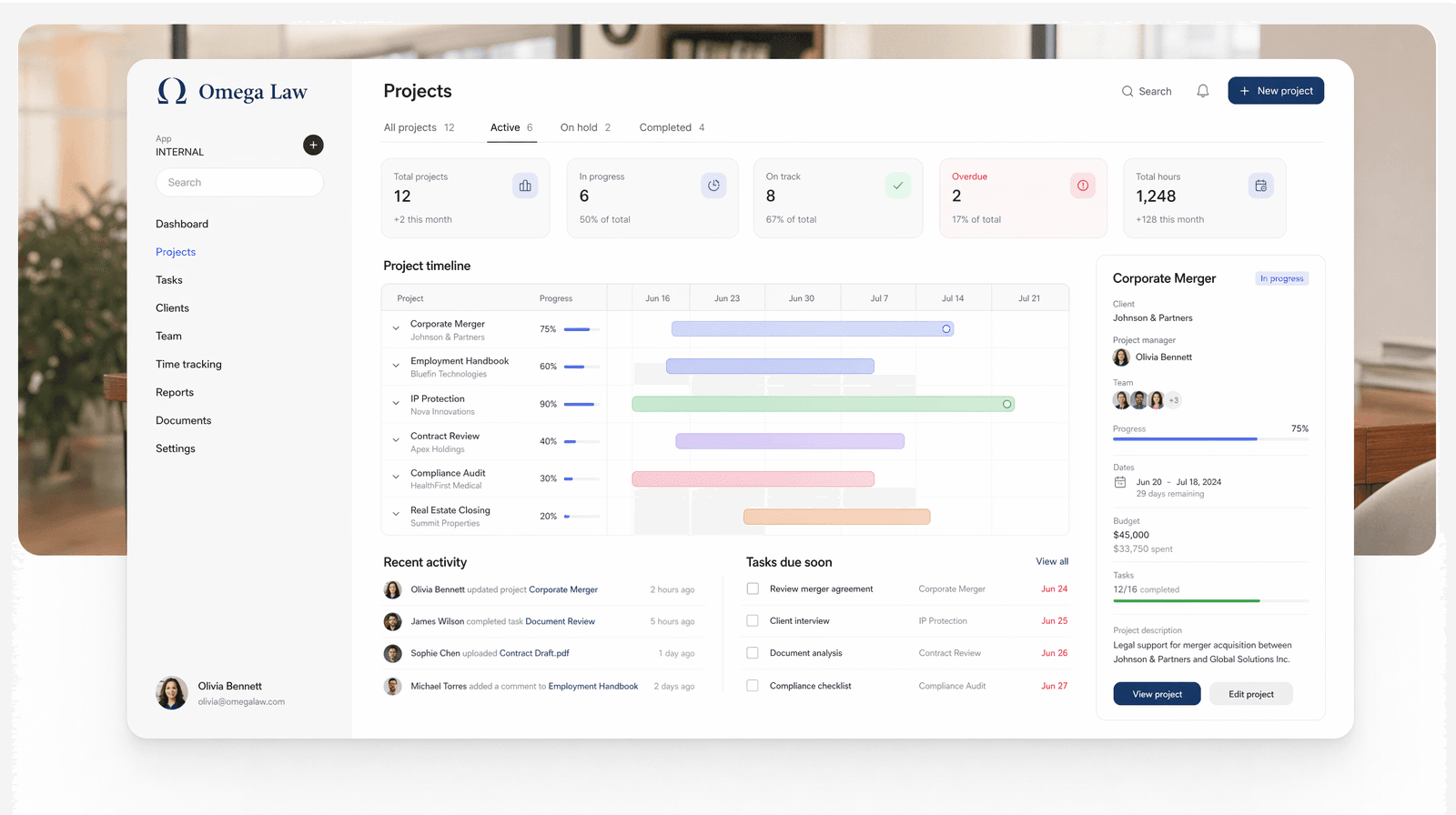
Stacker sits at the intersection of everything covered in this article. You describe what you need in plain English, the AI generates a working app, and you refine it through a visual editor without writing a line of code.
Behind every app is a real relational database, not a spreadsheet wrapper. Role-based permissions let you control exactly what each user sees, which matters the moment your app interacts with external users, such as clients or vendors. Changes sync in real time across everyone using the app.
Where Stacker fits best is in the operational use cases this article keeps returning to: CRMs, portals, and internal tools that off-the-shelf software never quite fits. If your team currently manages any of those through spreadsheets and email, Stacker is worth a look.
Final Thoughts on Building Apps Without Code
A no-code AI app builder solves the problem of needing custom software without the budget or timeline traditional development requires. You describe what you need, the AI generates a first draft, and you refine it from there without touching code. The gap between idea and working app is now measured in days, not quarters.
If your operations are stuck in spreadsheets and email chains, book a demo to see how Stacker handles portals and internal tools.
FAQs
What's the main difference between AI app builders and traditional no-code tools?
AI app builders generate a working app from a plain-English prompt in minutes, handling the initial data structure and interface automatically. Traditional no-code tools still require you to manually configure everything from scratch, which takes considerably longer, even without writing code.
How long does it take to build a functional business app with an AI app builder?
Most AI app builders generate an initial working app in minutes from your prompt. The full process (including refining layouts, setting permissions, and connecting data sources) typically takes a few hours to a few days, depending on complexity, compared to months with traditional development.
Can AI app builders handle external users like clients or vendors?
Not all of them can. Tools built for business operations, like Stacker, include role-based permissions that let you control exactly what different users see and do. Many lighter AI builders lack the necessary permission controls to safely grant external users access to specific data.
Should I choose a mobile or web-based AI app builder for my business?
Web-based builders are usually the better choice for business operations, as your team can access them from any device without downloading software. Mobile-first builders make sense primarily for field teams that need offline access or for consumer apps that require native phone features.
What happens to my data if I need to switch AI app builders later?
Switching tools can be difficult since most builders use their own proprietary structure. Before committing, check if the tool offers data export options and whether your data is stored in a standard format (like a relational database) that can be migrated to another system if needed.