
You need cloud-based CRM software that works for your team, not against it. The problem is that most platforms were designed around a generic sales process that might not match yours, and you usually find that mismatch only after you move past the features page and into real implementation. We've compared 12 leading options based on what actually matters: whether the data model fits your workflow, how quickly your team can adopt it, and what happens when your process doesn't align with the default setup.
TLDR:
- Cloud CRM eliminates on-premise hardware costs and IT overhead with browser-based access
- 87% of companies now choose cloud over on-premise for faster deployment and automatic updates
- Look for mobile access, workflow automation, and native integrations as baseline features
- Off-the-shelf CRMs struggle when your sales process or data model doesn't fit standard templates
- Stacker lets you build a CRM around your actual workflow, including portals and internal tools, without hiring developers
What Is Cloud-Based CRM Software
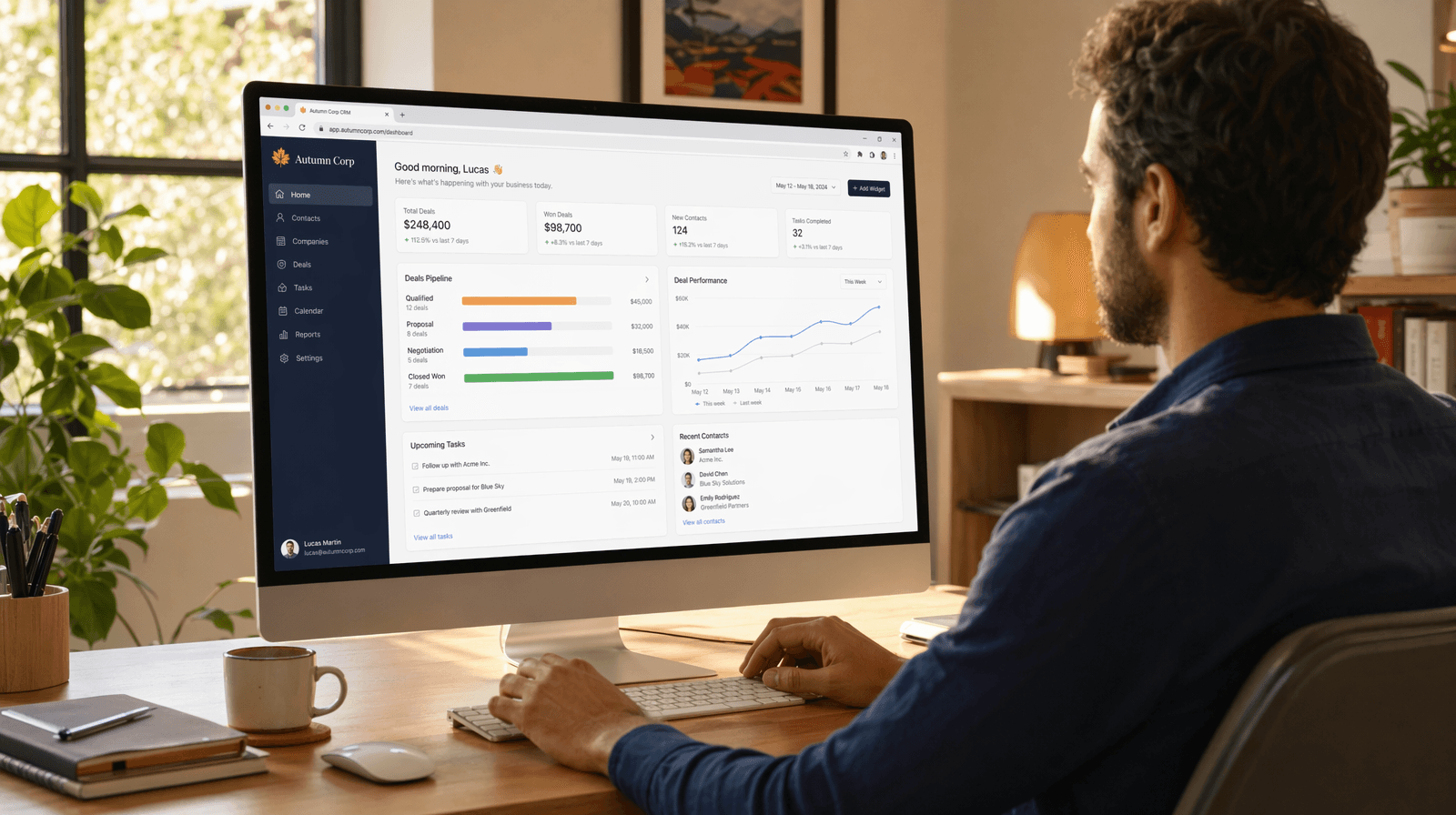
Cloud-based CRM software is a customer relationship management system hosted on remote servers and accessed through a web browser. Instead of installing software on a local machine or a company server, your team can log in from anywhere with an internet connection. The vendor handles the infrastructure, updates, and maintenance.
The contrast with on-premise CRM is straightforward. On-premises systems run on your own servers, so your IT team manages everything: installations, patches, backups, and security. That control comes with real costs in time and money.
Cloud CRM flips that model. You subscribe, you log in, you use it. No server rooms, no dedicated IT staff managing deployments.
A few quick distinctions worth knowing:
- Cloud CRM is accessed via browser or app, hosted by the vendor.
- On-premise CRM is installed locally and maintained by your team.
- Hybrid setups blend both, though these are less common outside enterprise contexts.
By 2026, cloud deployment will have become the clear default for most businesses. On-premises still has its place in industries like healthcare and government, where strict compliance requirements require local hosting. For everyone else, cloud wins on speed, cost, and flexibility.
Why 87% of Businesses Choose Cloud Over On-Premise CRM
87% of companies now use cloud-based CRM over on-premise alternatives, and the reasons break down pretty clearly once you look at them.
Cost structure is the biggest factor. On-premises CRM requires an upfront hardware investment and ongoing IT overhead. Cloud CRM converts that into a predictable monthly subscription, making it easier to budget and scale. SaaS CRM is growing at 13.43% annually, driven largely by these cost advantages.
Implementation speed matters too. On-premise deployments can take months, while cloud setups often go live in days or weeks.
A few other reasons driving the shift:
- Automatic updates keep you on the latest version without IT involvement
- Vendor-managed security patches reduce your team's maintenance burden
- Adding users or features as the business grows takes minutes, not projects
Key Benefits of Cloud-Based CRM for Growing Teams
Cloud-based CRM removes several friction points that slow growing teams down. Here's what that looks like in practice:
- Remote access means your sales rep closing a deal from an airport lounge has the same data as your manager back at the office.
- Real-time collaboration keeps everyone working from a single source of truth, eliminating version conflicts.
- Automatic backups run in the background without anyone having to think about them.
- Scaling up means adding a user in settings, not calling IT.
- Lower upfront costs let smaller teams access software that once required enterprise budgets.
For growing businesses, especially, that last point matters. You stop paying for infrastructure you don't need yet and start paying for what you actually use.
Key Features to Look for in Cloud CRM Solutions
Not every CRM advertises its weaknesses, so knowing what to look for before you compare options saves you from paying for something that falls short six months in. These are the baseline expectations in 2026, not premium upsells:
- Contact and account management with clean, navigable record views
- Pipeline tracking with customizable stages that reflect how your team actually sells
- Workflow automation for routine follow-ups and task assignments, so nothing slips through
- Mobile access that genuinely functions, not a stripped-down version of the desktop experience
- Native integrations with tools you already use, including email, calendar, and Slack
- Role-based permissions to control who sees sensitive customer data
- Reporting and dashboards you can configure without filing a ticket to a developer
Customization deserves special mention. A CRM that doesn't fit your sales process creates friction fast. The better ones let you define your own fields, stages, and views from the start.
12 Cloud-Based CRM Solutions Compared for 2026
Here's a quick-reference breakdown of 12 leading cloud CRM options, organized to help you match each to the right context.
| CRM | Best For | Standout Feature |
|---|---|---|
| Salesforce | Large enterprises | Deep customization, AppExchange ecosystem |
| HubSpot | SMBs, inbound teams | Free tier, marketing + sales in one |
| Zoho CRM | Budget-conscious SMBs | Wide feature set at low cost |
| Pipedrive | Sales-focused teams | Visual pipeline management |
| Freshsales | Growing sales teams | Built-in phone and AI lead scoring |
| Microsoft Dynamics 365 | Microsoft-heavy orgs | Native Office 365 integration |
| Monday CRM | Project-focused teams | Flexible board views |
| Copper | Google Workspace users | Gmail-native experience |
| Keap | Solopreneurs | Automation + payments combined |
| Insightly | Mid-market B2B | Project management is built in |
| Close | Inside sales teams | Built-in calling and SMS |
| Stacker | Teams needing a custom fit | Build your CRM around your process |
Salesforce is consistently recommended, but it assumes you have the technical resources to configure and maintain it. Finding the right CRM requires looking beyond brand recognition. HubSpot's free tier is genuinely useful, though costs climb quickly once you need automation or deeper reporting. Pipedrive is clean and easy to pick up, but narrow by design.
Stacker sits differently from the rest. Where the other options here ask you to adapt your process to their data model, Stacker lets you build the CRM around how your business actually works. That matters most when your sales cycle or data structure does not fit any off-the-shelf setup.
How AI Is Changing Cloud CRM in 2026
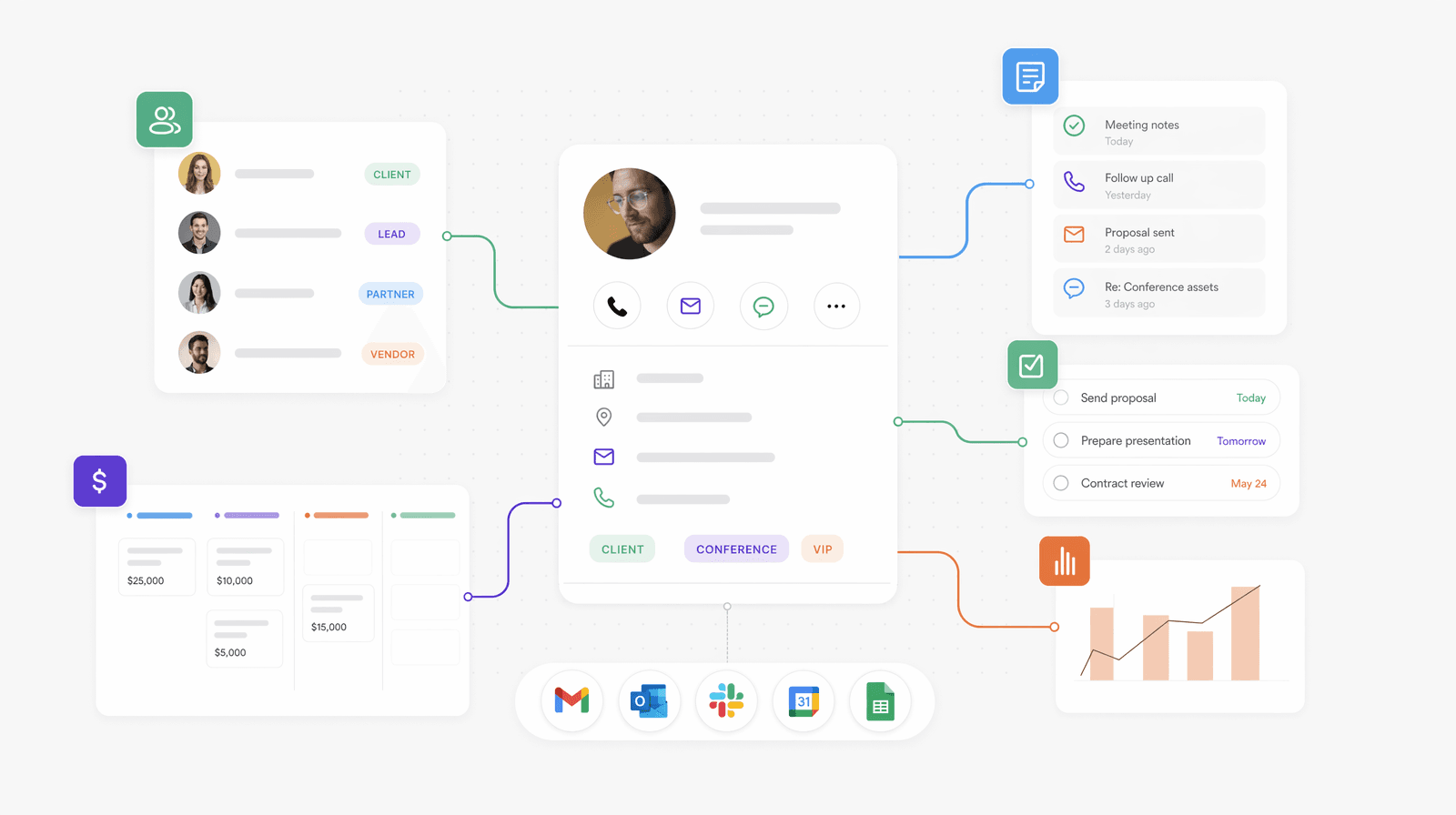
AI features in cloud CRM have moved from demo-worthy novelties to daily utilities. The ones worth paying attention to right now:
- Predictive lead scoring that ranks prospects based on behavior patterns, not gut instinct, so your team focuses time on the right contacts
- Automated data entry that pulls contact details from emails and calls, cutting the manual logging that slows reps down
- Deal health alerts that flag at-risk opportunities before they go quiet, giving you a chance to act
- Suggested next actions based on where a contact sits in the pipeline, reducing the guesswork between follow-ups
The practical payoff is fewer hours on admin and fewer deals missed because something slipped through. AI-powered operations are shifting from optional to expected.
Mobile CRM Access and Why It Matters
Mobile CRM has gone from a convenience feature to a baseline expectation. Sales reps who spend most of their time in the field need the same data access as someone sitting at a desk.
A few things to verify before assuming a CRM's mobile app is usable:
- Can you update a contact record without switching to the desktop later?
- Does offline mode exist, and does it sync reliably once you're back online?
- Are push notifications actionable, or just noise?
Real-time sync is the detail that separates functional mobile CRM from a read-only mirror. If your rep closes a deal on-site and that update takes hours to appear for the rest of the team, the mobile experience is broken regardless of how the app looks.
Cloud CRM Security and Data Protection
Security concerns often arise when teams consider moving customer data to the cloud. Reputable cloud CRM vendors invest in security infrastructure that most small and mid-sized businesses could not replicate in-house.
Here are the key things to look for in a vendor's security setup:
- AES-256 encryption for data at rest and TLS encryption in transit protect records from exposure during storage and transfer.
- Multi-factor authentication blocks unauthorized access even when credentials are compromised.
- SOC 2 Type II or ISO 27001 certification signals independent third-party auditing of security controls.
- Role-based access controls restrict access to only the right people, making sure sensitive customer records remain protected.
For most businesses, the real comparison is between cloud and a back-office server with inconsistent backup practices. Viewed that way, the cloud typically wins.
Compliance requirements vary by industry, though. Healthcare teams need HIPAA-compliant vendors. European operations need GDPR-aligned data handling with clear data residency policies. Always verify these specifics before signing a contract.
Pricing Models: Understanding Cloud CRM Costs
Most cloud CRM pricing follows a per-user, per-month structure, but the number on the pricing page rarely tells the full story.
A few things that quietly inflate your actual bill:
- Core features are locked behind higher tiers, forcing upgrades faster than expected
- Add-ons for automation, reporting, or integrations are priced separately
- Onboarding or implementation fees for anything beyond basic setup
- Annual billing requirements to access the advertised rate
Free tiers from HubSpot and others are real, but limited. You will hit the ceiling once your team grows or you need workflow automation.
For the total cost of ownership, cloud CRM still undercuts on-premise when you factor in hardware, IT labor, and maintenance. The honest comparison is monthly fees plus what you spend to keep the system running over two or three years.
Common Implementation Challenges and How to Avoid Them
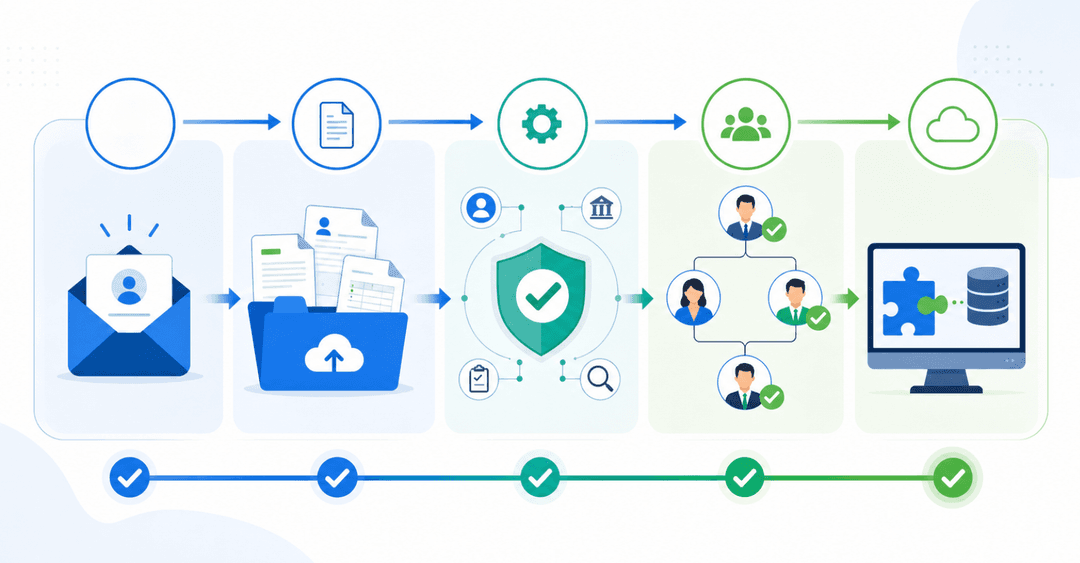
Four challenges repeatedly arise when teams roll out cloud CRM, and most are predictable enough to plan for.
- User adoption resistance is the most common failure point. Reps revert to spreadsheets when the CRM feels like extra work instead of a tool that helps them. Involve your team early, explain the "why," and make sure the system reflects how they actually sell.
- Data migration gets messy when records are inconsistent across old systems. Clean your data before importing, not after.
- Integration gaps create friction if the CRM does not connect cleanly to your email, calendar, or billing tools. Map your required integrations before committing to a vendor.
- Training gaps stall adoption even when the software is solid. Budget time for it.
The most avoidable mistake? Choosing a CRM based on feature lists alone, only to find out the data model does not match your process. That misalignment creates workarounds that compound over time. A short pilot with real data and actual users surfaces these problems before they become expensive.
When Custom-Built Solutions Make More Sense Than Off-the-Shelf CRM
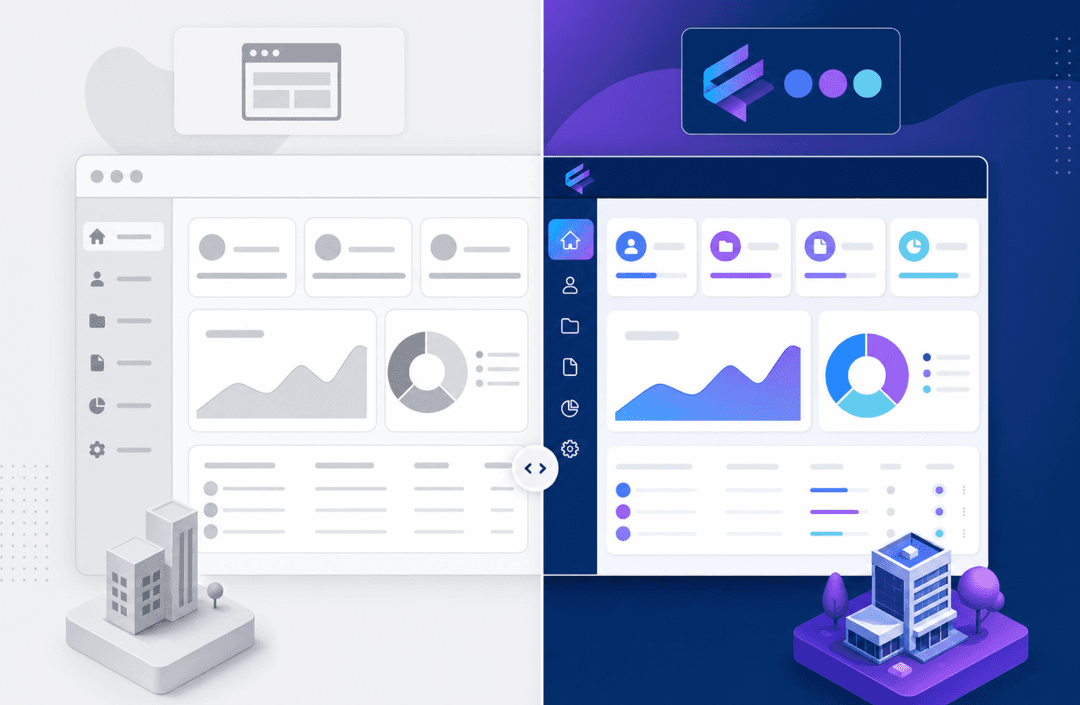
Off-the-shelf CRM works well when your sales process resembles everyone else's. When it does not, the customization required to make it fit often costs more than the software itself.
A few scenarios where the mismatch tends to be obvious:
- Your deal stages do not map to a standard sales funnel, and forcing them into one creates confusion for your team.
- You need to track data relationships that generic contact fields cannot capture, like linking multiple sites, assets, or service records to a single account.
- External users, such as partners, contractors, or clients, need controlled access to specific records without seeing everything else in the system, often requiring client portal software that integrates with your CRM.
- Compliance or operational requirements demand a data model built around your process, not borrowed from another industry.
Niche industries run into this constantly. A solar installation company tracking permit stages and equipment specs has different needs than a SaaS sales team. A cannabis distributor managing compliance documentation needs fields and workflows that Salesforce's default objects were never designed to hold.
The real cost of forcing a generic CRM into a specialized workflow is the workaround tax. A flexible CRM adapts to your process instead of forcing you to adapt to it. Every spreadsheet living alongside your CRM, every manual step that exists because the system does not support it, every report you cannot run because the data is structured incorrectly. Those costs accumulate quietly until they outweigh what you are paying for the software.
Build Your Own Cloud-Based CRM With Stacker
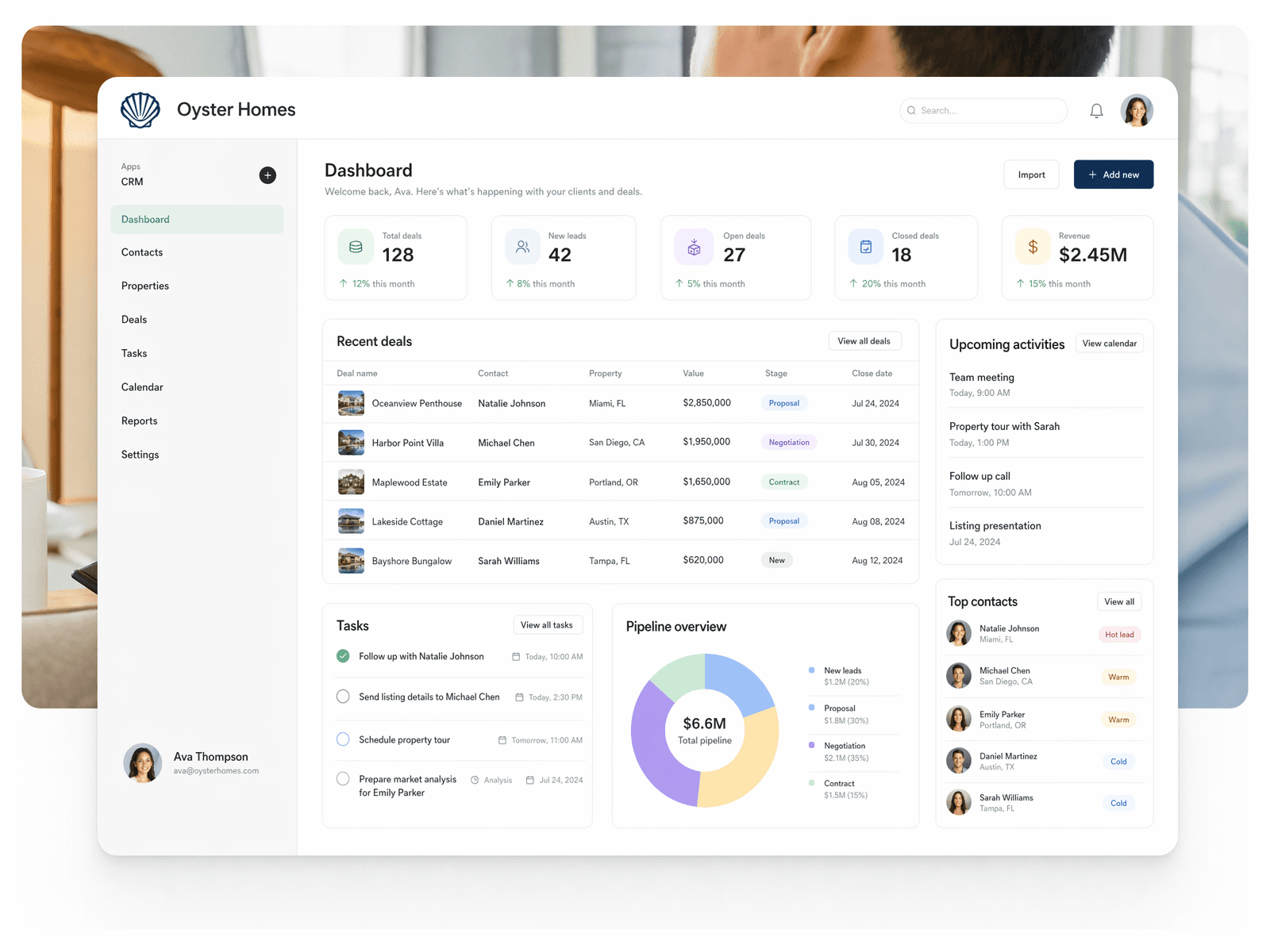
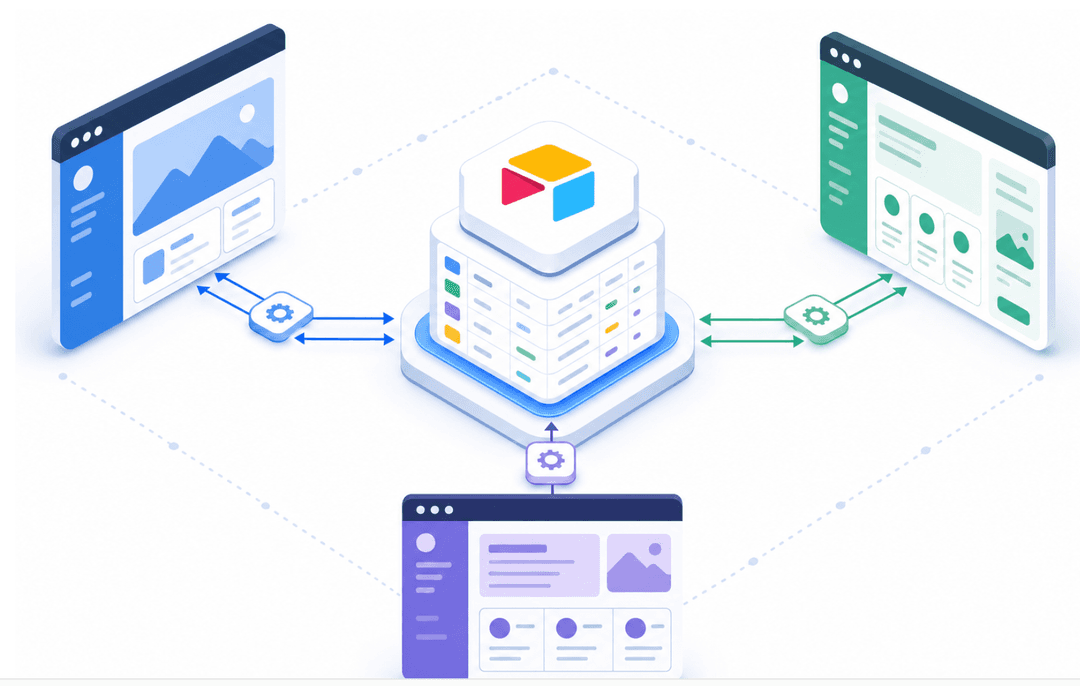
Stacker is built for exactly the scenarios described in the previous section. When your data model does not fit a generic CRM, you build your own using a no-code CRM builder.
The AI-powered app builder generates a working CRM from a plain-English prompt in minutes. From there, you define your own fields, pipeline stages, and record relationships through a visual editor, no developer required. You can start with a CRM template and customize from there. The built-in database handles relational data cleanly, so you can link contacts to sites, assets, or service records the way your business actually works.
Role-based permissions let you extend the system outward as well. Clients, partners, or contractors can log in and access what they need through secure portals, turning your internal CRM into a customer or partner portal without building a separate tool.
Teams at Netflix and IBM have used Stacker for specialized internal workflows. The TED Fellows program built a full application review system on it. The range reflects the point: it spans from small to complex operations, without requiring custom code at either end. This level of customization is now accessible to non-technical users through AI-powered no-code builders.
Final Thoughts on Finding the Right Cloud CRM
Cloud-based CRM software has reached a point where the basics are table stakes, but the data model underneath still matters more than most feature lists suggest. When your business tracks relationships or stages that don't map to standard contact fields, you either accept workarounds or build something custom. Stacker lets you skip that compromise by giving you full control over how your CRM handles your data.
If that sounds like what you need, book a demo and bring one real pipeline or account structure so you can see it in action with your own workflow.
FAQs
What is the main difference between cloud-based and on-premise CRM software?
Cloud-based CRM is hosted on remote servers and accessed through a web browser, with the vendor managing updates and maintenance. On-premises CRM runs on your own servers, requiring your IT team to handle installations, patches, and security, which can lead to higher costs and longer deployment times.
Can you build a custom CRM without hiring developers?
Yes, platforms like Stacker let you build a custom CRM tailored to your exact process without writing code. You can define your own fields, pipeline stages, and data relationships through a visual editor, then add features like role-based permissions or external portals as your needs grow.
How long does it typically take to implement a cloud CRM?
Cloud CRM setups often go live in days or weeks, compared to on-premise deployments that can take months. The timeline depends on data quality, required integrations, and the level of customization your process requires, but you avoid hardware installation and IT infrastructure work entirely.
When should you consider building a custom CRM instead of using Salesforce or HubSpot?
Consider a custom-built solution when your deal stages don't map to standard sales funnels, you need to track complex data relationships that generic fields can't capture, or external users, such as partners or clients, need controlled access to specific records. Off-the-shelf CRMs work well for standard processes but create expensive workarounds when your workflow is specialized.
Are cloud CRM systems secure enough for sensitive customer data?
Reputable cloud CRM vendors typically offer stronger security than most small and mid-sized businesses can build in-house, including AES-256 encryption, multi-factor authentication, and third-party audits like SOC 2 Type II certification. For industries with compliance requirements, verify that the vendor meets specific standards, such as HIPAA or GDPR data residency requirements, before signing a contract.