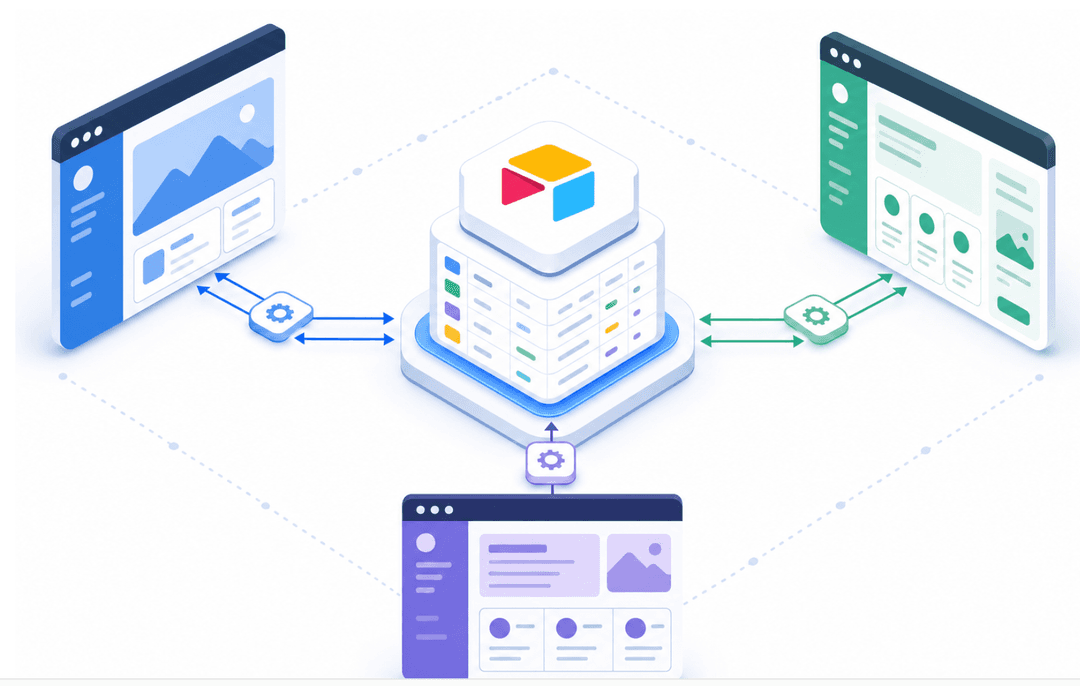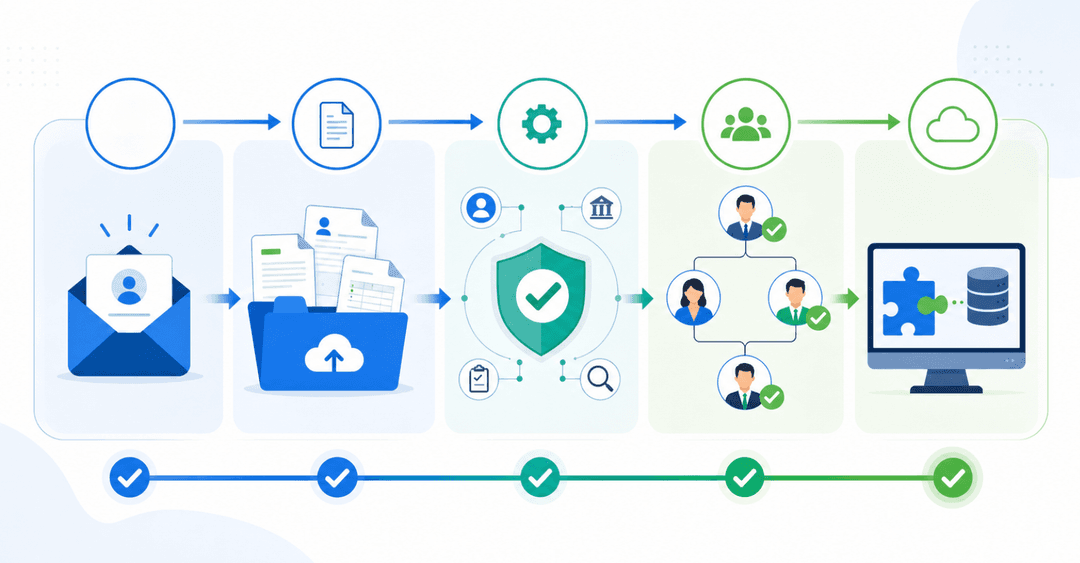

Most teams end up doing one of two things: manually sending spreadsheets to customers and vendors, or giving outsiders broad access to internal tools and hoping nothing goes wrong. Neither is secure, and both burn time every week. A better approach is a dedicated customer access portal where clients, partners, and vendors log in to see only their own data through a controlled interface.
This guide walks through what external user portals are, which features matter most (permissions, pricing, data model, and no-code capabilities), and how the leading builders compare for non-technical teams who want to own the app without developers.
TLDR:
- External user portals let you share data securely with customers, partners, or vendors
- Stacker offers unlimited external users without per-seat fees that scale costs
- Airtable caps portals at 50,000 records and charges $120/month for 15 portal seats
- AI code generators lack permission systems and require developer maintenance
- Stacker combines AI generation with field-level access controls for multi-audience apps
What Are External User Portals?
External user portals are web-based applications that let you share specific data and workflows with people outside your organization. Instead of emailing spreadsheets or granting broad system access, you build a secure interface where customers, partners, or vendors log in to see only what's relevant to them.
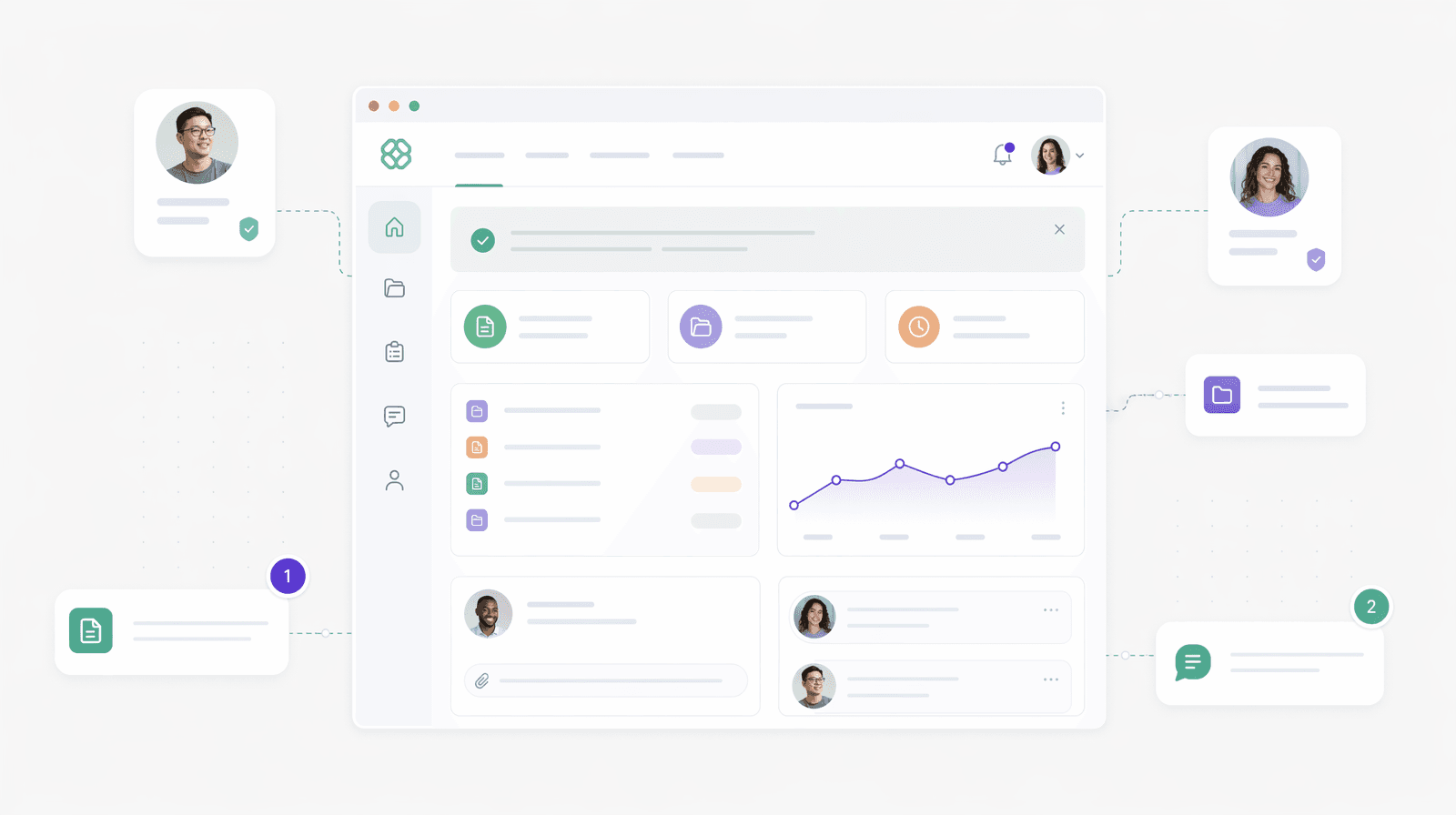
The key difference from internal tools is access control. External portals require strict data isolation so each outside user sees only their own information. A customer checking order status shouldn't see another customer's data, and a vendor accessing their assignments shouldn't view competitors' work.
How We Ranked Multi-User App Builders
We reviewed each builder on five criteria that matter when giving external users access to your apps.
- Permission controls and role-based access came first. The best tools let you define granular roles so customers see only their records while partners access different data entirely. Weak permission systems create security risks.
- External user pricing models varied widely. Some builders charge per external user, while others offer unlimited external seats. We noted which pricing structure fits different scenarios.
- Ease of use for non-technical builders determined whether your operations manager could actually build this themselves. We looked at visual editors, AI assistance, and launch speed.
- Data source flexibility covered whether you could connect existing databases, spreadsheets, or APIs. According to Clinked, integration capabilities directly impact portal adoption rates.
- Customization for branded experiences showed how much you could tailor the interface, add your logo, and adjust layouts.
Best Overall External User Portal Builder: Stacker
Stacker is a no-code tool for creating and maintaining secure customer, partner, and vendor portals that non-technical teams can build and maintain. By 2026, 75% of new enterprise applications will be built using no-code or low-code platforms, making AI-powered portal builders the standard approach for scaling organizations.
You can use Stacker’s own database or connect Airtable and Google Sheets, then layer role-based views so each audience sees only its own records.
What they offer:
- AI-assisted app generation that turns plain-language prompts into working portals you refine in a visual editor.
- Field- and table-level permissions so customers, vendors, and internal staff share one app with different, isolated views.
- Built-in database plus two-way sync with Airtable and Sheets, with unlimited external users on Plus and Pro plans.
Good for: Teams that need multi-audience portals at scale and want operations or CX teams to own the build without relying on engineering.
Limitation: Starter plans cap external users, so high-volume external access typically requires a Plus or higher plan.
Bottom line: Stacker is the best choice when you need a serious external portal on managed infrastructure, with AI, granular permissions, and pricing that supports large external audiences.
Airtable
Airtable is a spreadsheet database hybrid that added Interfaces and Porta-like add-ons on top of its core tables. It suits teams already using Airtable who want basic external access without leaving the ecosystem.
What they offer:
- Familiar spreadsheet-style views with linked records and multiple layouts.
- Interfaces for internal dashboards plus a paid portals add-on for external users.
- Team plan with 50,000-record-per-base and API limits that cover smaller portal use cases.
Good for: Small teams already using Airtable that need light external access for a limited number of clients or partners.
Limitation: Portals are an add-on with per-seat pricing, and Team plans hit a 50,000-record wall that forces costly upgrades or migrations as usage grows.
Bottom line: Airtable is a convenient option if your data already lives there and your external audience is small, but it is not ideal for large-scale, multi-entity portals.
Softr
Softr turns Airtable, Google Sheets, and other sources into portals and web apps using a block-based builder. It focuses on quick setup using templates on top of the data you already maintain.
What they offer:
- Templates for client portals, directories, and internal tools, assembled with drag-and-drop blocks.
- Live connections to Airtable, Sheets, and databases like PostgreSQL and MySQL.
- Predictable pricing with user and record tiers that work well for small to mid-sized teams.
Good for: Simple portals and internal tools when your data is already structured in Airtable or spreadsheets, and you want a quick, templated build.
Limitation: You must connect to an existing data source, inherit its limits, and pay per user as you scale, which makes public signups or thousands of external users difficult and expensive.
Bottom line: Softr is a strong fit for lightweight portals on top of existing data, but Stacker’s native database and AI builder give you more flexibility for complex, high-scale external access.
Glide
Glide is a no-code tool for mobile-first web apps built from tables and spreadsheets, with a strong emphasis on visual polish. It suits teams that care most about mobile UX and quick utility apps.
What they offer:
- Mobile-optimized progressive web apps built from Google Sheets, Airtable, or Glide Tables.
- Pre-built components for lists, forms, and dashboards.
- Business plan for production apps with bundled users and usage-based limits.
Good for: Smaller apps and directories where mobile experience matters more than complex data relationships or large external audiences.
Limitation: Business plans cap users and rely on usage limits; apps cannot be shipped to app stores directly, and spreadsheet sources have row constraints that affect scaling.
Bottom line: Glide is ideal for small mobile utilities, but Stacker is better when you need larger portals with many external users and richer data models.
Noloco
Noloco builds portals and apps on top of Airtable and other data sources, using a visual designer and role-based permissions. It targets Airtable-heavy teams that want portals without having to build from scratch.
What they offer:
- App and portal generation from Airtable, SQL, and other sources with forms and views.
- Role-based permissions and client seats for external users.
- Automations and workflow runs are bundled by tier.
Good for: Small teams using Airtable that want a nicer portal layer and some automation without leaving their current data setup.
Limitation: Pricing is tied to internal vs. client seats, rows, and workflow usage, which makes forecasting harder as you grow; spreadsheet-based architecture can be awkward for larger, multi-entity portals.
Bottom line: Noloco is a helpful Airtable companion for modest external access, but Stacker’s database and external-user pricing are better suited to larger, more complex portals.
V0
V0 by Vercel generates React UI from prompts and design inputs, acting as an AI design-to-code assistant. It helps front-end work for teams already committed to a React stack.
What They Offer
- AI-powered React component generation
- Design-to-code conversion capabilities
- Integration with development workflows
- Component library for accelerated building
Good for: Development teams that need AI assistance in creating frontend interfaces and have engineering resources to implement and maintain the generated code. Despite 84% of developers adopting AI tools, the generated output still requires technical expertise that operations teams typically lack.
Limitation: Operations teams cannot own the application. Generated code requires engineering expertise for modifications, deployment, security, and maintenance. Lacks built-in database, authentication, or permission management.
Bottom line: V0 excels at developer-focused frontend acceleration but cannot deliver turnkey portal experiences where operations teams build and maintain everything without touching code or managing infrastructure.
Multi-User App Builders for External Portals
| Feature / Plan Detail | Stacker | Airtable | Softr | Glide | Noloco | V0 |
|---|---|---|---|---|---|---|
| Data model | Built-in relational DB plus Airtable/Sheets sync | Spreadsheet-style bases with a 50k-record limit on Team | Uses Airtable/Sheets/DBs you connect; inherits their limits | Google Sheets, Airtable, and Glide Tables with row/usage limits | Airtable/SQL schemas; spreadsheet-centric patterns | Whatever backend you implement |
| Permissions | Role-, table-, and field-level; multi-audience apps | Workspace/Interface and base-level permissions; portals add role options | Role-based access and groups are less granular at the field level | Roles and simple filters; less deep isolation | Roles and record-level rules for Airtable data | No built-in portal permission system |
| Who can build/maintain | Non-technical teams via AI and a visual editor | Power users; more technical config for portals | Non-technical users with existing structured data | Non-technical for simple apps; advanced setups need care | Non-technical Airtable admins with some schema comfort | Developers only |
| Best suited for | Scalable customer/partner/vendor portals on no-code infra | Small teams already in Airtable, needing light portals | Simple portals and internal tools on top of spreadsheets | Mobile-first utility apps, small directories | Airtable-based teams needing a nicer portal layer | React UI acceleration for dev teams |
Why Stacker Is the Best External User Portal Builder
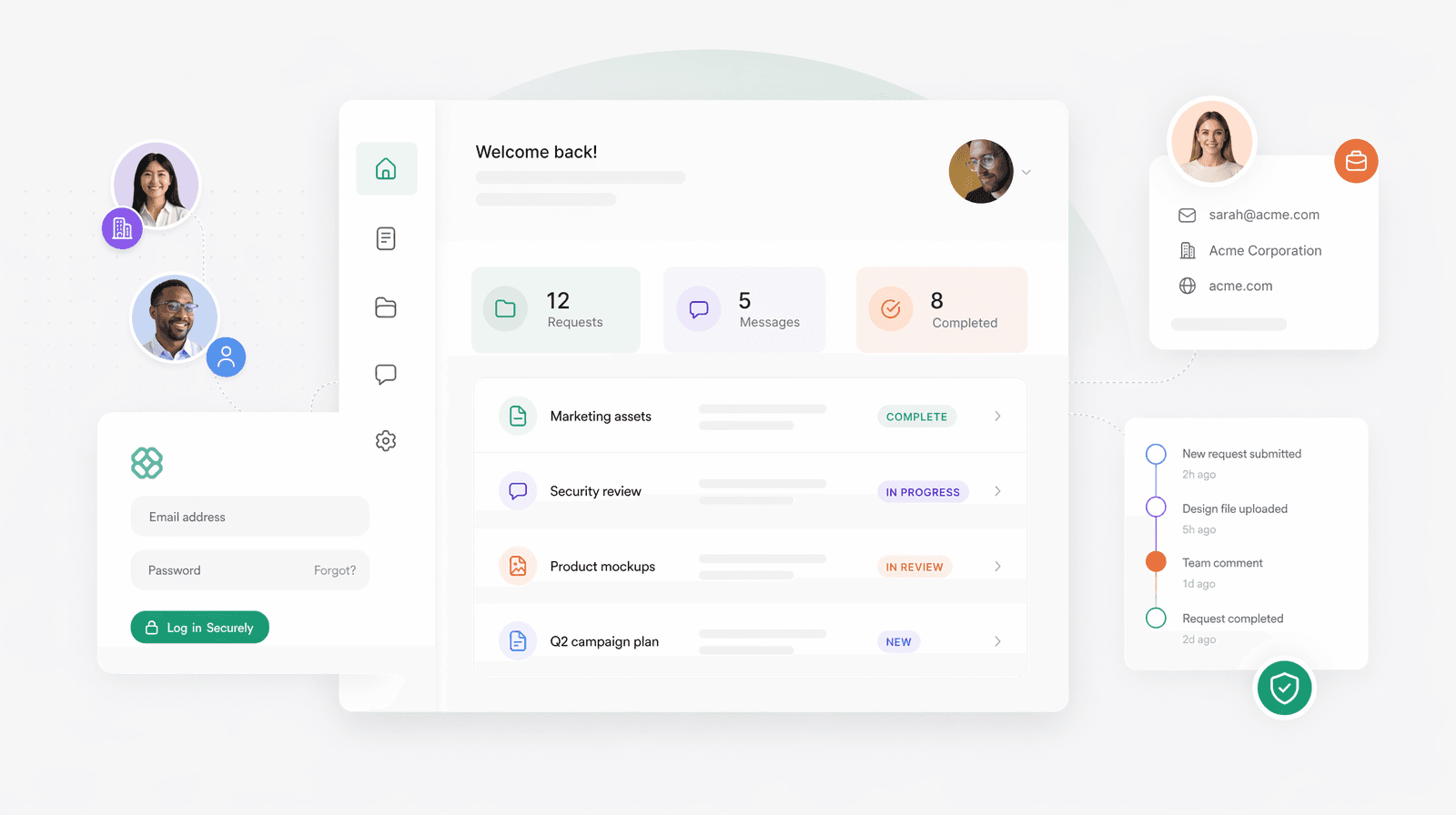
Stacker combines AI-powered generation with production-grade infrastructure that non-technical teams can own. The AI builds working portals in minutes, while field-level permissions keep customers, partners, and vendors from viewing each other's data. Unlike spreadsheet-dependent tools or code generators requiring developer maintenance, Stacker provides a true database with visual editing.
The built-in database removes vendor lock-in while two-way sync with Airtable and Google Sheets supports migration from existing systems. External user access avoids per-seat fees that create budget problems at scale. Launch with 10 customers or 10,000 without rearchitecting or upgrading to enterprise tiers.
Final Thoughts on Selecting a Multi-User App Builder
Your external stakeholder apps should give customers, partners, and vendors a clear, secure way to work with you without adding overhead for your team. Focus on tools that offer strong, field-level permissions, flexible data options, and pricing that does not punish you for adding more external users. Test potential builders with a small group of real users, confirm that non-technical staff can maintain the app, and choose the one that makes sharing data safer and easier, not harder.
If you want to see what a secure, multi-audience portal could look like on top of your existing spreadsheets or databases, try Stacker for free and build a first version without involving developers.
FAQs
How do I choose the right external user portal builder for my business?
Start by identifying whether you need to support customers, partners, or vendors (or all three), then review permission controls and user pricing models. If you already manage data in spreadsheets, check whether the builder can sync with your existing sources. For non-technical teams, focus on visual editors and AI assistance that let you build without developers.
Which portal builder works best for scaling to hundreds or thousands of external users?
Builders with unlimited external user access avoid per-seat pricing that inflates costs as you grow. Stacker includes external access without per-user fees, while Airtable, Softr, Glide, and Noloco charge per active user, making them expensive at scale. Check whether the builder's database can handle your record volume without hitting hard limits.
Can I build a portal that serves both internal teams and external users?
Yes, but you need multi-audience access controls that let different user types see different data in the same app. Stacker, Softr, and Noloco support this through role-based permissions, while Airtable requires separate interfaces. Code generators like Lovable and V0 lack built-in permission systems and require custom development.
What's the difference between spreadsheet-based and database-native portal builders?
Spreadsheet-based builders (Softr, early Glide) rely on external data sources like Airtable or Google Sheets, inheriting row limits and performance constraints. Database-native builders (Stacker, Glide Tables) store data internally with proper relational structures, better scaling, and no vendor lock-in. If you need complex multi-entity systems or expect rapid growth, database-native options are better suited.
When should I use an AI code generator instead of a no-code portal builder?
Use AI code generators (Lovable, V0, Base44) only if you have developers who can maintain generated code, deploy infrastructure, and build authentication systems. Choose no-code builders when operations teams need to own the portal without engineering support or when you need production-ready security and permissions immediately.