You've probably looked at law firm client portal software before and walked away thinking the options either cost too much, require too much setup, or won't fit your firm's specific needs. MyCase and Clio dominate the market, Smokeball works well for certain practice areas, but none of them were built for how your firm actually operates. The challenge isn't finding a portal with features; it's finding one your clients will use, and your staff can manage without adding more administrative work. Here's what actually matters when you're comparing options in March 2026.
TLDR:
- MyCase, Clio, and Smokeball bundle client portals into practice management systems starting at $39-$89/month.
- Secure portals with encryption and role-based access save law firms 1-5 hours weekly on status update requests.
- Mobile apps drive 80% client adoption, while browser-only portals see low engagement rates.
- Watch for hidden costs: storage limits, payment processing fees (2.5-3.5%), and premium security features.
- Stacker lets you build custom client portals with AI and no-code tools when legal software doesn't fit your workflow.
What Is Client Portal Software for Law Firms
Client portal software for law firms is a secure, web-based system that gives your clients access to their case information, documents, and communication history in a single central location. Instead of juggling email threads, phone calls, and physical file requests, clients log in to view updates, upload documents, and message your team directly.
A client portal creates a single source of truth. Your case files, invoices, appointments, and messages live in one place where both your team and clients can access them securely. Clients get transparency into their matters without constant back-and-forth, while your staff reclaims time previously spent on routine status updates and file retrieval.
Why Law Firms Need Client Portal Software in 2026
Client expectations have shifted. Today's legal clients want the same digital access they get from their bank or healthcare provider: the ability to check case status at 10 PM on a Sunday, not wait until business hours to call your office. According to the American Bar Association's 2023 Websites & Marketing TechReport, only 35% of law firms offer a secure client portal.
The value shows up in reduced interruptions. When clients log in to check case status or download documents themselves, your staff fields fewer routine requests and spends less time on repetitive communication. Client satisfaction improves when people feel informed without requiring manual updates from your team.
Key Features to Look for in Law Firm Client Portals
Not all client portals are equal. When comparing different platforms, focus on the features that protect your firm and save your team time.
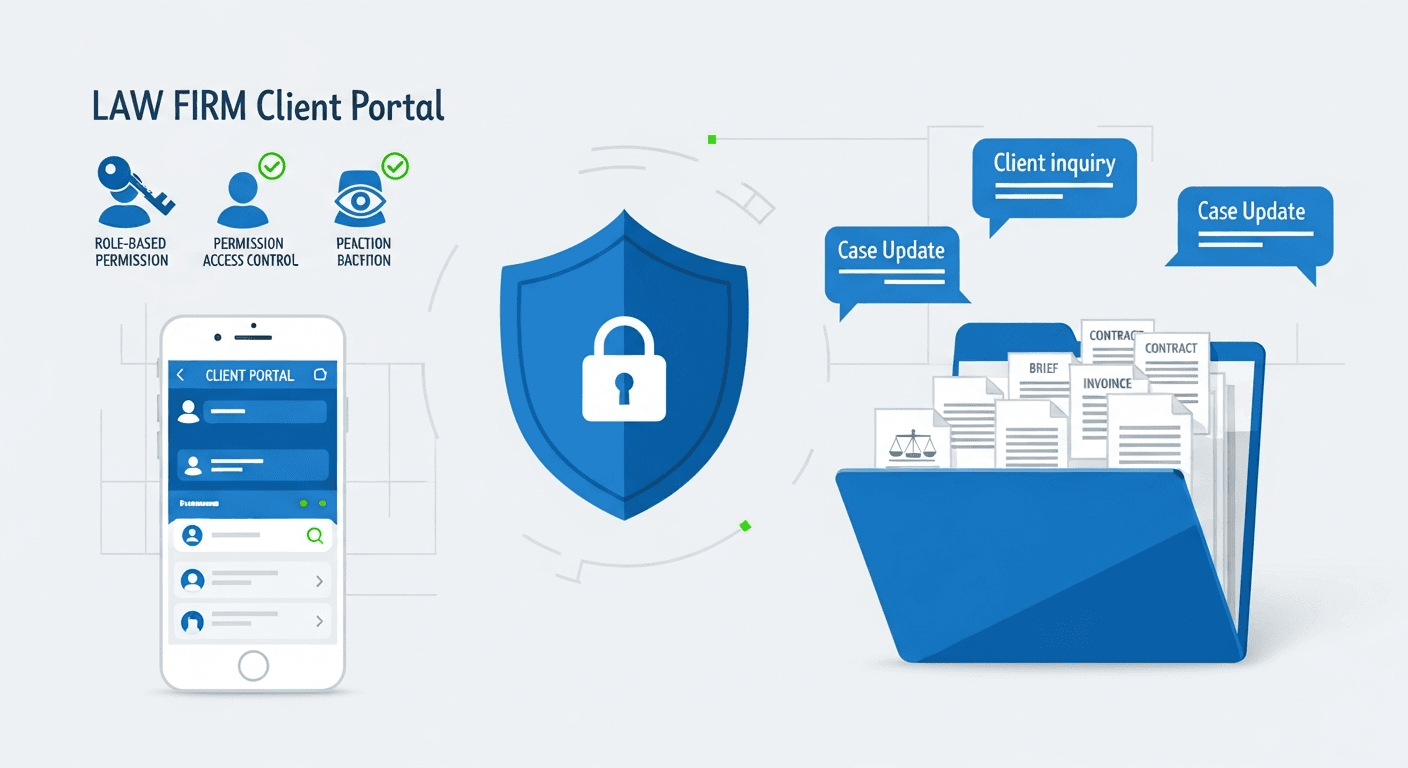
Security should be non-negotiable. Look for end-to-end encryption, multi-factor authentication, and role-based permissions that let you control exactly what each client sees. You need granular access controls so clients only view their own matters, not other cases in your system.
Document management separates adequate portals from good ones. Your portal should handle version control, allow clients to upload files directly, and let you organize documents by matter type or case stage.
Stacker (Best Overall)
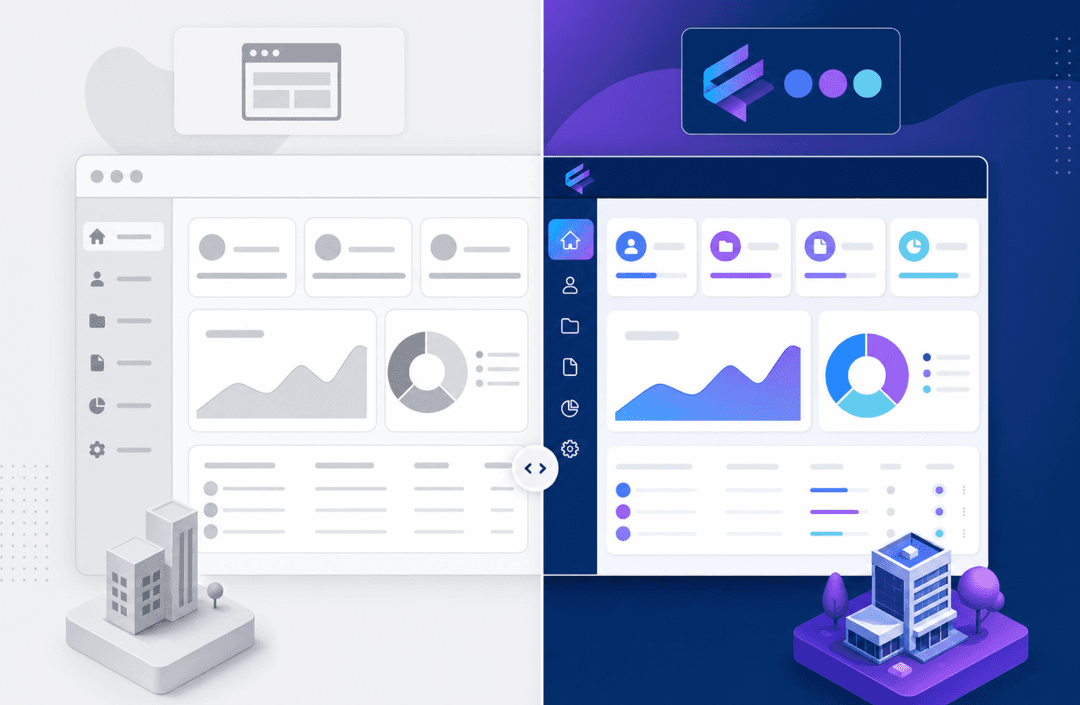
Stacker is a no-code tool that lets law firms build custom client portals and internal dashboards on top of their own data, instead of adapting to a fixed practice-management layout. You design the data model, client views, and permissions so the portal matches your exact intake, matter stages, and communication patterns.
What they offer:
- AI-assisted app builder that creates a working portal from a plain-language description, then lets you refine it in a visual editor.
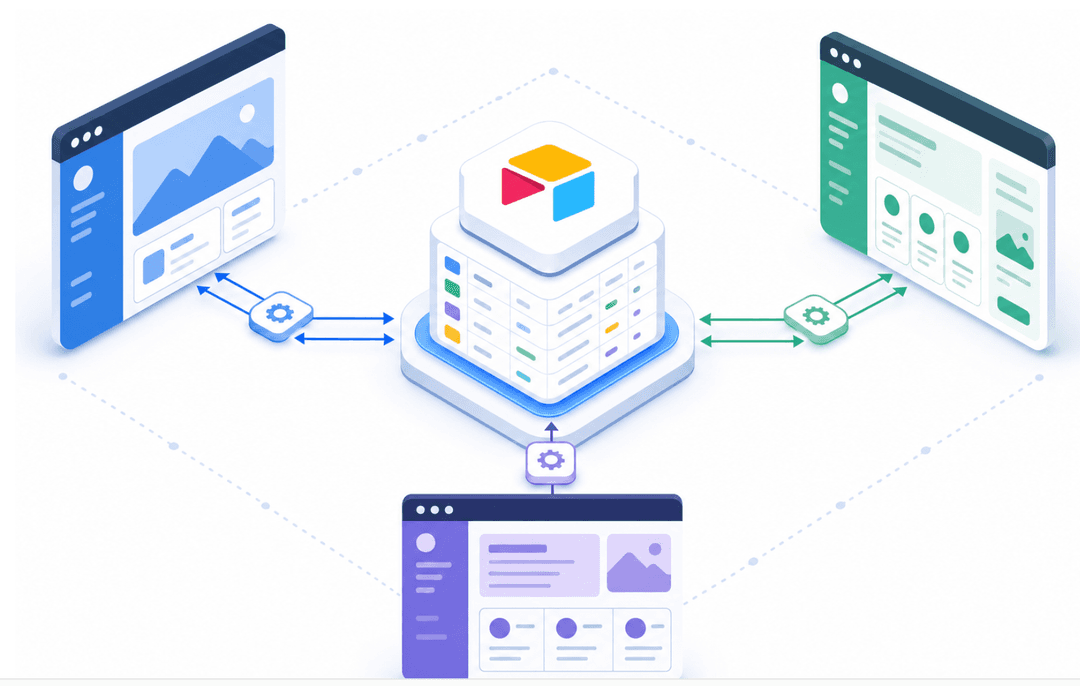
- Built-in relational data layer plus live connections to Airtable, Google Sheets, and other sources, so you can pull from existing case or client records.
- Role-based permissions and field-level access controls so clients see only their own matters, while attorneys and staff get full or scoped internal views.
Good for: Firms with specialized workflows or multi-practice setups that need a portal tailored to their processes, including custom intake flows, matter views, and vendor or partner access.
Limitation: Stacker is not a full practice-management suite (dockets, a full billing engine, etc.), so it works best when paired with existing systems or used as a custom front-end over your current data.
Bottom line: Stacker is the best option when your firm needs a portal that fits how you already work, with AI-assisted development, flexible data structures, and granular permissions, without hiring developers.
MyCase
MyCase is a practice management system for small to mid-sized firms that includes a built-in client portal tied directly to case files, billing, and scheduling. Clients log in via a dedicated page to view updates that mirror the attorney-facing system in a simpler format.
What they offer:
- Integrated portal for documents, invoices, appointments, and case updates tied to MyCase matters.
- Secure messaging between clients and firm staff within the same environment.
- Mobile apps for iOS and Android so clients can access their portal on phones.
Good for: Firms that want an all-in-one practice management tool with a straightforward client portal and do not need heavy customization beyond basic branding.
Limitation: Portal layouts and workflows are tightly coupled to MyCase’s internal structure, which makes it harder to tailor the experience to specialized or non-standard practice workflows.
Bottom line: MyCase is a solid choice when you want practice management and a simple, bundled portal in one subscription and are comfortable working largely within its defaults.
Clio
Clio is a leading cloud practice management product that includes a client portal inside Clio Manage, with a strong focus on client experience, integrations, and mobile access. Clients receive invitations from their attorney, set their own password, and can use a browser or the Clio for Clients app.
What they offer:
- Portal access to shared documents, invoices, appointments, and case updates.
- Secure messaging threads are attached to matters, keeping communication in one place.
- Native client mobile app (iOS and Android) with push notifications for new activity.
Good for: Firms that care about client experience, rely on integrations, and prefer a mature practice management environment with an integrated portal.
Limitation: Customization of the client-facing experience is moderate, and pricing can feel high for smaller firms that mainly want portal capabilities without Clio’s broader feature set.
Bottom line: Clio is a strong fit for firms that will use its full practice stack and want a polished, app-based portal, less so for teams that only need a highly tailored portal layer.
Smokeball
Smokeball is case management software with an embedded client portal, designed especially for firms in areas such as family law and personal injury. Its portal focuses on visual case timelines and automation-driven updates tied to internal workflows.
What they offer:
- Client-facing case timelines that show milestones, key dates, and upcoming tasks.
- Document sharing with a dedicated client view, where you control which files appear.
- Sync internal case management workflows with the client portal to reduce manual status updates.
Good for: Firms in practice areas like family law or personal injury that want a visual timeline view for clients and a tight linkage between internal matter tasks and portal updates.
Limitation: Portal customization options are limited compared to standalone client-communication tools, and the experience is closely tied to Smokeball’s internal structures and supported practice types.
Bottom line: Smokeball works well when your practice area aligns with its strengths, and you want clients to see a timeline-style case progress, but it is less flexible for firms with very different workflows or branding needs.
Side-by-Side Comparison of Law Firm Client Portal Options
| Feature | Stacker | MyCase | Clio |
|---|---|---|---|
| Mobile App | Mobile-responsive web portal | Yes (iOS/Android) | Yes (iOS/Android) |
| Secure Messaging | Yes (configurable in-app messaging) | Yes | Yes |
| Document Sharing | Yes, with structured client views | Unlimited with version control | Unlimited with version control |
| Payment Processing | Via integrations (optional setup) | 2.9% + $0.30 per transaction | 2.9% + $0.30 per transaction |
| Best For | Firms needing custom workflows and portals without developers | Small to mid-size firms across practice areas | Firms focused on client experience and integrations |
| Setup Time | Days for a tailored portal (hours for a basic build) | Minutes per client | Minutes per client |
| Client Portal Customization | High: data model, layouts, and permissions defined by you | Basic branding options | Moderate branding and layout options |
Common Client Portal Implementation Challenges
Client adoption often determines whether a portal succeeds or fails. According to the 2025 Legal Client Experience Report, firms using self-service mobile apps achieve 80% adoption and save an average of 1,329 hours per year. Traditional browser-based portals experience low engagement when clients forget their login details or find the interfaces unintuitive.
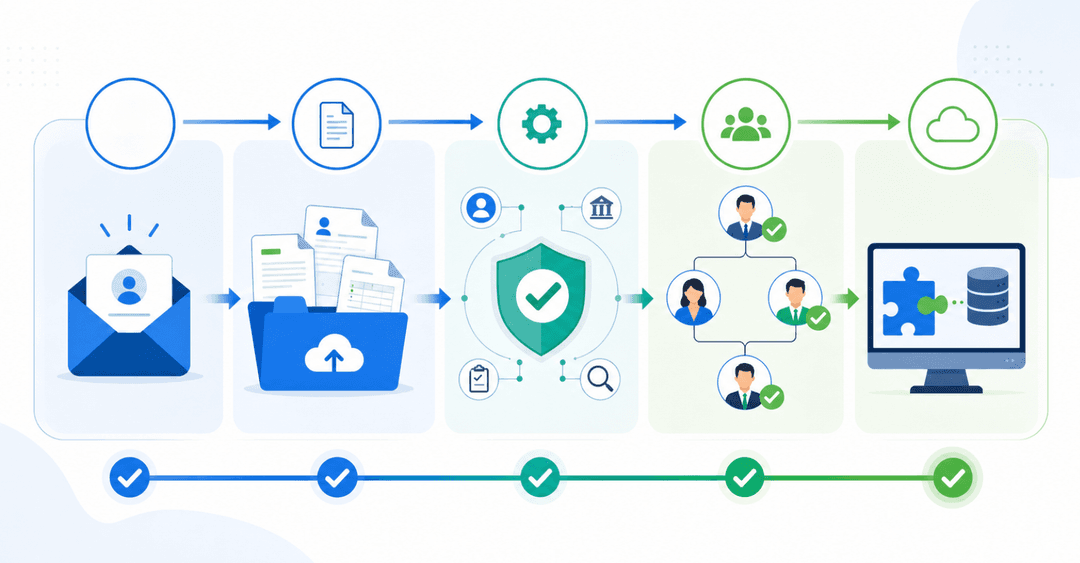
Data migration from existing systems needs careful planning. Map your current data structure first, then move historical case files, client records, and billing information in phases instead of all at once to reduce the risk of data loss.
Security and Compliance Considerations for Legal Client Portals
Attorney-client privilege collapses if your portal leaks data. State bar ethics rules require lawyers to protect client information, making security a professional responsibility.
Your portal needs AES-256 encryption for stored data and TLS 1.2 or higher for transmission. Request written confirmation of encryption standards from vendors before contracts.
GDPR affects firms serving EU clients, requiring explicit consent for data processing and the ability to delete data. California's CCPA and similar state laws create parallel obligations domestically.
Audit trails log every action: document access, file downloads, and case record changes. These records matter during breach investigations or malpractice claims.
Build breach response procedures now. Define notification contacts, client communication timelines, and state bar disclosure requirements. Preparation reduces crisis chaos.
How Client Portals Reduce Administrative Workload
Client portals cut administrative time by removing repetitive status update calls and email exchanges. When clients log in to check case progress themselves, your staff no longer has to field routine "what's happening with my case" requests that consume hours each week.
According to MyCase's 2024 Legal Industry Trends Report, secure text messaging tools saved 44% of law firms one to two hours weekly, with 17% saving three to five hours. Portal messaging creates the same time savings by moving client communication into a structured system where conversations stay attached to case files.
Document version control problems disappear. Instead of emailing attachments back and forth, clients upload files directly, so your team can access the latest version.
Mobile Access and Client Portal Apps
Clients check case status from their phones, not desktop computers. Your portal needs to work on mobile devices or clients won't use it. The question is whether you need a dedicated mobile app or whether responsive web design works.
Native apps like the Clio for clients app and MyCase client portal app offer smartphone features, including push notifications for case updates and document uploads through phone cameras. Clients download these from app stores and get alerts when your firm shares new documents or messages.
Responsive web portals work through mobile browsers without requiring downloads. Clients access the same portal URL from any device, and the interface adapts to screen size. This approach skips app store approvals and works across all devices.
Test mobile access yourself before rolling out to clients. Try uploading a photo from your phone, checking case status remotely, and sending a message through the mobile interface.
Building Custom Client Portals With No-Code Solutions
No-code tools let you build client portals that match your exact requirements. You define the data fields, design the client-facing interface, and set permissions that control what each user sees. Building custom solutions solves integration problems by creating a unified client portal that pulls from your existing tools, whether that's case management, billing, or document storage, without maintaining separate systems.
How Stacker Helps Law Firms Build Custom Client Portals
Law firms with specialized workflows often run into limitations with generic legal software. Stacker lets you build custom client portals that match your exact requirements without developers.
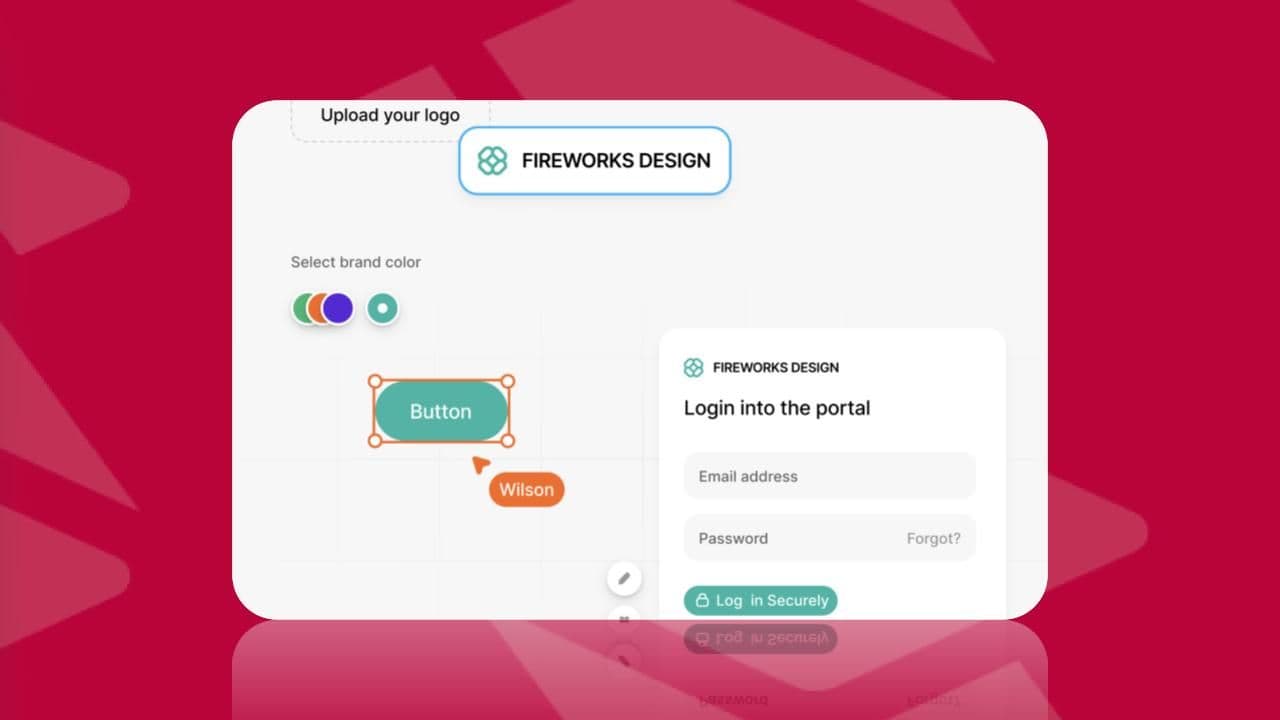
The AI app builder generates a working portal from your description. Customize through a visual editor: design intake forms, set up case dashboards, and create document libraries organized by practice area.
Role-based permissions control access at granular levels. Clients see only their matters, while attorneys view full case details and staff access specific workflow stages.
Stacker connects to existing data sources, whether spreadsheets tracking cases or databases holding client records. Changes sync in real time. Automate notifications when case statuses change or new documents are uploaded.
Final Thoughts on Choosing Client Portal Software
The right law firm client portal software cuts administrative work and keeps clients informed without constant manual updates from your team. Security and mobile access matter more than flashy features you won't use. Pick a portal that matches your workflow, test it with a small group of clients first, and watch how much time you reclaim each week.
If you want to see what a tailored portal could look like for your firm, try Stacker for free and build a first version without involving developers.
FAQs
How do I get clients to actually use a law firm portal?
Roll out your portal with a clear onboarding email that explains what clients can do (check case status, upload documents, message your team) and includes their login credentials. Follow up with a brief tutorial during your next client meeting, and clients using mobile apps see 80% adoption rates compared to browser-only portals.
What security features are required for attorney-client privilege protection?
Your portal needs AES-256 encryption for stored data, TLS 1.2 or higher for transmission, multi-factor authentication, and role-based permissions that restrict clients to viewing only their own matters. Request written confirmation of these encryption standards from vendors before signing contracts.
Can I build a custom client portal without hiring developers?
Yes, no-code tools like Stacker let you build portals tailored to your firm's workflow through visual editors and AI builders. You design intake forms, set up case dashboards, control granular permissions, and connect to existing data sources without writing code.
How much time does a client portal save law firms?
Firms using self-service portals save an average of 1,329 hours annually by reducing routine status-update calls and document-retrieval requests. When clients check case progress themselves, your staff no longer has to field repetitive inquiries that consume hours each week.
What's the difference between MyCase and Clio client portals?
Both offer document sharing, secure messaging, and case updates as part of their practice management systems. MyCase and Clio function similarly for basic portal needs, with the main differences appearing in their broader case management features, mobile app interfaces, and pricing structures instead of portal-specific capabilities.