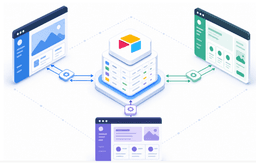
Most teams hit the same wall with Airtable: you're managing access manually, paying for every external user as a full seat, and still can't give clients a filtered view of just their own records. Internal workflows run smoothly, but the second you need to give clients secure access to their own data, the native sharing options break down. Building an Airtable client portal that scales beyond a handful of users requires either complex workarounds or a dedicated portal builder that handles authentication and data filtering. We'll cover how Airtable's native portal feature works, where it stops working, and what changes when you use a tool built for external access.
TLDR:
- Airtable's native Portals add-on requires a paid plan with additional per-guest fees.
- Native portals lack row-level permissions; every guest sees all records unless you build workarounds.
- Third-party builders like Softr connect via API and add row-level access controls that Airtable doesn't offer.
- Stacker connects to your Airtable base and adds user authentication and row-level permissions for external access.
What Is an Airtable Portal
An Airtable portal is a secure, external-facing interface that sits on top of your Airtable base, giving outside parties access to specific data without giving them the keys to your entire workspace. Clients, vendors, or partners log in and see only what's relevant to them: a project's progress, their invoices, and documents tied to their account.
The business problem it solves is straightforward. Most teams default to email updates, shared spreadsheets, or forwarded Airtable links when clients ask for status. Those workarounds break down fast. A portal replaces that back-and-forth with a self-service layer your external stakeholders can check on their own time, while your internal base stays exactly as it is.
Understanding Airtable's Native Portals Feature
Airtable introduced a native Interfaces feature that lets you build basic views and forms on top of your base data. It works well for internal teams who need a simplified read or edit view, but it has real constraints when you need to share data securely with people outside your organization.
External users require an Airtable account, which creates friction for clients or vendors who just need access to their own records.
How to Build a Portal Using Airtable's Native Feature
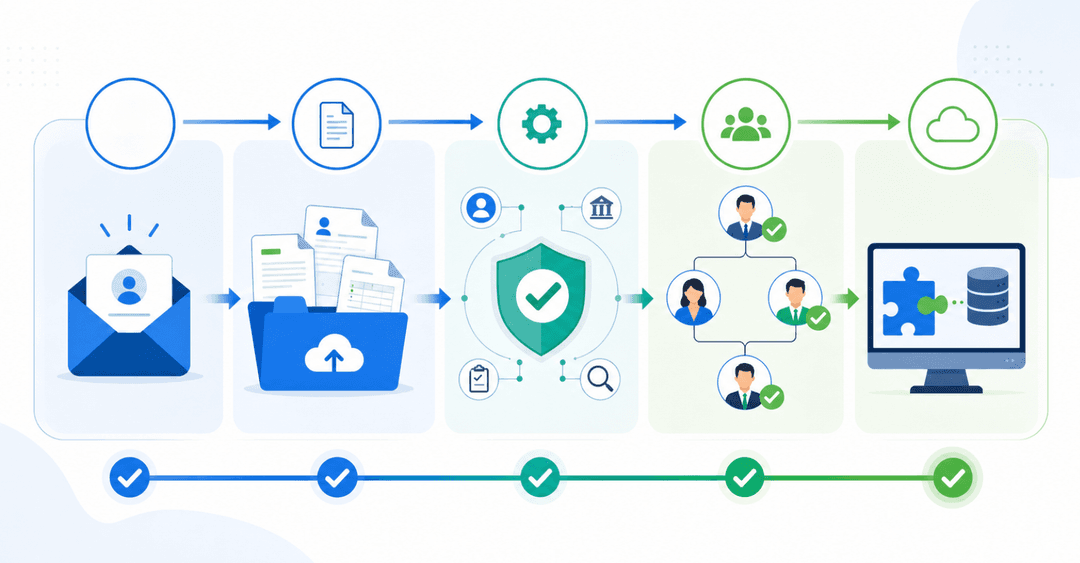
Airtable's native portal feature requires the Portals add-on on top of a Team plan. Once that's active, here's how the setup works:
- Build your Interface first in the Interfaces tab, creating the pages and layouts your portal users will see.
- Open Portals, then activate the add-on in your workspace settings.
- Configure branding by adding a logo and selecting colors that match your business.
- Set sign-in options, as guests authenticate via email link or Google.
- Connect your Interface pages to the portal.
- Add guests by entering their email details.
- Assign permissions to control what each guest can view or edit.
Airtable Portal Pricing and Plan Requirements
Airtable's free plan has record limits per base that are enough to test a portal concept, but typically too limited for production client workflows. Paid plans include per-user costs, and external portal access requires additional guest fees that scale with your client count.
Limitations of Airtable's Native Portals
Airtable's built-in sharing options work fine for internal teams, but they fall short once you need to share data selectively with clients, vendors, or partners. A few friction points keep coming up.
- Airtable's interface forms only accept new submissions. Clients can't log in to view their own records, track status updates, or edit existing entries.
- There's no native row-level permission control. You can hide fields or lock views, but you can't restrict which rows a specific user sees based on their identity.
- Every external collaborator you add counts against your seat limit, which gets expensive fast when you're managing dozens of clients.
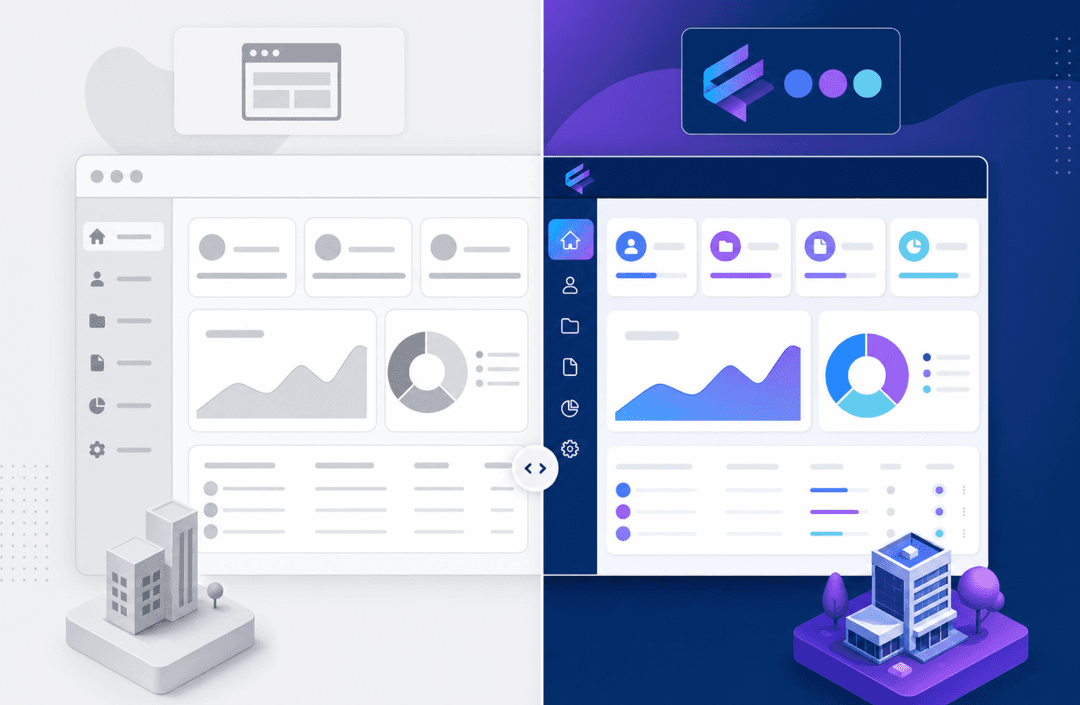
- The experience is unmistakably Airtable. You can't brand it, adjust the layout, or present it in a way that feels like your own product.
These gaps are why most teams outgrow native Airtable sharing before their client roster does.
Building Portals with Third-Party Tools
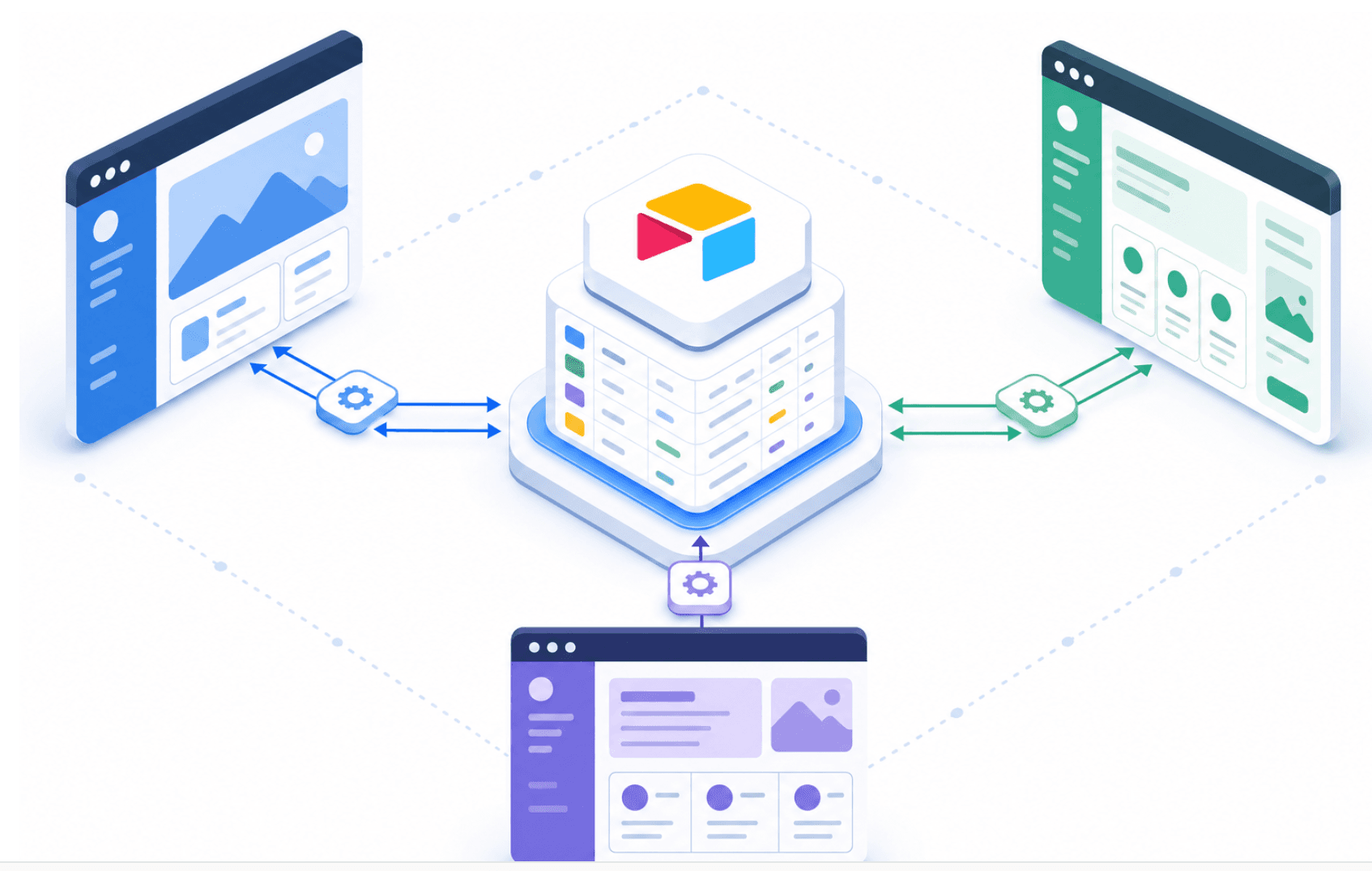
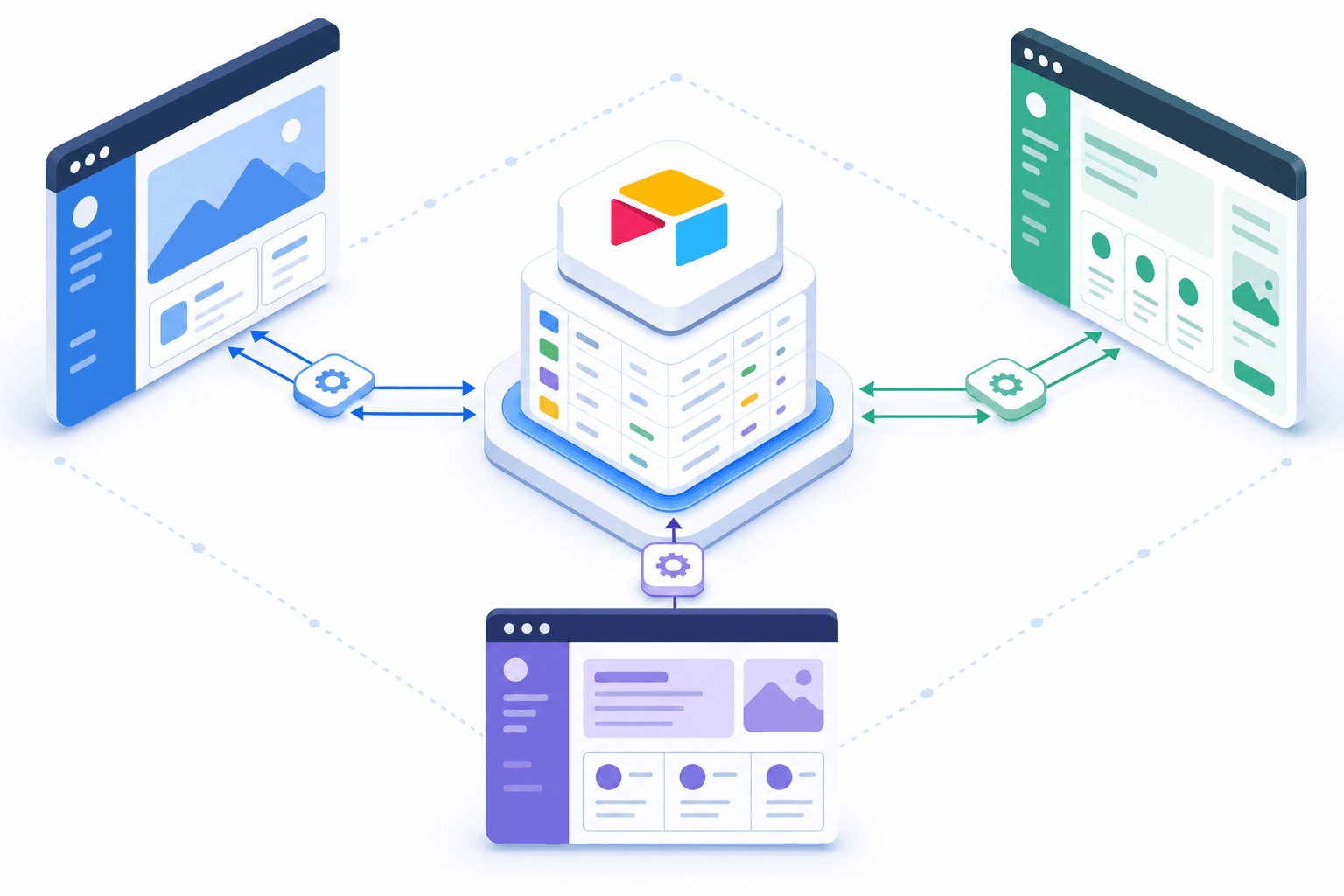
When Airtable's native portal options hit their ceiling, teams often layer a purpose-built portal builder on top of their existing base. These tools connect via the Airtable API, so your data stays intact while the interface layer gets replaced with something built for external users.
| Portal Solution | Built For | Key Consideration |
|---|---|---|
| Airtable Native Portals | Internal teams needing simplified read or edit views with basic external sharing | Requires a paid plan with per-guest fees and lacks row-level permission control |
| Stacker | Permissioned web portals with role-based access controls and automatic row filtering per user | Purpose-built for portals where each client sees only their own records |
| Softr | Broader app builder with drag-and-drop flexibility for directories, marketplaces, and portals | Setup takes longer, and per-user costs compound quickly with external client growth |
| Noloco | No-code portal builders with Airtable integrations | Feature depth and user limits vary by plan tier |
| Glide | Mobile-first use cases requiring offline access from spreadsheet data | Less natural fit for web-based client portals with granular permissions |
Popular options worth knowing
- Stacker lets you build permissioned web portals directly from your Airtable base, with role-based access controls so each user only sees the records relevant to them.
- Noloco and Softr offer similar no-code portal builders with Airtable integrations, though feature depth and user limits vary by plan.
- Glide suits mobile-first use cases but is a less natural fit for web-based client portals with granular permissions.
Common Use Cases for Airtable Portals
Most teams building on Airtable fall into one of a few recognizable patterns.
- Agencies share a portal with clients showing active project status, deliverable approvals, and file access, keeping the internal base locked down.
- Contractors and field service teams log in to see their assigned jobs, mark work complete, and add notes, with no visibility into other contractors' records.
- Support teams build ticket portals where clients submit requests and track resolution progress without the email chains.
- Partners, resellers, or referral contacts can access shared pipeline data while their records remain separate from everyone else's.
Setting Up Permissions and Data Security
Airtable gives you several ways to control who sees what inside a portal. Getting this right matters because your clients should only ever see their own records, not those of others. Airtable's official portal documentation covers the native permission controls in detail.
The two main tools here are views and interfaces. You can lock down a view to show filtered records, then build an interface on top of it that only surfaces that view's data. Combined with Airtable's role-based sharing options, this keeps each client's data properly scoped.
What to configure before you share
- Set up a filtered view for each client or client group so the underlying data is already segmented before anyone logs in.
- Use interface permissions to control whether users can edit records or only read them. Read-only access works well for most client-facing use cases.
- Share via a password-protected link or invite users directly by email to keep access controlled, instead of leaving it open to anyone with the URL.
One limitation worth knowing: Airtable's native sharing does not offer row-level permissions tied to individual user logins out of the box. If you need each client to log in and see only their own rows automatically, you will likely need a third-party portal builder layered on top of Airtable to handle that level of access control.
Airtable Portal Pricing and Plan Requirements
The Portals add-on requires a paid Airtable plan. Here is how pricing breaks down across tiers:
On the Team plan, the Portals add-on starts at $120/month for 15 portal seats; on the Business plan, customers start at $150/month for 15 seats. Seats come in packs of 15, 25, 50, 100, and 200, with volume discounts for larger quantities. Enterprise-scale pricing is custom. Read-only portal users do not count as billable seats. Check Airtable's official portal documentation for the latest figures, as pricing can change.
Building Portals with Third-Party Tools
When your user count grows, per-seat pricing becomes a real problem. Third-party portal builders connect to your Airtable base via the API, reading and writing data directly so your records stay in place. You get flat-rate pricing that scales to dozens or hundreds of external users, plus white-label branding, custom domains, and row-level access controls that Airtable's native Interfaces don't offer.
Using Softr to Build an Airtable Portal
Softr is a full app builder instead of a dedicated portal tool. Drag-and-drop page assembly, custom charts, payment integration, and AI features all sit alongside standard Airtable-connected views. That range makes it worth considering when your portal needs more than a clean data display.
The setup takes longer because you're building pages individually instead of starting from a finished portal layout. Per-user pricing can also compound quickly once your external audience scales past a few dozen clients.
Common Use Cases for Airtable Portals
Airtable portals appear across industries because the underlying need is the same: give someone outside your organization a filtered, secure view of data relevant to them.
- Client reporting portals let agencies share project updates, deliverables, and invoices, with each client seeing only their own records.
- Vendor portals give suppliers a place to submit documents, check order status, or update contact details without emailing back and forth.
- Member or course portals gate content by enrollment tier, so each user logs in to a personalized view of their materials.
Build a Portal with Stacker for Advanced Workflows
Airtable gives you a solid foundation for storing and organizing data, but building a portal that external users can actually interact with requires a layer it doesn't natively provide. That's where Stacker comes in.
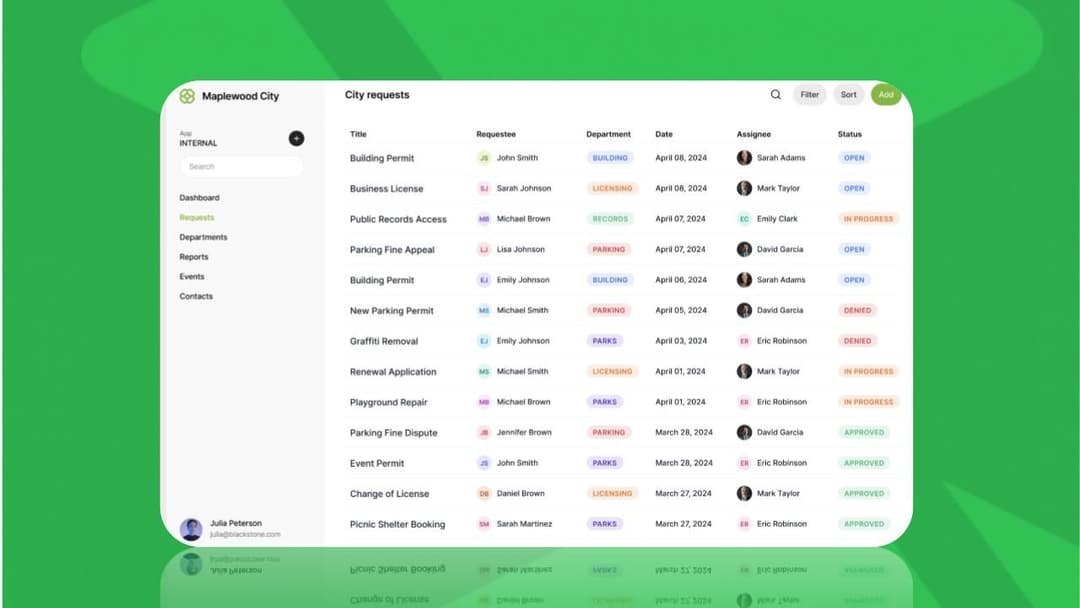
Stacker connects directly to your Airtable base and lets you build a fully functional client portal on top of it, without writing any code. Your data stays in Airtable; Stacker handles the interface, permissions, and user access.
What You Can Build
- Row-level permissions so each client only sees their own records, not everyone else's data
- Custom views that surface the right tables and fields for external users, hiding anything internal-only
- Forms that let clients submit requests or update information, writing directly back to your Airtable base
- A branded web app with your logo and colors, delivered via a URL your clients can open in any browser
Why This Works Well for Complex Workflows
When your portal needs to go beyond read-only data sharing, Stacker gives you the controls to make it happen. You can set up role-based access so different user types see different parts of the portal, trigger notifications when records change, and manage user authentication without building any of that infrastructure yourself.
For teams already running their operations in Airtable, this avoids a full data migration. You keep working in the tool you know, and your clients get a clean, focused interface that shows them exactly what they need.
Final Thoughts on Choosing the Right Airtable Portal Builder
Airtable's native tools hit a wall once you need external users to log in and see only their own records. The workarounds get complex, the guest seats add up, and the experience still feels like a shared spreadsheet. If you're past that point, book a demo and we'll show you what controlled external access actually looks like when it's built for client-facing use from the start.
FAQ
Can I build a portal on Airtable without a third-party tool?
Yes, but with real limitations. Airtable's native Portals add-on lets you create basic external views, but you can't restrict which rows specific users see, and every guest counts against your seat limit. For portals where each client needs to see only their own records automatically, you'll need a third-party builder like Stacker.
Airtable portal builder Stacker vs Softr?
Stacker is purpose-built for portals with row-level permissions and flat-rate pricing that holds up at scale. Softr is a broader app builder with drag-and-drop flexibility, but setup takes longer, and per-user costs compound quickly once you're managing dozens of external clients. If your priority is a secure client portal that works out of the box, Stacker is the better fit.
How much does an Airtable client portal cost?
Airtable's Portals add-on requires a paid plan, with base seat costs and per-guest fees that scale as your client list grows. Check Airtable's current pricing page for specific numbers, as these change frequently. Third-party portal builders like Stacker typically charge flat monthly rates regardless of external user count, which becomes more cost-effective once your client list grows past a few dozen.
What is row-level permission control, and why does it matter for portals?
Row-level permission control means each user sees only the records they own, not others' data. When you build a client portal, this keeps Client A from seeing Client B's projects, invoices, or documents. Airtable's native sharing doesn't offer this natively; you need a third-party portal builder to automatically filter records based on who's logged in.
When should I move from Airtable's native portal to a dedicated builder?
If you're managing more than 15 to 20 external users, need clients to update their own records instead of only submitting new ones, or require each user to see only their own data automatically, you've hit the ceiling of what Airtable's native feature handles well. That's the point where a purpose-built portal tool saves time and money.