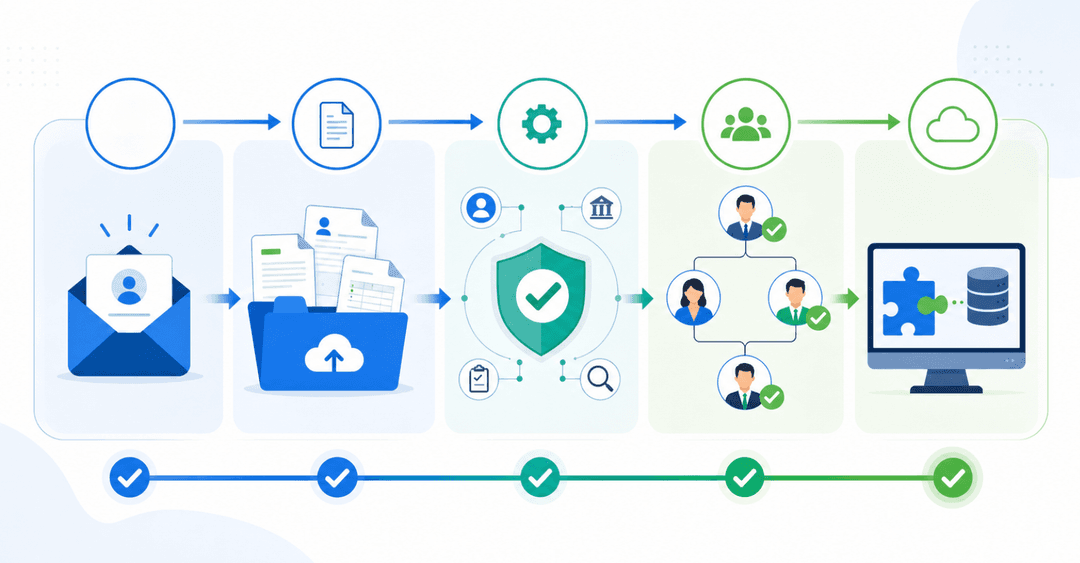
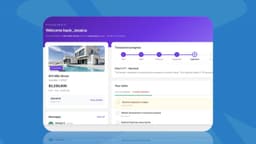
Choosing between a $200/month SaaS product that doesn't fit and a $150,000 custom build used to mean picking the lesser of two compromises. AI-powered app builders now offer a middle path: you can build your own CRM that connects to your existing data and adds the structure, permissions, and client-facing portals you need without hiring developers. This guide walks through every option: Excel templates for getting started, low-cost platforms for small teams, and full custom builds when your process demands it. You'll get cost breakdowns, feature checklists, and a clear filter to decide what to build versus what to buy, based on your actual workflow and team size.
TLDR:
- Custom CRMs cost $30K-$300K to build from scratch, but AI-powered builders can reduce that timeline and upfront cost
- Off-the-shelf CRMs come with fixed workflows and fields; custom builds let you define fields, stages, and permissions that match how your business actually operates
- Portal-first CRMs extend your internal data to clients and vendors through branded, role-based interfaces that they can log into directly
- Excel works for under 200 contacts with one person managing data; beyond that, you need a real relational structure and permissions
- Stacker generates a working custom CRM from a plain-language description, connects to your existing Airtable, Notion, or Google Sheets data, and adds permissions, authentication, and portal infrastructure out of the box.
What Custom Built CRM Means and Why Businesses Choose It
Off-the-shelf CRMs like Salesforce or HubSpot come with fixed fields, rigid pipelines, and processes designed around a generic sales model that may not match how your team actually works.
There are three ways to approach this:
- Buy ready-made software and work around its limitations
- Customize an existing CRM within the bounds it allows
- Build something from scratch, tailored entirely to your needs
Most businesses start at option one, hit a wall, then start asking whether options two or three are worth the effort. If your sales process looks like everyone else's, off-the-shelf is probably fine. If you're tracking job sites, client approvals, or custom deliverable stages that don't fit a generic "deal stage" dropdown, building custom starts to make real sense.
The strategic case for going custom is control. You own the data model, the terminology, and the workflow logic. Nothing gets shoehorned into a field it was never meant for.
Core Features Every Custom CRM Must Include
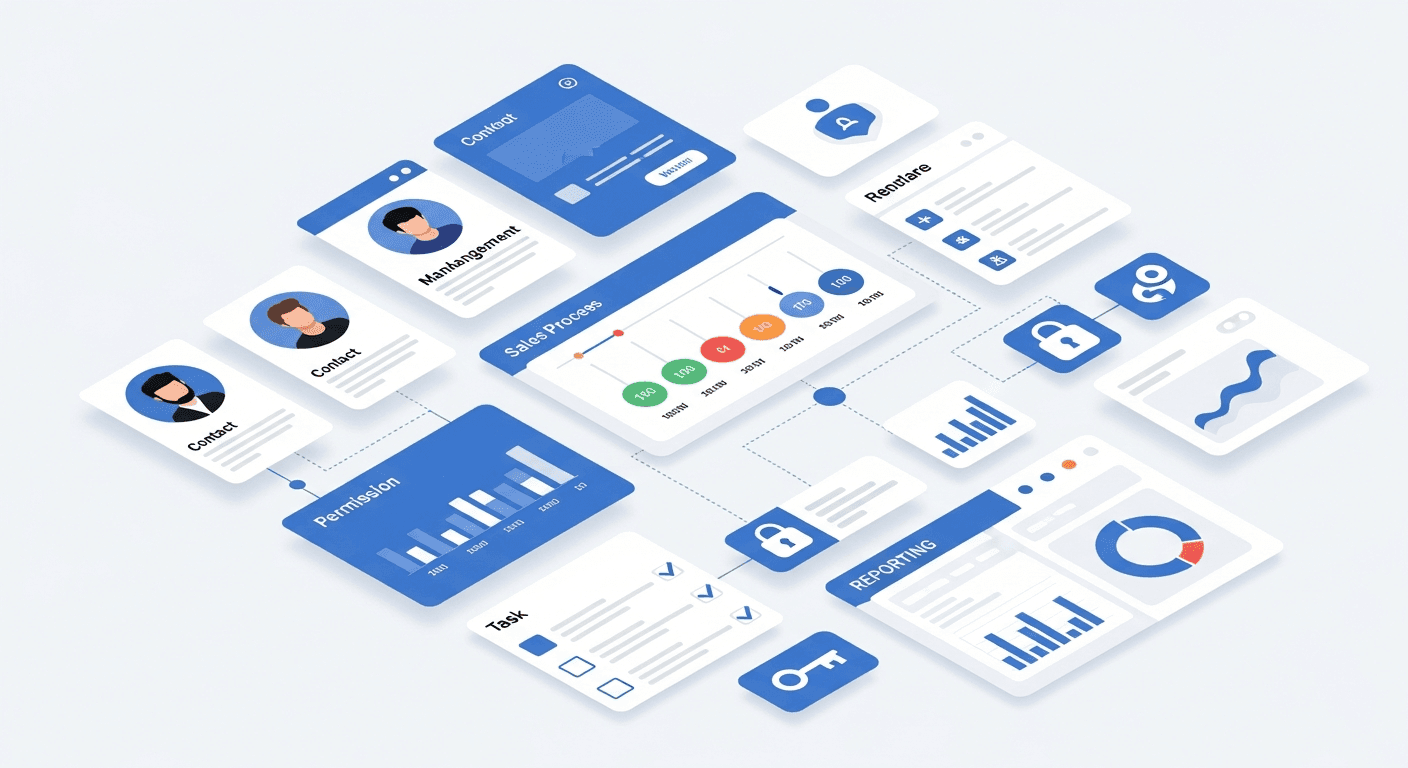
Before you build anything, you need a clear feature list. Scope creep kills CRM projects faster than bad data.
Here are the two tiers to plan around:
Table stakes to build first:
- Contact and account records with custom fields that match your actual data structure, not a generic template
- Pipeline or stage tracking shaped around your specific sales or service process
- Task creation and follow-up reminders so nothing slips through the cracks
- Role-based permissions so each team member sees only what's relevant to their work
- Basic reporting on activity and conversion rates
Advanced functionality to add when ready:
- Automation triggers that fire on record changes or status updates
- Integrations with email, calendars, or external data sources your team already relies on
- Client-facing portals tied to the same underlying data
- Manager dashboards with live metrics across the full pipeline
Start with the table stakes. A CRM your team actually uses every day beats a feature-rich system nobody opens.
Custom CRM Development Cost Breakdown for 2026
Custom CRM development costs vary widely depending on what you're building. Here's a realistic breakdown for 2026:
| Complexity | Cost Range | What's Included |
|---|---|---|
| Basic | $30,000-$60,000 | Core records, simple pipeline, basic reporting |
| Intermediate | $75,000-$150,000 | Integrations, automation, and role permissions |
| Advanced | $150,000-$300,000 | AI features, mobile, complex workflows |
The biggest cost drivers are integrations, security requirements, and AI capabilities. Adding generative AI features alone can add $30,000 to $80,000 above your base build. Mobile compatibility adds another layer of cost compared to web-only builds.
No-code tools can substantially reduce these numbers if your requirements don't demand fully custom code from day one.
Build Your Own CRM: AI-Powered and Low-Code Options
AI-powered and low-code builders have matured to the point where building a working CRM without writing code is viable for many businesses. The range of what you can build without a developer has expanded considerably, and the tools themselves have become meaningfully more capable.
Here are the options worth knowing:
- Airtable with a CRM template gives you relational records, views, and basic automation. The free tier works for small teams but caps records and automations quickly.
- Notion databases can serve as a lightweight CRM for solo operators, but they lack permissions and reporting once your needs grow beyond basic record-keeping.
- Google Sheets stays free indefinitely but lacks a true relational structure, making it fine for contact tracking but not for managing a complex pipeline.
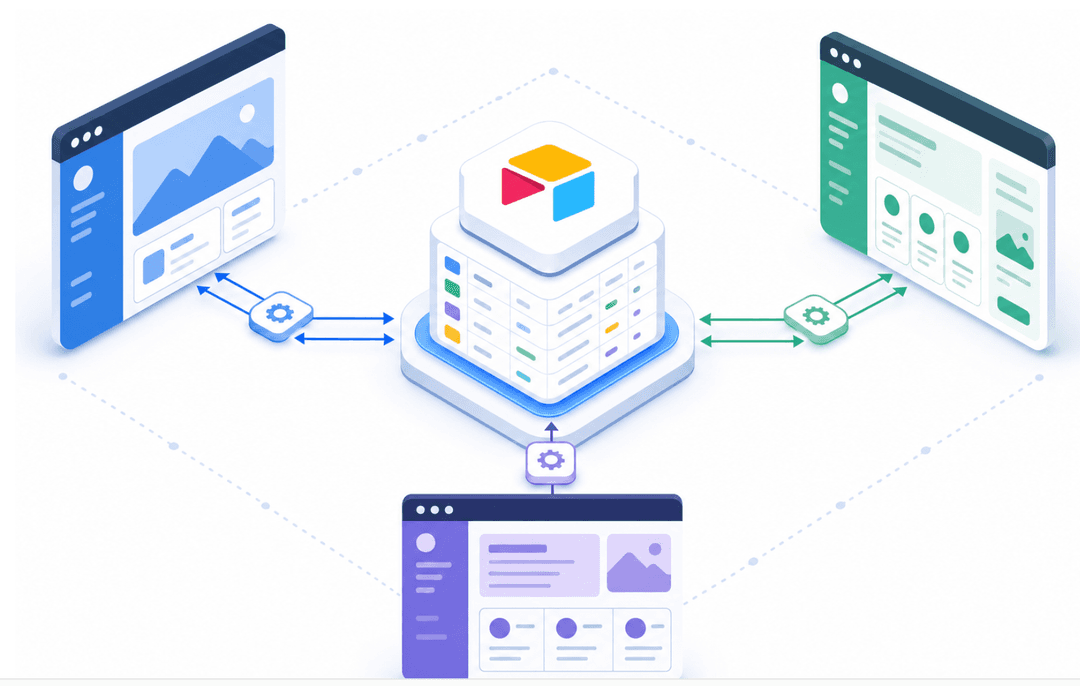
- Stacker connects to Airtable, Notion, or Sheets and adds a proper interface, role-based permissions, and client-facing portals on top. Describe what you need in plain language, and Stacker builds a working CRM from that description. You refine everything through conversation from there.
These tools offer real advantages in speed and cost for businesses that already have their data and workflows running somewhere. If your team is operating out of Airtable or Sheets and you need a proper CRM layer without rebuilding from scratch, this is where to start.
How to Make Your Own CRM With Excel: Templates and Best Practices
Excel CRMs work well when you have under 200 contacts, one person managing the data, and no need to share live updates with a team. For solo operators just getting started, a spreadsheet beats paying for software you'll barely use.
A basic Excel CRM needs four things:
- A contacts sheet with columns for name, company, email, phone, and last contact date
- A pipeline sheet tracking deal stage, value, and close probability
- A VLOOKUP or INDEX/MATCH formula linking contact records to pipeline rows
- Conditional formatting to flag overdue follow-ups by date
When Excel becomes a liability:
- Two or more people editing the same file at once
- You're emailing versions back and forth
- Contacts exceed a few hundred rows, and formulas slow down
- Do you need any kind of permissions or a client-facing view
At that point, the problem isn't the template. It's the tool itself.
Manual data entry in spreadsheet-based CRMs adds up fast, and without automation, it only gets worse as your contact list grows. Sales teams spend 5.5 hours per week on manual CRM data entry, consuming nearly 14% of their selling time and contributing to widespread adoption resistance.
Custom CRM vs. Customizable CRM: Understanding the Difference
These two terms sound similar but lead to very different outcomes. A customizable CRM, like Salesforce or Zoho, offers configuration options within a fixed structure. A custom-built CRM means you define the structure entirely.
Here's how they compare across the factors that actually matter:
| Factor | Customizable CRM | Custom Built CRM |
|---|---|---|
| Time to value | Days to weeks | Weeks to months |
| Upfront cost | Low to medium | Medium to high |
| Flexibility | Bounded by the vendor | Unlimited |
| Maintenance | Vendor handles it | Your responsibility |
| Vendor lock-in | High | None |
If your process fits inside Salesforce's model, customizing it is faster and cheaper. The risk is bending your actual workflow to match software constraints, which compounds over time.
Custom builds make sense when your process genuinely can't be expressed in someone else's schema, or when vendor pricing at scale becomes painful. The trade-off is taking on the maintenance burden.
How AI Changes Custom CRM Development in 2026
AI is changing what a custom CRM can do from day one. More businesses are now building CRMs with generative AI features included from the start, and teams that use AI-assisted tools consistently report better pipeline visibility and faster follow-up.
The capabilities making the biggest practical difference right now:
- Predictive lead scoring that ranks contacts by conversion likelihood based on activity patterns, so your team focuses attention where it counts.
- Automated data entry that pulls contact details from emails and enriches records without manual input, cutting down on tedious upkeep.
- AI-powered interfaces that let users query their CRM by typing plain questions instead of building complex filters.
- AI-generated follow-up suggestions based on deal history and stage, keeping pipelines moving without relying on memory.
One thing worth knowing: AI won't fix a bad data model. If your underlying records are messy or incomplete, AI features will surface that mess faster, not clean it up.
Start with a solid data structure first, then layer in AI.
Common Mistakes to Avoid When Building a Custom CRM
Four mistakes account for most failed CRM builds.
- Over-scoping from the start: building every feature you might ever want delays launch and kills adoption. Ship the minimum useful version, then iterate based on real feedback.
- Building for the executive dashboard, not the daily user. 55% of CRM implementations fail to meet objectives, with user adoption being the primary cause instead of software limitations. If the people entering data hate the interface, data quality collapses within weeks.
- Skipping data governance. Decide upfront who owns the records, which fields are required, and how duplicates are handled. Rules set after the fact rarely stick.
- Assuming training is optional. Even simple tools require onboarding. Schedule it before go-live, not after complaints roll in.
The common thread is scope discipline. Nail the core workflow first.
When to Buy Instead of Build: Making the Strategic Decision
Three questions cut through the noise fast: How standard is your process? How quickly do you need to be live? And what does per-seat pricing look like at your expected user count?
Buy off-the-shelf when your workflow matches what standard CRMs like Salesforce, Zoho, or HubSpot already do, you need something running this week, or your team is small enough that per-seat costs stay reasonable.
Build custom when your process genuinely cannot fit someone else's schema, your user count makes per-seat pricing punishing at scale, or your industry has requirements no generic CRM was designed to handle.
A simple decision filter:
- Standard sales pipeline, under 25 users: buy off-the-shelf
- Niche workflow, proprietary stages, or 50+ users: seriously consider building
- Compliance-driven industry with strict data requirements: build custom or heavily vet vendors
- Already running on Airtable, Notion, or Sheets and need a proper CRM layer: connect an AI-powered builder and keep your existing data where it is
The middle ground is worth considering here. You don't have to choose between a $200/month SaaS subscription and a $150,000 custom build. Tools like Stacker sit in between: describe what you need, get a working CRM, refine it through conversation, and avoid per-seat pricing scaling issues without taking on a development project.
Build a Custom CRM That Works Like a Portal
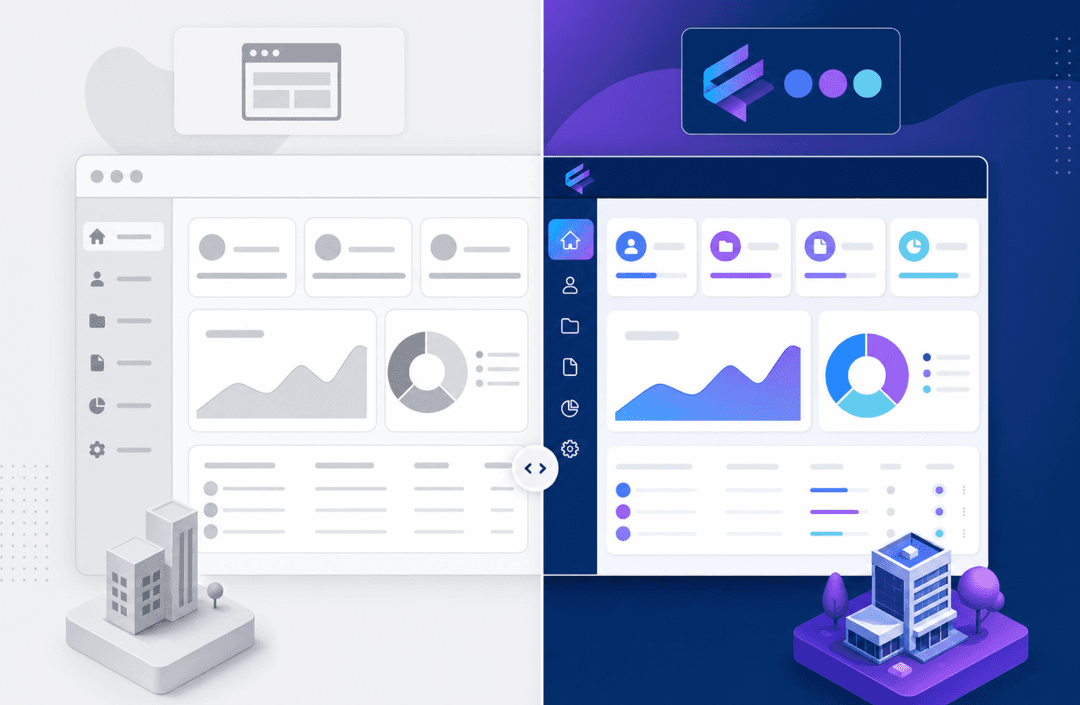
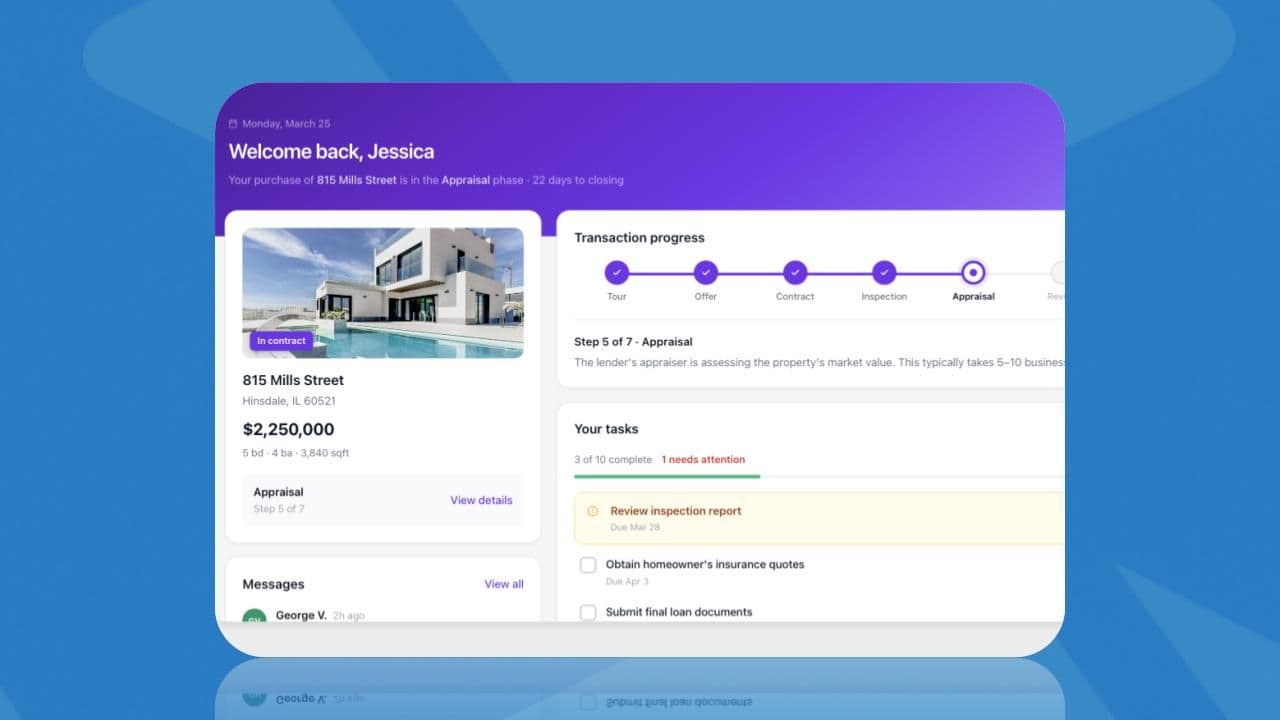
Most CRMs stop at the internal team. A portal-first CRM extends that same data to your clients, vendors, or partners through a branded, permissioned interface they can actually log into.
The architecture is straightforward: your team manages records internally, while external users see only what's relevant to them. A construction client sees their project status. A vendor sees their assigned jobs. Neither sees anything else. Role-based permissions make this work without maintaining two separate systems.
Where this matters beyond the portal itself: your CRM and your client-facing portal can live in the same product, sharing the same underlying data, with different permission levels for internal and external users. That means no duplicate data entry, no separate systems to maintain, and a single place where your team manages relationships and clients track their own progress.
Stacker handles both in one place. Describe what you need, connect your existing Airtable, Notion, or Google Sheets data without migration, and get a working CRM and client portal from the same tool. If your clients are currently getting updates by email, that's the gap a portal-first CRM closes.
Final Thoughts on Custom CRM Solutions
A custom CRM makes sense when your process can't be expressed in Salesforce's fields or when per-user pricing becomes painful at scale. The mistake most teams make is over-scoping from day one instead of shipping something minimal that people actually use. AI-powered builders have matured enough that you can own your data model, build a client-facing portal on the same tool, and refine everything through conversation without writing code or paying enterprise development costs. If you want to see how this works with your existing data, a demo walkthrough is a good place to start.
FAQs
What's the best way to build a custom CRM without hiring developers?
Tools like Stacker let you build a working CRM by describing what you need in plain language. The AI generates your CRM based on your workflow description, and you refine it through conversation. No development contract or large upfront budget required.
Custom CRM vs Salesforce: when does building your own make sense?
Build custom when your process genuinely can't fit Salesforce's model, your user count makes per-seat pricing painful at scale, or your industry has requirements no generic CRM was designed to handle. If you have a standard sales pipeline and under 25 users, buying off-the-shelf is usually faster and cheaper.
How much does custom CRM development cost in 2026?
Basic builds run $30,000-$60,000 for core records and simple pipelines, while intermediate systems with automation and integrations cost $75,000-$150,000. Advanced builds with AI features and complex workflows reach $150,000-$300,000, though AI-powered builders can cut these costs substantially if you don't need fully custom code.
Can you make your own CRM with Excel for free?
Yes, Excel works well for under 200 contacts when one person manages the data and no live team collaboration is needed. Once two or more people need simultaneous access, you need permissions, or contacts exceed a few hundred rows, Excel becomes a liability, and you'll need a proper database structure.
What AI features actually matter in a custom CRM?
Predictive lead scoring that ranks contacts by conversion likelihood, automated data entry that pulls details from emails without manual input, and AI-generated follow-up suggestions based on deal history are making the biggest practical difference right now. Just remember: AI won't fix a bad data model, so start with a solid structure first.