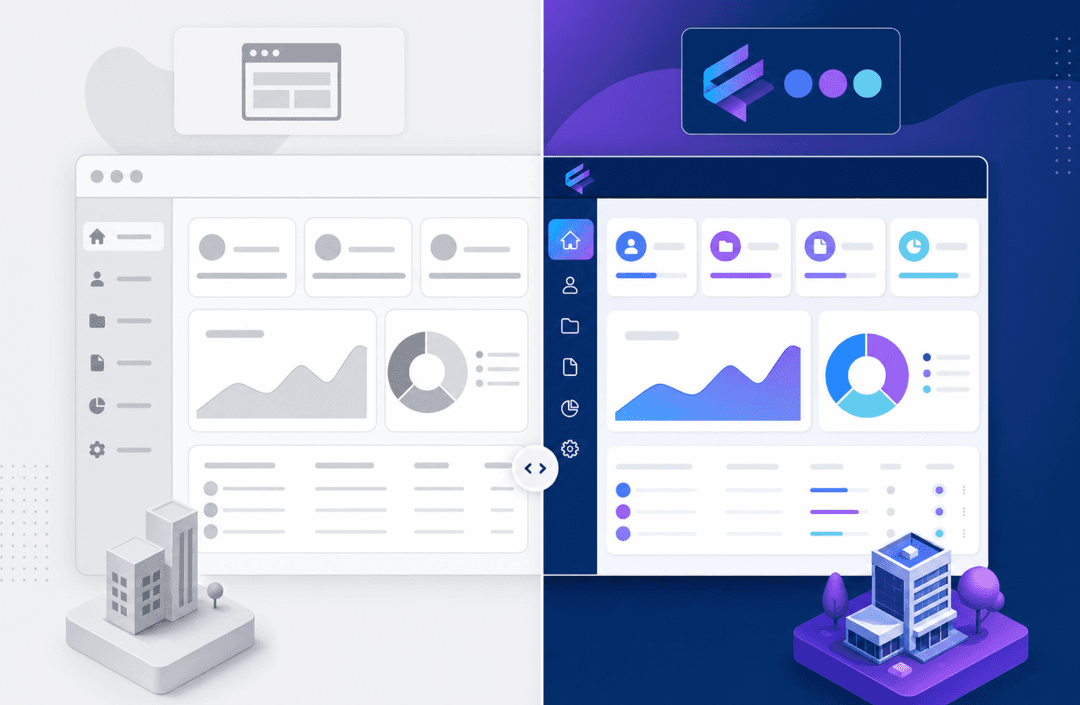
The Stacker or Softr decision comes down to how you want to build. Softr is a frontend layer: connect it to your Airtable or Google Sheets data, drag in some blocks, and you have a portal. It's quick, and for simple use cases, that's enough. Stacker works differently. You describe the portal you need in plain language, and the AI builds the data model, the pages, and the permissions. Think of it less like configuring a tool and more like vibe coding, except purpose-built for portals and business apps, with managed infrastructure underneath so you never worry about hosting or security. If you need proper data relationships, field-level permissions, or a portal that serves clients and internal teams from the same system, here's how the two actually compare.
TLDR:
- Stacker works like vibe coding for portals: describe what your business needs, and the AI builds it the data model, the pages, the permissions. Softr still requires manual drag-and-drop configuration after any AI-generated starting point.
- Stacker includes a built-in relational database with no row limits. Softr requires an external data source, such as Airtable or Google Sheets, and inherits all of that source's limitations.
- Stacker provides field-level and table-level permissions, so a single portal can serve clients, vendors, and internal teams, each seeing only what they should.
- Softr suits simple portals layered on top of existing spreadsheet data. Stacker is built for operational portals that run daily business workflows, including client, vendor, and employee portals.
- Stacker is purpose-built for businesses that already exist and need software to run them, not for launching new products or testing MVPs.
What is Softr?
Softr is a no-code app builder that turns spreadsheet or database data into web applications. You connect it to Airtable, Google Sheets, Notion, or a SQL database, then use Softr's visual builder to design the frontend. You pick components like lists, forms, and charts, then map them to your connected data.
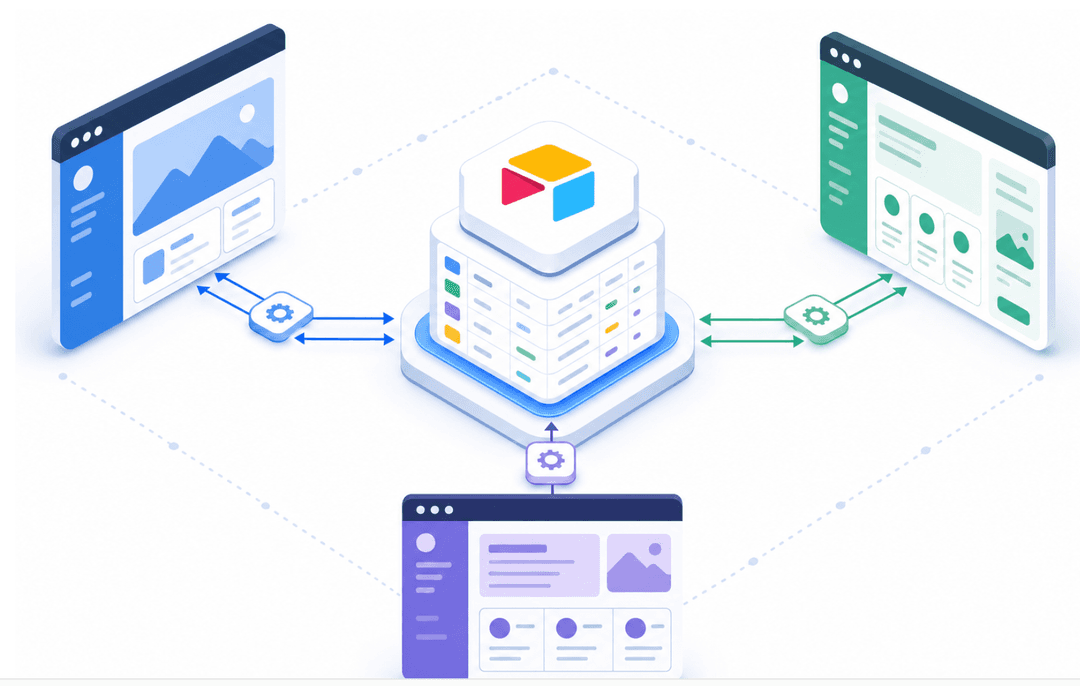
Softr works as a frontend layer, which means you're still managing your actual data in the source tool. If your team already works in Airtable or Google Sheets, adding a Softr interface on top can feel quick to set up. You keep your data where it is and build a better interface for your team or customers to interact with it.
The tradeoff: you're dependent on the limitations of your underlying data source for things like permissions, relationships, and data validation.
What is Stacker?
Stacker is an AI-powered portal builder for businesses. Describe what you need in plain language a client portal, a vendor workflow, an employee-facing tool and Stacker builds it: the data model, the pages, the permissions. It works like vibe coding tools such as Lovable or Bolt, but unlike those tools, which are general-purpose, Stacker is built for business portals and the workflows that run them.
It keeps working with you. Ask it to change a layout, add a new section, or restructure how data flows. It applies changes through conversation, so you're never stuck reconfiguring things manually.
Under the hood, Stacker includes a built-in relational database with no row limits, field-level and table-level permissions, and managed hosting and authentication. You get everything a business portal requires without having to stitch together separate tools, all within one unified workspace. If your data already lives in Airtable or Google Sheets, Stacker can connect to those too, syncing in real time, so you keep your existing setup while building a more capable interface on top.
Data Management and Database Capabilities
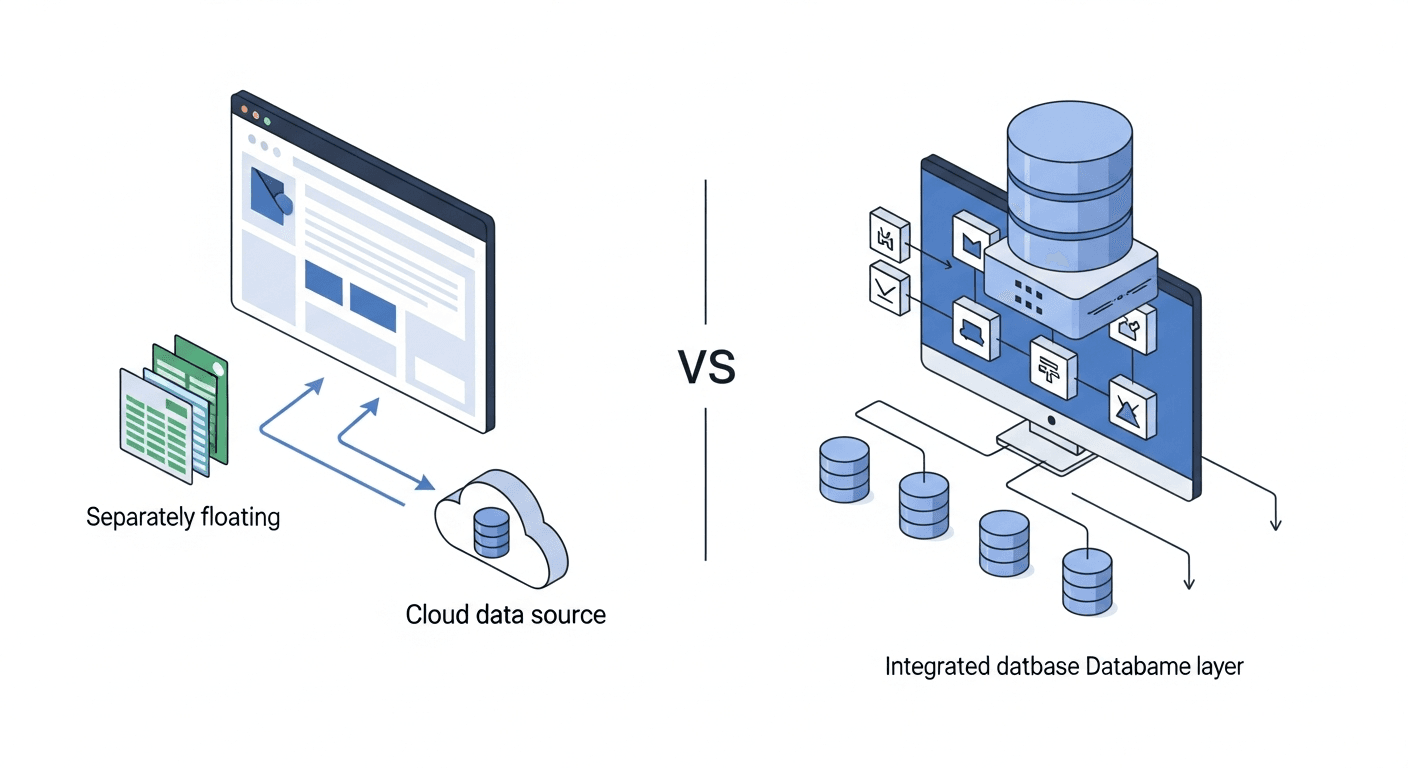
Softr requires an external database before you can begin. It connects to Airtable, SmartSuite, and Google Sheets but doesn't include native database functionality. You're building a front-end layer on top of data stored elsewhere.
This approach works if your data already lives in a supported source and you plan to keep it there. Building from scratch requires setting up your data structure in Airtable first, then connecting Softr. Constraints in your source tool (row limits, relationship depth, validation options) transfer directly to your Softr app.
Stacker includes a built-in relational database. You create tables, define relationships, set validation rules, and structure your data directly in the app without external dependencies.
If you have existing data in Airtable or Google Sheets, Stacker offers real-time two-way sync. Updates in either direction stay synchronized, letting you keep your current setup while adding a stronger interface or gradually migrating to a more stable system.
AI-Powered App Building
Softr includes an AI tool that generates an initial app from a text prompt. Describe what you want, and it builds a starting point in seconds. The AI can also write JavaScript or Python for custom logic. From there, any further changes happen through the visual drag-and-drop builder you're back to manual configuration after that first generation step.
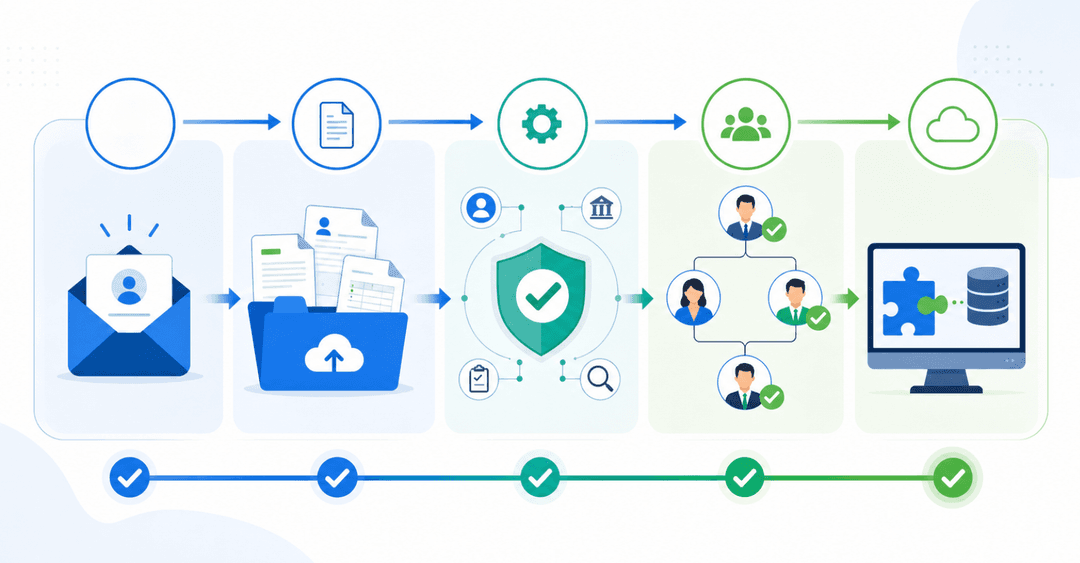
Stacker works more like a vibe-coding tool. You describe the portal you need in plain language, something like "a client portal where customers can track their orders, view documents, and submit requests", and Stacker builds the data structure, views, and permissions to match. That conversational loop keeps going. Ask it to change a layout, add a new section, restrict what a certain user role can see, or restructure how records relate to each other. The AI applies changes directly through conversation, so you never have to switch into a separate editor to make things work.
This interaction model is the core of how Stacker works, not a feature sitting on top of it. Stacker has years of portal-specific use cases built in, so it already understands what a good portal looks like: how permissions should be structured, what client-facing layouts make sense, how data should flow between internal and external views. You don't have to teach it from scratch the way you would with a general-purpose AI tool. Everything runs on managed infrastructure, so there's nothing to host, secure, or maintain on your end. For more context on app builder options, Zapier maintains a detailed comparison of app builders.
Stacker's AI builder generates your initial app from a plain-English description, then continues working with you to make changes. You can ask it to redesign layouts, add features, or restructure entire sections through conversation. The AI applies these modifications directly, letting you iterate without switching to manual editing.
This interactive model works well when requirements evolve, or you're not sure exactly what you need upfront. You can test an idea, see it built, then refine it by describing what should change. Stacker's AI runs on managed infrastructure, so you get this flexibility without worrying about code quality, hosting, or security gaps.
Permissions and Multi-User Access
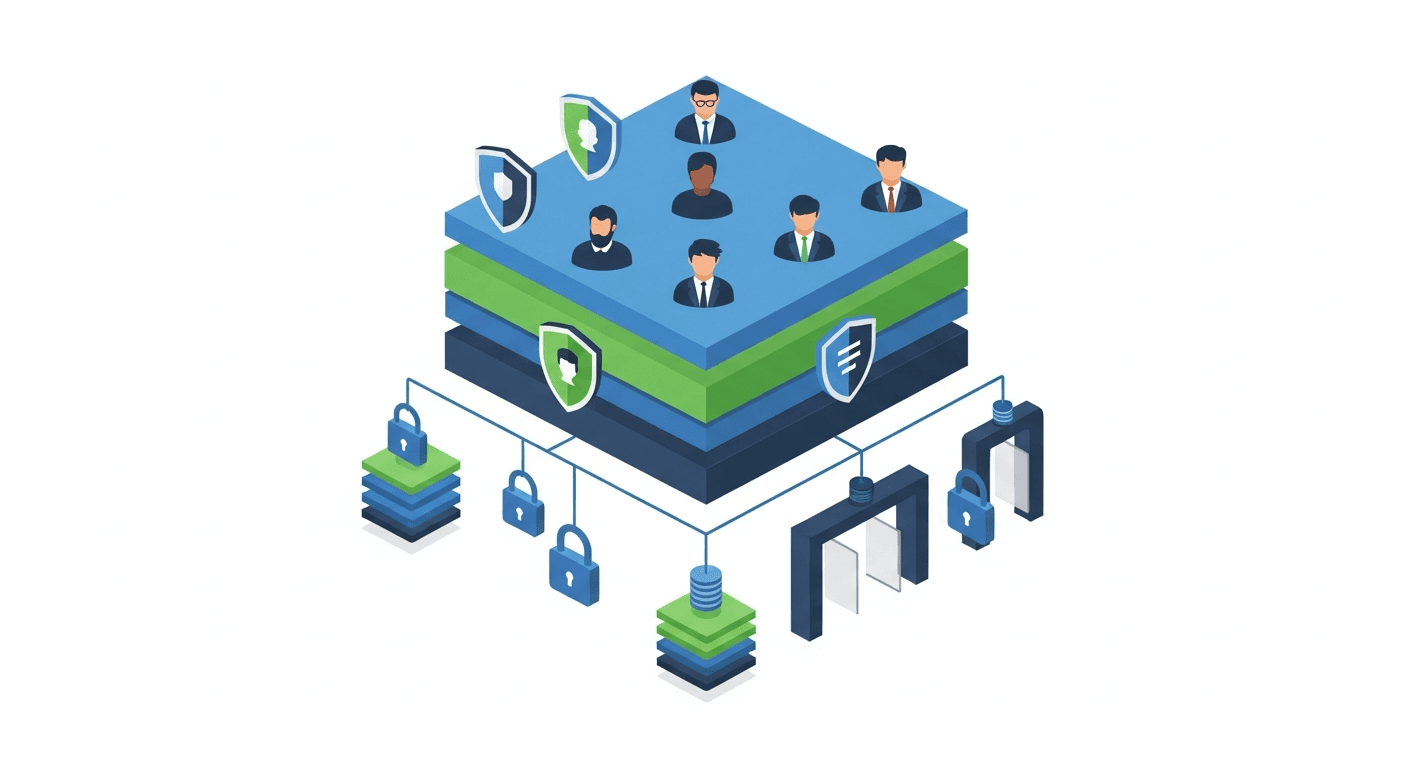
Softr offers user authentication with conditional visibility rules and role-based permissions. You can hide or show blocks, pages, and records based on user roles or login status. The tool supports user groups, membership plans, and custom sign-up flows for client portals with secure logins.
The constraint appears when scaling. Softr's per-user pricing model and performance limits make it less practical for apps requiring public SEO pages, open signups, or thousands of users. With a smaller, defined user base, the permission system works well. Larger or more open applications hit cost and technical ceilings quickly.
Stacker provides field-level and table-level permission controls. You define roles (admin, manager, client, vendor) and specify exactly what each can see or edit. One user might access full records while another sees only their own data or a filtered subset.
This granular control matters when building apps that serve multiple audiences. A single Stacker app can serve internal teams and external users with proper data partitioning. Clients log in and see only their information. Vendors access only their jobs. Your team sees what they need based on role.
| Feature | Stacker | Softr |
|---|---|---|
| Database | Built-in relational database with unlimited rows, data relationships, and validation rules. Optional two-way sync with Airtable or Google Sheets. | Requires an external data source (Airtable, Google Sheets, Notion, or SQL). No native database functionality. |
| AI Builder | Describe your portal in plain language the AI builds the data structure, pages, and permissions. Keep refining through conversation: change layouts, add sections, adjust access rules. No switching to a manual editor at any point. | AI generates initial apps from prompts and can write custom JavaScript or Python. Subsequent changes require manual editing in the visual builder. |
| Permissions Model | Field-level and table-level granular controls. Define exactly what each role can see or edit, so you can build secure multi-audience apps that serve both internal and external users. | Role-based permissions with conditional visibility rules. Works well for smaller, defined user bases but hits scaling constraints with larger audiences. |
| Best For | Operational portals for businesses that already run daily workflows: client portals, vendor portals, partner portals, and employee-facing tools. Built around how your business actually works, not a generic starting point. | Quick MVP launches, simple client portals, membership sites, and directories. Works best when the data already exists in supported sources, such as Airtable. |
| Scaling Limitations | Built to handle complex workflows, multiple user types, and growing data volumes. No row limits or per-user pricing walls for operational apps. | Per-user pricing and performance limits create constraints for apps with public SEO pages, open signups, or thousands of users. Complex logic hits technical boundaries. |
| Data Management | Built-in relational database: create tables, define relationships, and set validation rules directly inside your portal. A proper system of record, no external tool required. | Frontend layer over external data. Inherits limitations from the source tool, including row limits, relationship depth, and validation constraints. |
Use Cases and Operational Focus
Softr works well for simple portals built on top of data you already have in Airtable or Google Sheets. If you need a client-facing directory, a basic membership site, or a lightweight internal tool, and your data already lives in a supported source, Softr can get you something live quickly. It's a good fit when requirements are straightforward, and the user base is small and well-defined.
The limits become apparent as complexity grows. Per-user pricing, performance ceilings, and shallow permission controls make it less practical for portals with large or open user bases, complex access rules, or logic beyond simple visibility toggles.
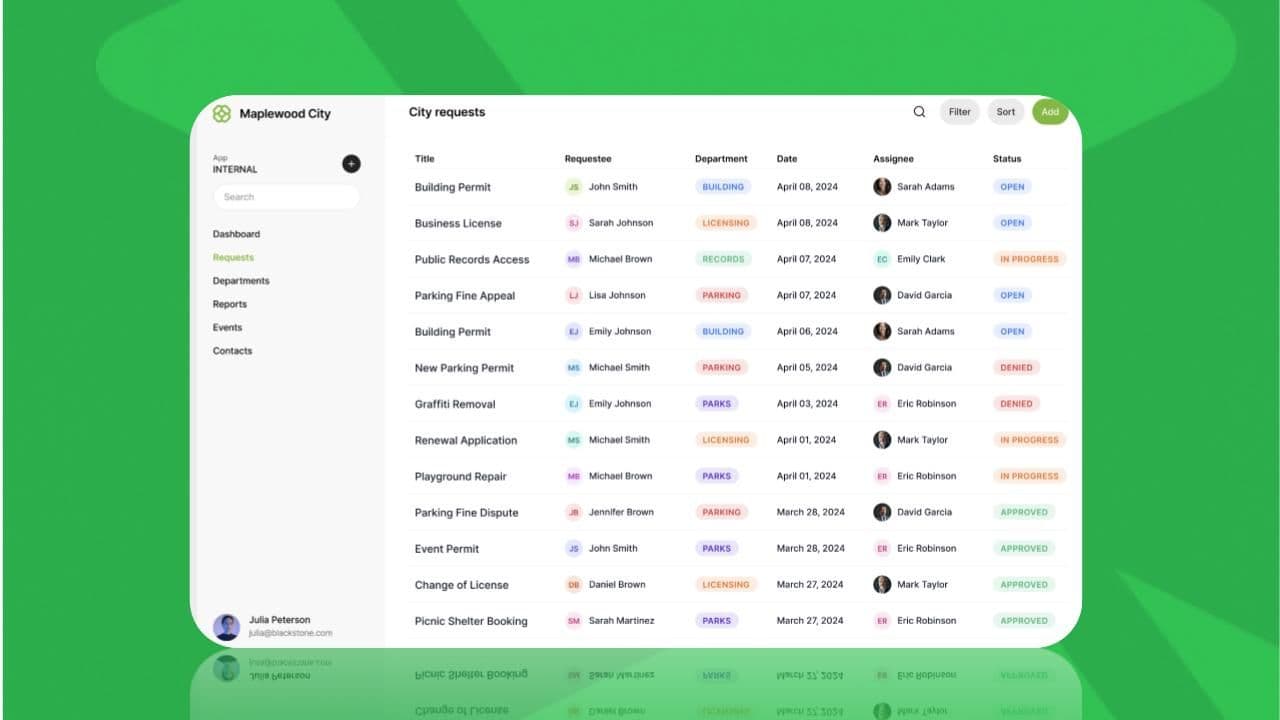
Stacker is built for businesses that already operate and need a portal shaped around how they actually work. Describe the portal you need: a client portal where customers track projects and share documents, a vendor portal where contractors see only their assigned jobs, a partner portal with role-specific views, and Stacker builds it. The AI understands what good portals look like, including how to structure process management tools for operational workflows, so you don't have to teach it from scratch. You describe, it builds, and you refine through conversation.
The use cases that fit best are ones where the portal serves real operational relationships: secure portals where customers and vendors access their own information, custom CRM systems built around your actual process, and internal tools that teams in specialized industries can't find off the shelf. If your business runs on workflows that involve people, data, and collaboration, Stacker builds the portal to make that work.
Why Stacker is the Better Choice
Softr works well for teams that want a quick frontend layer on top of data they already have in Airtable or spreadsheets, simple client portals, directories, or lightweight membership sites with a small, defined user base.
Choose Stacker when you need a portal built around how your business actually works. Describe what you need: the workflows, the roles, the data relationships, and the AI builds it. The built-in database, conversational AI builder, and granular permissions support complex workflows for both internal teams and external users. If you're running daily operations, managing processes across multiple teams, or serving clients and vendors through a single portal, Stacker delivers what operational portals require.
Final Thoughts on Stacker Softr Comparison
Softr is a solid choice if you want to put a simple portal on top of data you already have, quick to set up, and good enough for straightforward use cases. Stacker is built for something different: portals that run the way your business actually works, shaped around your workflows, roles, and data relationships. Describe the portal you need, and the AI builds it. Refine it through conversation. The Stacker Softr comparison comes down to a frontend layer versus a portal built from the ground up for your operations. Book a demo to see how Stacker builds around your business.
FAQs
How should I decide between Stacker and Softr for my business?
Start with what you're building. If you need a quick frontend layer on top of data already in Airtable or Google Sheets, a simple directory, membership site, or lightweight client view, Softr gets you there fast. If you need a portal built around how your business actually works, client portals, vendor portals, and employee-facing tools, Stacker is the better fit. You describe the portal in plain language; the AI builds it; and you keep refining it through conversation. No manual drag-and-drop configuration, no external database required.
What's the main difference in how the two platforms handle data?
Softr requires an external database like Airtable or Google Sheets and builds a frontend layer on top of it, so you inherit any limitations from your data source. Stacker includes a built-in relational database with no row limits and proper data relationships, giving you a stable system of record that can also sync with external sources if needed.
Who is Stacker best suited for?
Stacker is built for businesses that already operate and need a portal shaped around how they work. That means service businesses giving clients a place to log in and track their projects, agencies sharing deliverables through a branded portal, field operations teams coordinating with vendors, or internal teams that need a custom business application, IT won't focus on. If your business runs on processes that involve people, data, and collaboration, and you need a portal to make that work, Stacker is built for that.
Can I migrate from Softr to Stacker if my needs grow?
Yes. If you're currently using Softr with Airtable or Google Sheets, you can connect those same data sources to Stacker with real-time two-way sync. This lets you build a more capable interface while keeping your existing data setup, then gradually migrate to Stacker's built-in database as your requirements expand.
What should I expect during initial setup with Stacker?
Describe the portal you need in plain language, something like "a client portal where customers can track their projects, view documents, and submit requests," and Stacker builds it: the data model, the pages, the permissions. From there, you refine through conversation. Ask it to change a layout, add a section, or adjust what a certain user role can see. The AI applies changes directly, so you're never switching into a separate editor to make things work. Most teams have a working portal in minutes, with refinement time depending on how specific your workflows are.