
Most people start with a Notion client portal template because it's free and familiar. Then reality shows up. You need Client A to see only their projects, but Notion shows them everyone's database. Or you're maintaining five separate portal pages because there's no cleaner way to keep client data isolated. Templates work great until your client roster grows past what manual duplication can handle. We'll show you how to choose a template that matches your actual client volume, what features to focus on before you commit, and the exact moment when a template stops being a shortcut and starts costing you time.
TLDR:
- Templates from Notion, ClickUp, and Excel offer fast portal setup but lack per-client data isolation
- Free Notion caps guest access at 10 users and can't restrict row-level permissions per client
- AI builds working portals quickly with authentication and role controls already configured
- Your portal needs custom domains, branded colors, and separate data views for each client
- Stacker builds AI-powered client portals that sync with Notion or Airtable while adding proper security
What Is a Client Portal Template and Why Your Business Needs One
A client portal template is a pre-built structure for creating a space where clients can log in, check project status, access shared documents, and communicate with your team, without digging through scattered email threads.
For small businesses, the appeal is clear. Building a portal from scratch takes time and often requires technical skills most owners don't have. A template removes the blank-canvas problem. You start with a working foundation and adapt it to fit your specific workflow.
The benefit to clients is equally direct. One organized place to find everything relevant to them. Less back-and-forth. Fewer "where's that file?" messages landing in your inbox on a Friday afternoon.
Popular Client Portal Template Options: Notion, ClickUp, and Beyond
Most businesses start their search for a client portal template somewhere familiar. Notion tops that list. If your team already lives in Notion, the template gallery offers free and paid options built for agencies, designers, and consultants, covering client dashboards, management workflows, and project tracking. ClickUp takes a similar approach, letting you share project views with clients using templates built around tasks and timelines. Many businesses also default to Excel or Google Sheets, which are free, shareable, and require zero onboarding.
| Tool | What's available | Cost |
|---|---|---|
| Notion | Client dashboards, project trackers, CRM layouts | Free + paid |
| ClickUp | Project views, task-based client workflows | Free + paid |
| Excel / Google Sheets | Spreadsheet templates | Free |
The appeal of all three comes down to familiarity. You're not adopting something new, just building on tools your team already knows how to use.
The Hidden Limitations of Notion Client Portal Templates
Notion is a strong starting point, but real constraints surface quickly.
The biggest one: Notion doesn't support row-level permissions. When you share a database, every invited user sees every record in it. There's no way to automatically show Client A only their projects while hiding Client B's. The workaround is building separate pages per client, which is manageable for two or three. Past that, it becomes a real maintenance problem.
The free plan adds another wall. Notion currently caps guest invites at 10 per workspace, so growing beyond a small client roster means upgrading just for basic access sharing.
For businesses where data isolation matters, like legal, financial, or compliance-adjacent work, these limitations carry real risk.
What to Include in Your Client Portal Template
Before picking a template, map your actual needs first. A portal that looks polished on day one can become a real headache once client relationships grow more complex or your roster expands.
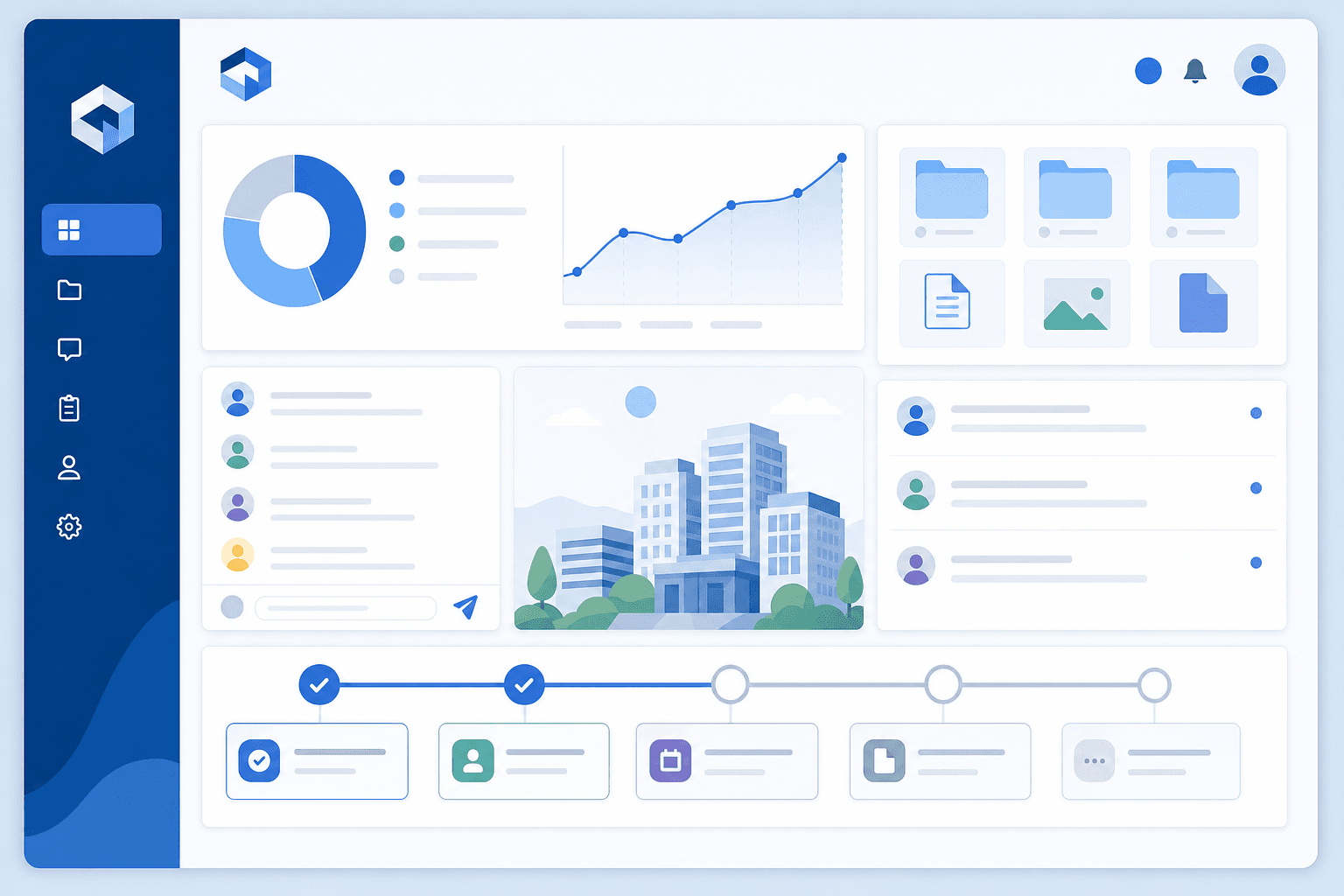
Here are the components worth confirming before you commit to any template:
- Project status views: clients should see where things stand without having to email and ask
- File sharing: a central place for deliverables, contracts, and reference documents
- Feedback or communication threads: structured space for comments that don't disappear into email chains
- Milestone or task tracking: clear visibility into what's done, what's in progress, and what's next
- Branded presentation: your logo, colors, and ideally a URL that looks like your business
Check how the template handles per-client data separation before you build anything around it; most templates don't cover this upfront.
How Small Businesses Are Using AI to Build Client Portals Faster
AI tools are cutting the time it takes to set up a client portal from days to hours. Instead of building forms, dashboards, and layouts from scratch, you can describe what you need and get a working structure in minutes.
Small business owners are using AI in a few concrete ways here:
- Generate a Notion client portal template by prompting an AI chatbot with your workflow, then copying the output directly into your workspace.
- Use AI writing tools to draft client-facing copy for onboarding instructions, status updates, and intake forms inside your portal.
- Ask AI to suggest which fields should be included in a client dashboard based on your service type, so you don't have to decide during setup.
- Use no-code tools with built-in AI to auto-generate data tables, views, and permission structures without writing a single line of code.
The result is a faster path from idea to a functional portal your clients can actually use.
Security and Permissions: Non-Negotiable Features for Client Portals
Every client portal handles some degree of sensitive information, whether that's project files, contracts, invoices, or personal contact details. The permissions architecture you choose from the start determines how safe that information stays.
Before committing to any template, check for:
- Row-level permissions: each client sees only their own records, with no risk of data bleeding across accounts.
- Authentication: login-gated access that requires verified credentials, not a shareable link that anyone with the URL can open.
- Role controls: separate views for internal team members versus clients, so each group sees only what's relevant to them.
Templates speed up setup considerably, but if the underlying structure cannot isolate data per client, no amount of visual polish will fix that gap. For portals handling financial records or personal data, access controls need to be built in from the start, not retrofitted after launch.
Customizing Your Client Portal Template to Match Your Brand
Functionality gets a portal working. Branding makes clients trust it.
Most teams focus on workflow setup first and circle back to visual customization later. That order makes sense until a client logs in and sees something that looks more like a shared spreadsheet than a professional product. Colors, your logo, and a URL that matches your domain are often what clients notice first, before they ever check a project status. A generic-looking portal can quietly undermine the credibility you've built elsewhere.
Check early whether your template supports custom domains, logo uploads, and color controls. Some tools offer all three. Others lock you into their own branding unless you upgrade.
What to Look for Before You Customize
Before investing time in visual setup, confirm your template supports the basics:
- Custom domain mapping so the portal lives at your URL, not the tool's
- Logo and favicon uploads to reinforce your brand on every page
- Color and font controls that align with your existing style guide
- The ability to hide or remove the tool's own branding entirely
When to Move Beyond Templates: Scaling Your Client Portal
Templates earn their place early. A free Notion layout or ClickUp project view gets you moving without much overhead. But specific friction points tend to appear once you're managing five or more active clients.
- You're managing 10+ active clients and maintaining separate pages per client is eating hours each week
- Clients are requesting features your template can't support without a workaround
- You need the portal to sync with your CRM, invoicing tool, or project tracker
- Different team members need different access levels. The template can't be properly configured
- A client has asked about data security, and your current setup can't give a satisfying answer
When these pile up together, the template isn't the bottleneck anymore. The tool is.
Building Client Portals With AI-Powered Tools Like Stacker
When templates hit their limits, Stacker gives you a practical next step.
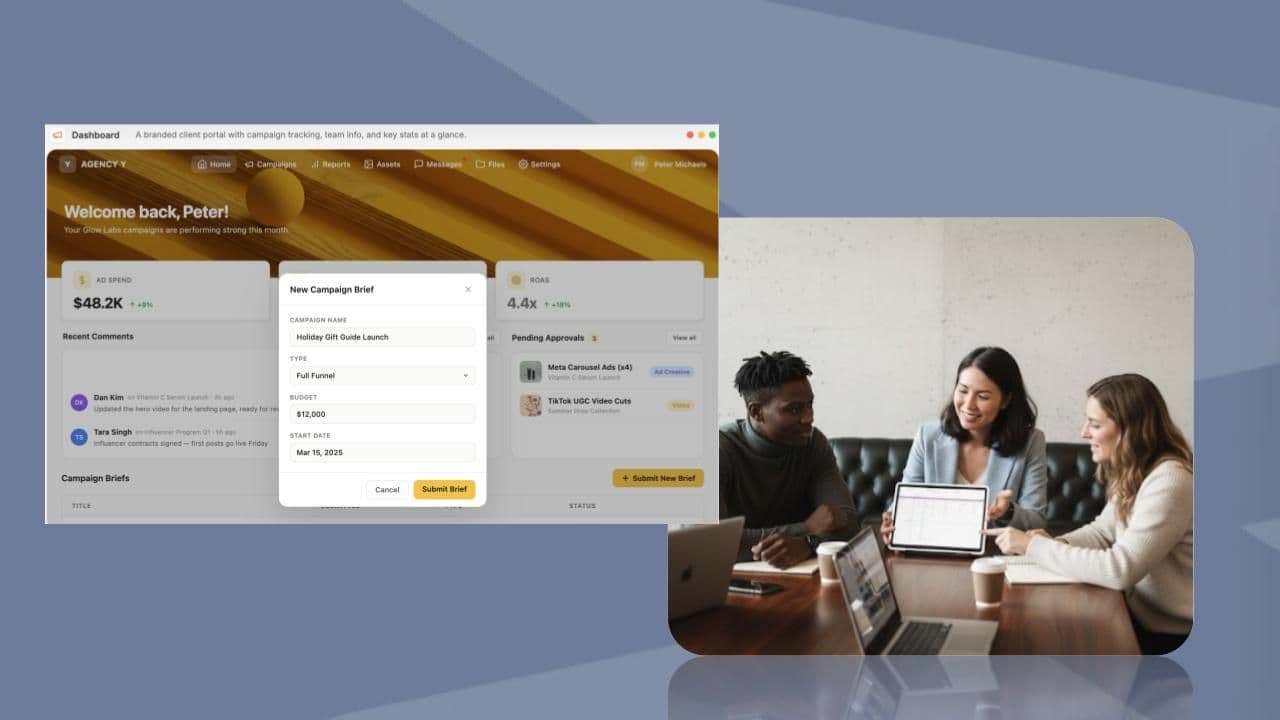
Describe what you need, and the AI builds a working client portal around your requirements. Authentication, role-based permissions, and per-client data isolation come built in. It handles configuration automatically, with no separate hosting setup required.
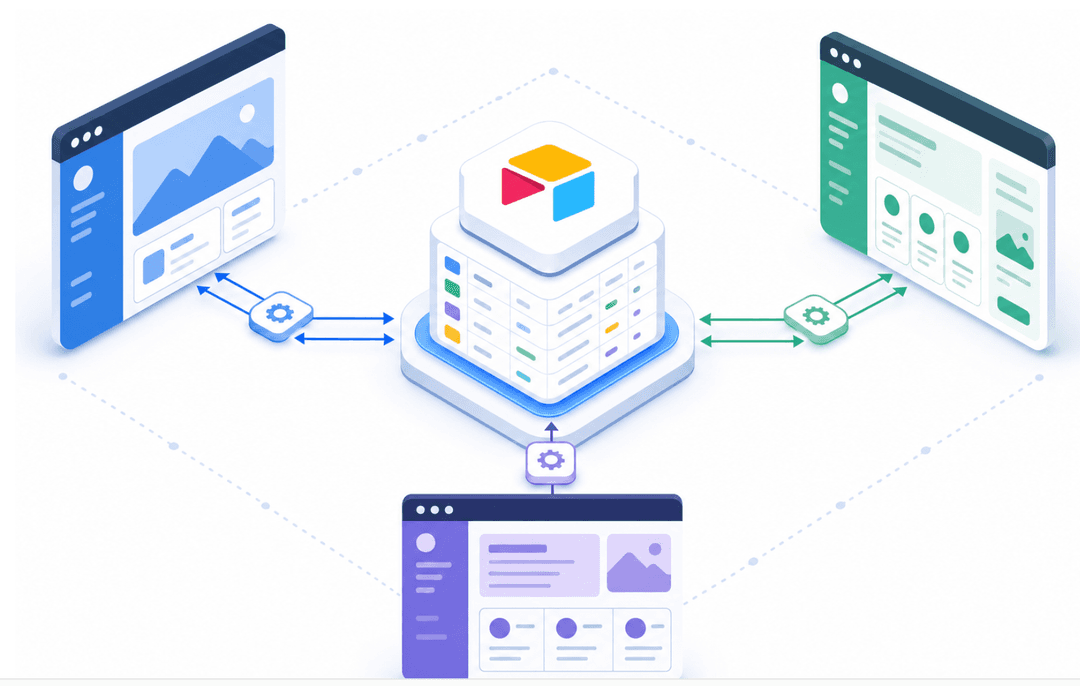
You also don't have to abandon tools like Notion or Airtable to get there. Stacker connects to both with two-way sync, so your existing data stays where it is. Clients get a proper, branded interface on top of what you already have.
Templates move fast but hit ceilings. Custom builds offer flexibility but take months. Stacker sits in the space between: a portal your clients can use, built quickly, without the constraints that eventually force a rebuild.
Final Thoughts on Setting Up Your Client Portal
The real question isn't which notion client portal template to pick; it's whether the tool underneath can support what you'll need six months from now. If you're already managing five or more clients, it's worth considering a solution built for growth before you invest weeks customizing a template you'll outgrow.
FAQ
Can I build a client portal without using a paid tool?
Yes. Both the Free Notion client portal templates and the Google Sheets templates work for basic client communication and file sharing. The main constraint is that neither offers row-level permissions, so you can't automatically restrict what each client sees without creating separate pages or files for every client, which becomes unmanageable past a few clients.
Notion client portal template vs Stacker for small businesses?
Notion templates are faster to set up if you already use Notion and have under 10 clients, though you'll encounter limits around permissions and guest access as you grow. Stacker builds a custom portal with data isolation and authentication, and you can sync your existing Notion data into it without starting over.
How do I create a client portal in Notion with separate access for each client?
Notion doesn't support row-level permissions, so the standard workaround is to create separate pages for each client and invite them only to their specific page. This works at a small scale but becomes a maintenance problem once you're managing 5+ active clients, since any template or structure changes need to be duplicated across every page.
What's the most important security feature to look for in client portal software?
Row-level permissions. Your portal needs the ability to automatically show each client only their own data, instead of simply hiding things visually or relying on honor-system navigation. Without this, you're at risk of accidental data exposure, which is a real problem for any business handling contracts, financial records, or personal information.
When should I stop using a free client portal template?
When you're managing 10+ clients and spending hours maintaining separate pages, when clients are asking for features the template can't support, or when you need the portal to sync with your CRM or invoicing tools. At that point, the template becomes the bottleneck and a proper client portal tool will save you more time than it costs.