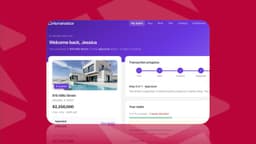
Your clients expect to check their project status whenever they want, but right now that means fielding the same questions over email multiple times a week. You've tried shared folders, but they don't approach communication or keep things organized per client. What you need is a client portal, and this guide will show you exactly what that means in practice. We'll cover the features that separate useful portals from basic file-sharing tools, how they compare to tools you're already using, and what to focus on when you're reviewing options for your specific business model.
TLDR:
- A client portal is a secure workspace where clients access files, track projects, and communicate without email chaos
- Security matters: average data breach costs $4.4 million, making controlled access critical for client files
- Portals differ from file sharing by offering per-client isolation, branded experiences, and built-in workflows
- AI-powered builders generate custom portals quickly, eliminating the need for developers or templates
- Stacker generates working client portals from plain-English prompts and syncs with Airtable, Notion, and Google Sheets
What Is a Client Portal?
A client portal is a secure online workspace where businesses and their clients can share documents, track progress, and communicate without the usual chaos of email threads and scattered attachments.
Think of it as a private, branded hub. Clients log in and see exactly what's relevant to them: project updates, invoices, deliverables, and messages. Nothing more, nothing less. You control what each person can access.
The core appeal is structure. Instead of hunting through inboxes or chasing down approvals over text, everything lives in one place that both sides can access anytime.
Why Client Portals Matter for Small Businesses in 2026
Client expectations have shifted. People want to check their project status at 10 pm without having to email or wait until morning. Self-service access and real-time transparency are table stakes now, even for small businesses.
For solo operators and small teams, that pressure is real. Email threads get messy fast, and generic file-sharing tools offer zero structure around who sees what.
Security is another growing concern. According to IBM's Cost of a Data Breach Report 2025, the global average breach cost hit $4.4 million. Sending sensitive client files over email is a liability.
A client portal closes that gap. It gives clients a professional, organized experience while keeping your communications and documents in a controlled environment.
Core Features Every Client Portal Should Include
Not every client portal is built the same. Some are basic file-sharing tools. Others are fully structured workspaces. Here's what separates a useful portal from a basic one.
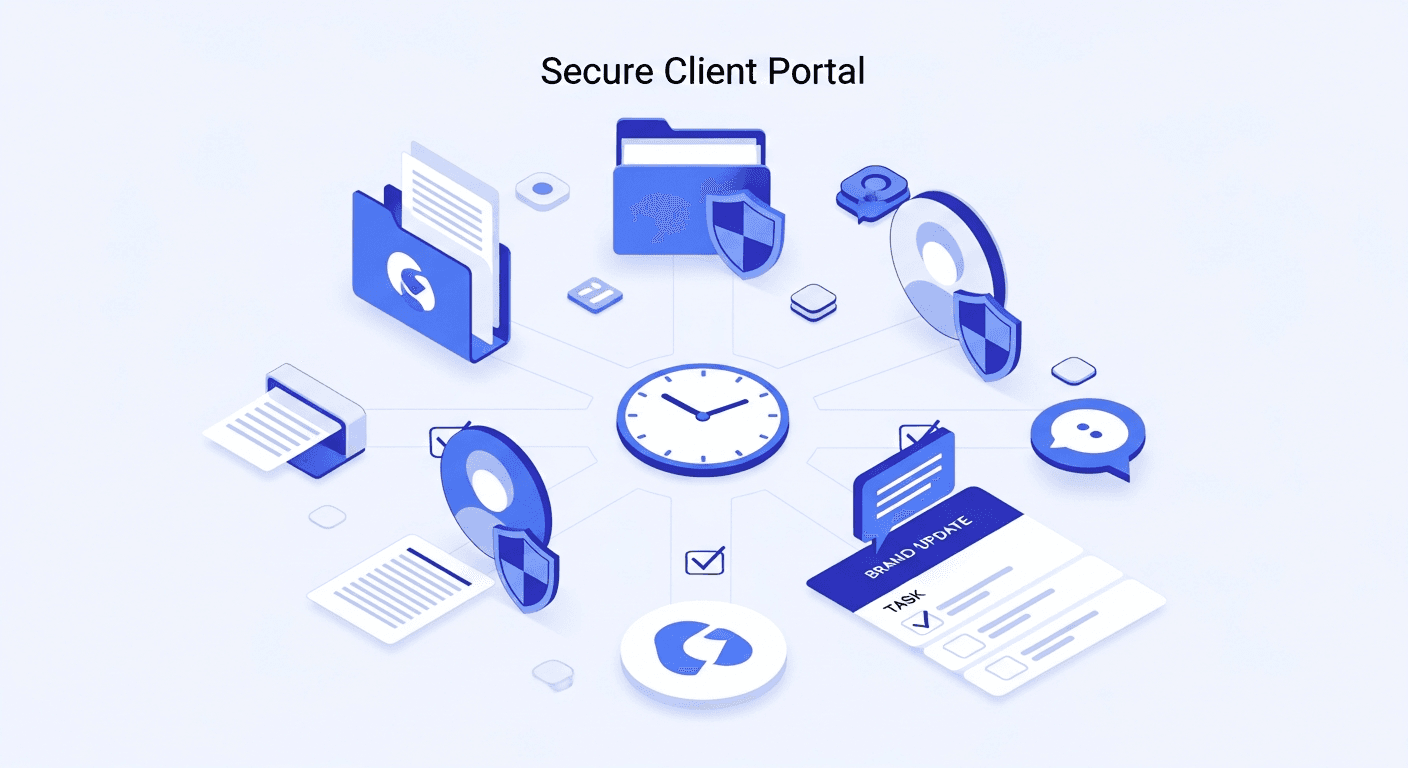
- Secure file sharing: clients upload and download documents without relying on email attachments or third-party links that expire
- Role-based permissions: each user sees only their own data, not another client's invoices or proposals
- Real-time updates: project status, task progress, and messages reflect changes as they happen
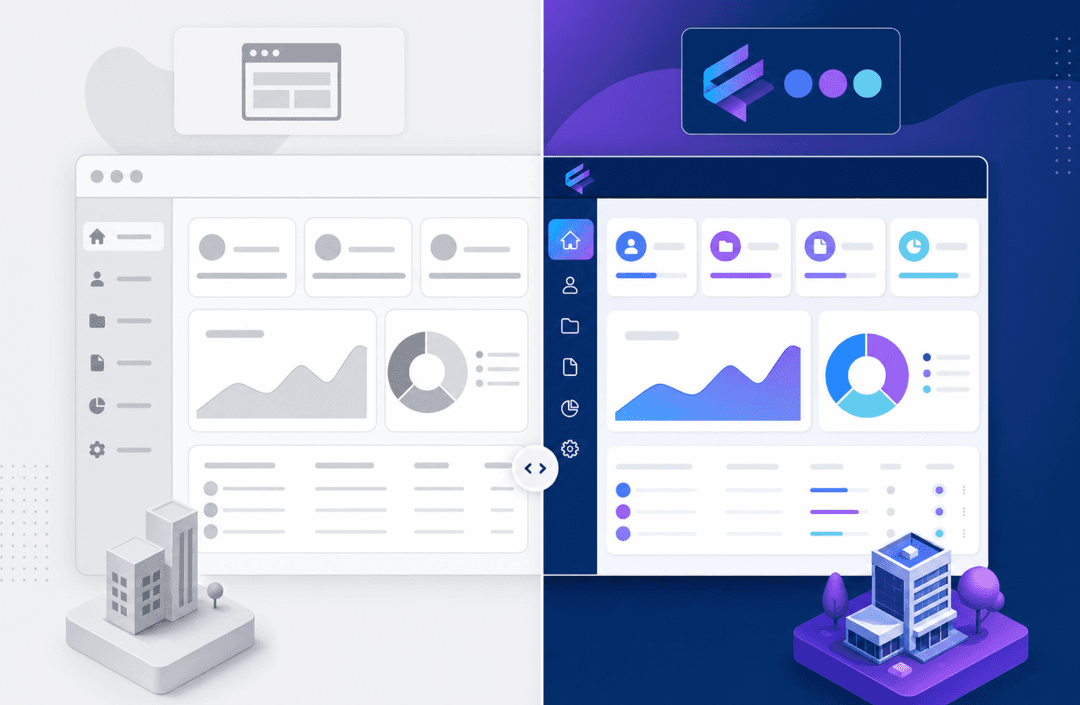
- Branded customization: the portal looks like your business, not a generic SaaS tool
- Client messaging: communication stays inside the portal, not scattered across email threads
- Task or project tracking: both sides can see what's pending, approved, or completed
The permissions piece deserves extra attention. Without granular access controls, a "portal" is just a shared folder. True role-based permissions let you define exactly what each client, team member, or contractor can view, edit, or submit. That's what makes a portal feel professional and trustworthy.
Common Use Cases Across Industries
Client portals solve different problems depending on the business. Here's how they play out across a few common industries.
- Agencies: clients review deliverables, submit feedback, and approve assets without a single email chain
- Accounting firms: clients upload tax documents and download finalized returns through a secure, organized workspace
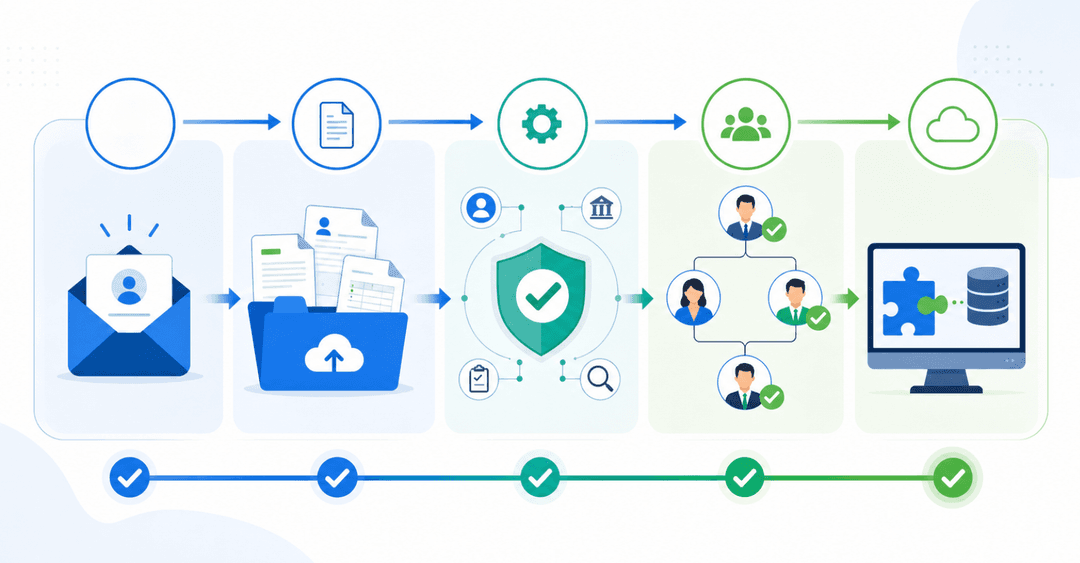
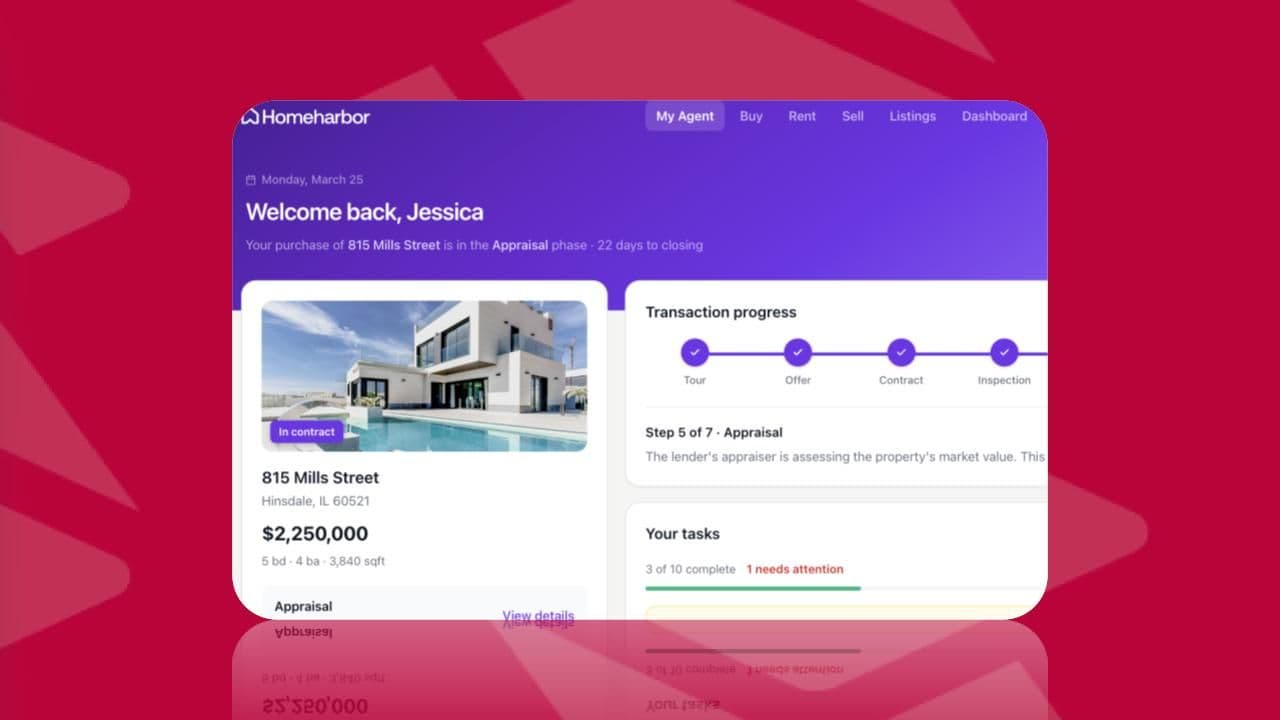
- Real estate brokers: buyers and sellers track deal status, access contracts, and sign documents in one place
- Consultants: proposals, reports, and project milestones live in a shared space that both parties can reference at any time
- Construction and home services: contractors see assigned jobs, update progress, and share photos without back-and-forth calls
- Coaches and trainers: clients access program materials, track session notes, and submit check-ins on their own schedule
The common thread is replacing scattered, one-off communication with a single, organized space tailored to each client's specific context.
Client Portals vs File Sharing Tools: Understanding the Difference
Google Drive and Dropbox are great at what they do. Storing and sharing files is simple, and most people already have accounts. But sharing a folder with a client is not the same as giving them a portal.
File-sharing tools are built for storage. Client portals are built for relationships.
The difference shows quickly once you try to manage multiple clients. With Drive or Dropbox, every client gets a folder. You manually manage who has access to what, hope no one accidentally opens the wrong link, and still end up emailing updates separately.
A client portal treats each login as a context. The client sees their projects, their files, their invoices, and nothing else. No folder structure to explain. No permission misconfiguration to worry about.
Here's a quick comparison:
| Feature | File Sharing Tools | Client Portals |
|---|---|---|
| Per-client data isolation | Manual, error-prone | Built-in by design |
| Branded experience | None | Fully customizable |
| Task and status tracking | No | Yes |
| Client messaging | No | Yes |
| Audit trails and access logs | Limited | Typically included |
| Workflow triggers | No | Yes |
File-sharing tools make sense for internal teams collaborating on documents. When the relationship is external and the stakes are higher, a portal is the right tool. Clients shouldn't need a tutorial to find their invoice.
Security and Compliance Considerations
Portals handle sensitive data: contracts, financials, health records, and legal documents. That raises the bar for what "secure enough" actually means.
Here are the features worth checking for:
- End-to-end encryption for files in transit and at rest
- Role-based access controls so clients never see each other's records
- Audit trails that log who accessed or changed what, and when
- Single sign-on (SSO) and two-factor authentication options
- GDPR and HIPAA compliance support, where applicable
The audit trail piece gets underestimated. When a client disputes a deliverable or a document goes missing, a timestamped access log saves everyone. Email offers none of that.
HIPAA compliance matters most to healthcare providers, therapists, and anyone who handles protected health information. GDPR applies if any of your clients are based in the EU. Not every portal supports both out of the box, so verifying compliance coverage before committing to a tool is worth doing upfront.
"Sending files over email is a liability people underestimate until something goes wrong. A portal with proper access controls and audit logging removes most of that exposure."
Moving away from email attachments reduces risk in a measurable way. No forwarded threads, no expired links, no files landing in the wrong inbox. Permissions are set once and enforced automatically every time a client logs in.
The ROI of Implementing a Client Portal
The numbers make the case quickly. Some accounting firms report losing hundreds of hours per staff member annually to manual admin work: chasing documents, resending files, and fielding status questions. A client portal can meaningfully cut that overhead, with firms reporting reclaimed billable time that adds up quickly across a team.
That math compounds. Two staff members recovering 150 hours each is 300 hours redirected toward work that actually generates revenue.
Client retention adds another layer. Clients who have a clear, organized portal experience are less likely to churn over frustration alone. Miscommunication and disorganization are two drivers of lost business that rarely show up on an invoice, but absolutely show up in renewal rates.
How to Choose the Right Client Portal for Your Business
Choosing the right portal depends more on your business model than on feature checklists. A solo coach has different needs than a 10-person agency. Start by asking four questions before reviewing any tool.
- Who are your clients, and how technical are they?
- What tools do you already use for data, projects, or communication?
- Do you need white-labeling, or is a generic interface acceptable?
- How fast does your client need to change?
Key Factors to Weigh
If your clients are non-technical, the login experience matters as much as the backend. A portal that your clients find confusing will be abandoned, so focus on clean interfaces and minimal client-side setup steps.
Integration with existing tools is the other major filter. If your data lives in Airtable, Notion, or Google Sheets, a portal that syncs with those sources saves considerable migration effort.
White-labeling deserves weight if brand perception is part of your value. Custom domains, your own logo, and matching color schemes shape how professional your client experience feels.
Finally, think about scale. A portal that works for five clients may buckle under fifty. Check whether pricing and permissions grow with your business before committing.
Common Implementation Challenges and How to Overcome Them
Most portals fail during rollout. The tech rarely breaks. People do.
Here are the most common friction points and how to get ahead of them:
- Client adoption resistance: Some clients will default back to email. Send a short onboarding note explaining where to log in and why. Keep the first experience simple.
- Staff habits: your team needs a reason to stop using old workflows. Designate one person to own the portal and reinforce it consistently for the first 30 days.
- Data migration: moving existing documents and records is tedious. Focus on active clients first, archive the rest later.
- Integration gaps: pick a portal that integrates with the tools you already use. Forcing a full system switch upfront invites abandonment.
A phased rollout beats a hard cutover every time. Start with two or three clients, iron out the friction, then expand.
Building Custom Client Portals Without Starting From Scratch
Building a custom portal used to mean hiring a developer, waiting weeks, and spending thousands. AI-powered builders have changed that equation.
You can now describe what you need in plain English and get a working portal generated quickly. The result fits your existing workflow instead of forcing you to adapt to a generic structure or rebuild your processes around a new tool.
Instead of choosing between an off-the-shelf tool that's 70% right and a custom build that's out of budget, AI builders let you get to something genuinely tailored to your business. You describe your clients, your data, and your process. The AI handles the structure, and visual editors handle the rest, letting you adjust layouts, forms, and permissions to match how you already work.
How Stacker Simplifies Client Portal Creation for Growing Businesses
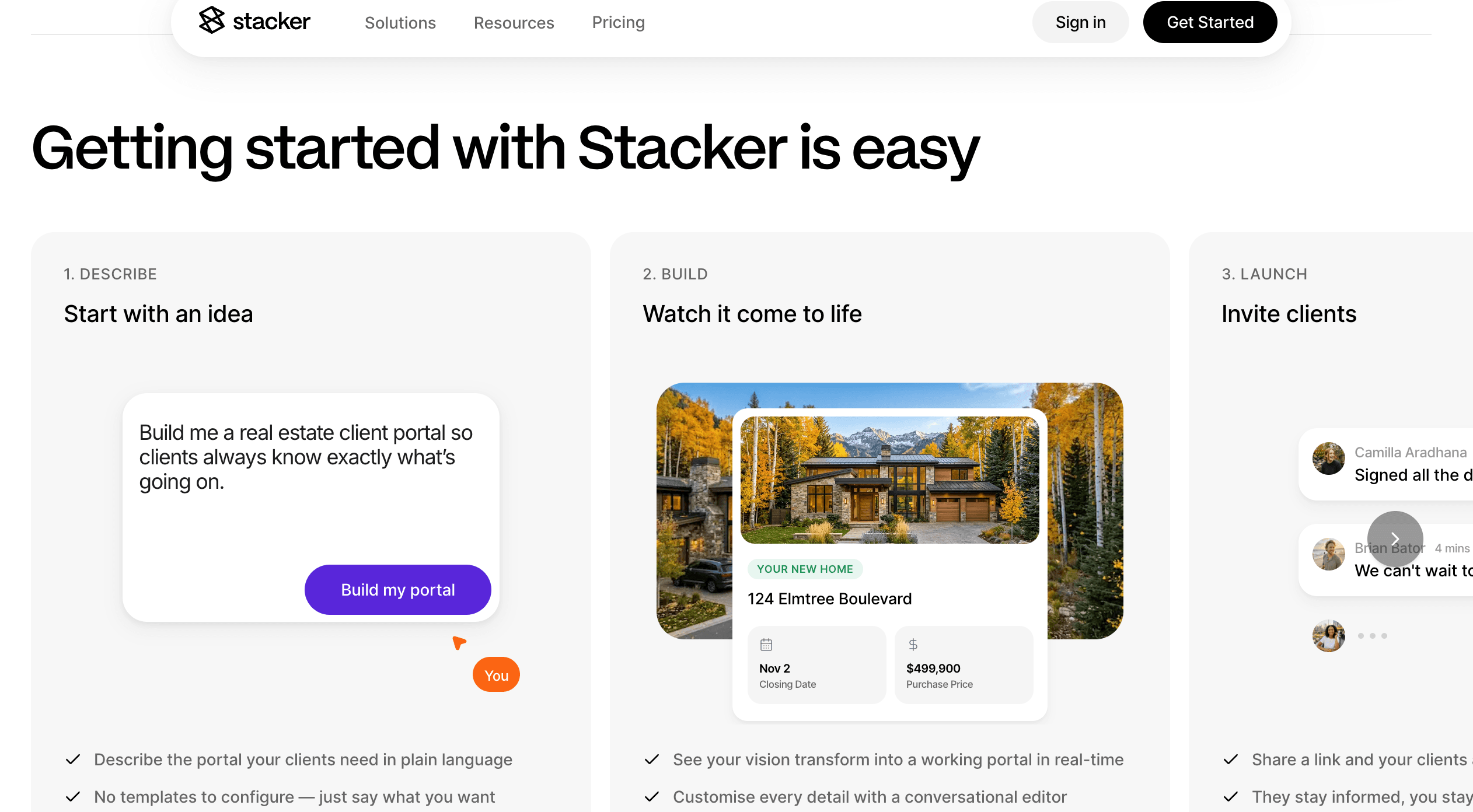
Stacker was designed for this use case. Describe your portal in plain English, and the AI agent generates a working version from that prompt. You can build without needing templates or a developer.
Stacker understands what a client portal needs, so you describe your business instead of explaining portal logic from scratch. The result fits your workflow instead of forcing you to adapt to a generic structure.
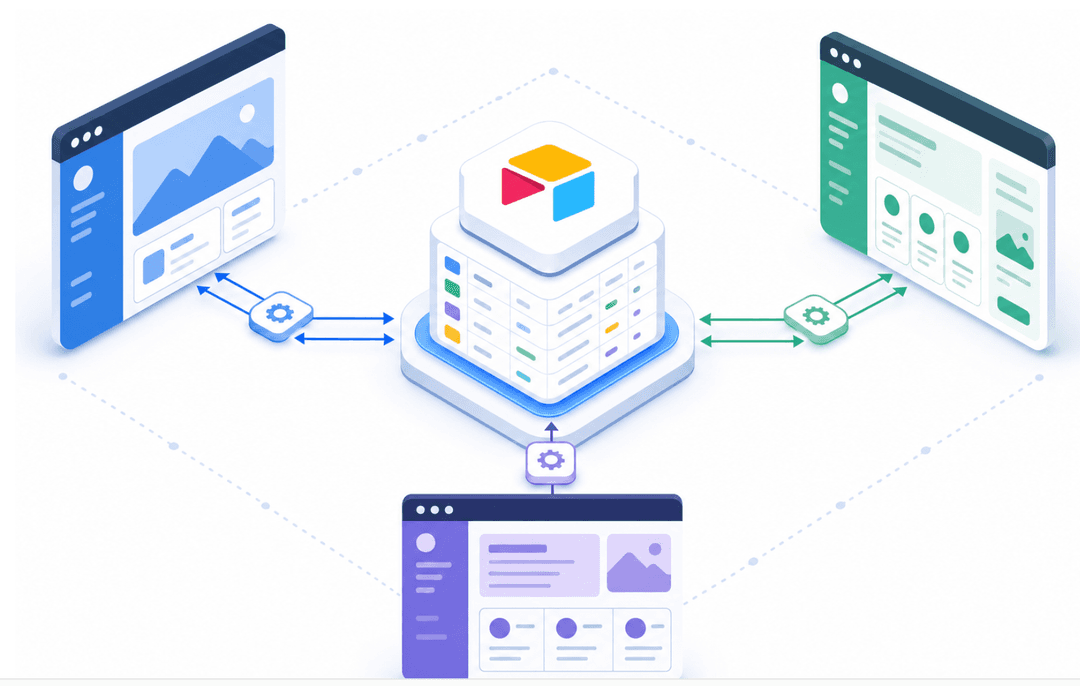
From there, you connect your existing data. Stacker syncs two-way with Airtable, Notion, and Google Sheets, so your data stays where it is and your clients get a proper interface on top of it. Role-based permissions, branded customization, and real-time updates are all built in. One team saved 8 hours per person weekly by consolidating scattered tools into a single Stacker app.
Final Thoughts on Client Portal Implementation
Moving to a client portal solves the problem of scattered communication. You stop chasing files, your clients stop waiting for responses, and the whole relationship gets cleaner. Pick a tool that connects to your existing data and roll it out with two or three clients first. Book a demo with Stacker to see how the AI builds your portal structure.
FAQs
What is a client portal in business?
A client portal is a secure online workspace where businesses and clients share documents, track project progress, and communicate in one organized place instead of scattered email threads. Each client logs in to see only their own data: projects, files, invoices, and messages, with access controlled by role-based permissions.
Client portal software for small businesses vs. file-sharing tools like Google Drive?
File-sharing tools store and share files, but treat every client as just another folder you manually manage. Client portal software automatically isolates each client's data, includes task tracking and messaging, provides audit trails, and offers a branded experience that looks like your business. Portals prevent clients from accidentally accessing each other's files and eliminate the folder-structure confusion common with Drive or Dropbox.
Can I build a client portal without hiring a developer?
Yes. AI-powered builders let you describe your portal needs in plain English and generate a working version quickly. You can then customize layouts, permissions, and branding through visual editors. The result fits your existing workflow and data, so you're not rebuilding processes around a new tool or waiting on a developer to make changes.
How do I choose the best client portal software for my workflow?
Start by identifying who your clients are and what tools you already use for data (Airtable, Notion, Google Sheets). Pick a portal that syncs with those sources so you avoid migration headaches. Check whether it supports white-labeling if brand perception matters to your business, and verify that permissions and pricing scale as your client base grows.
What's the ROI of implementing a client portal?
Accounting firms typically recover 40 to 60% of the roughly 300 hours per staff member lost annually to chasing documents and fielding status questions, translating to $5,000 to $8,000 in reclaimed billable time per person each year. Beyond time savings, portals improve client retention by reducing frustration from miscommunication and disorganization that quietly drive churn.