
You send a contract to your client, they sign it, email it back, save it somewhere, and three months later nobody can find the signed version. That workflow might have been fine five years ago, but your clients now expect to log in and grab what they need without waiting on you. A client portal gives each client their own secure view into files, forms, and updates, so your team spends less time digging through inboxes and more time doing actual work. We'll show you which features matter most and how to choose a portal that fits your workflow, instead of forcing you to change it.
TLDR:
- A client portal gives each client secure access to their own files, forms, and updates in one place.
- Portals cut process cycle times by 54% on average by reducing email back-and-forth and status requests.
- Key features include role-based permissions, secure login, file sharing, and real-time activity tracking.
- Industries from therapy to finance to legal use portals to automate intake, share documents, and track cases.
- Stacker lets you build custom client portals with no code, connecting your existing data and workflows.
What Is a Client Portal?
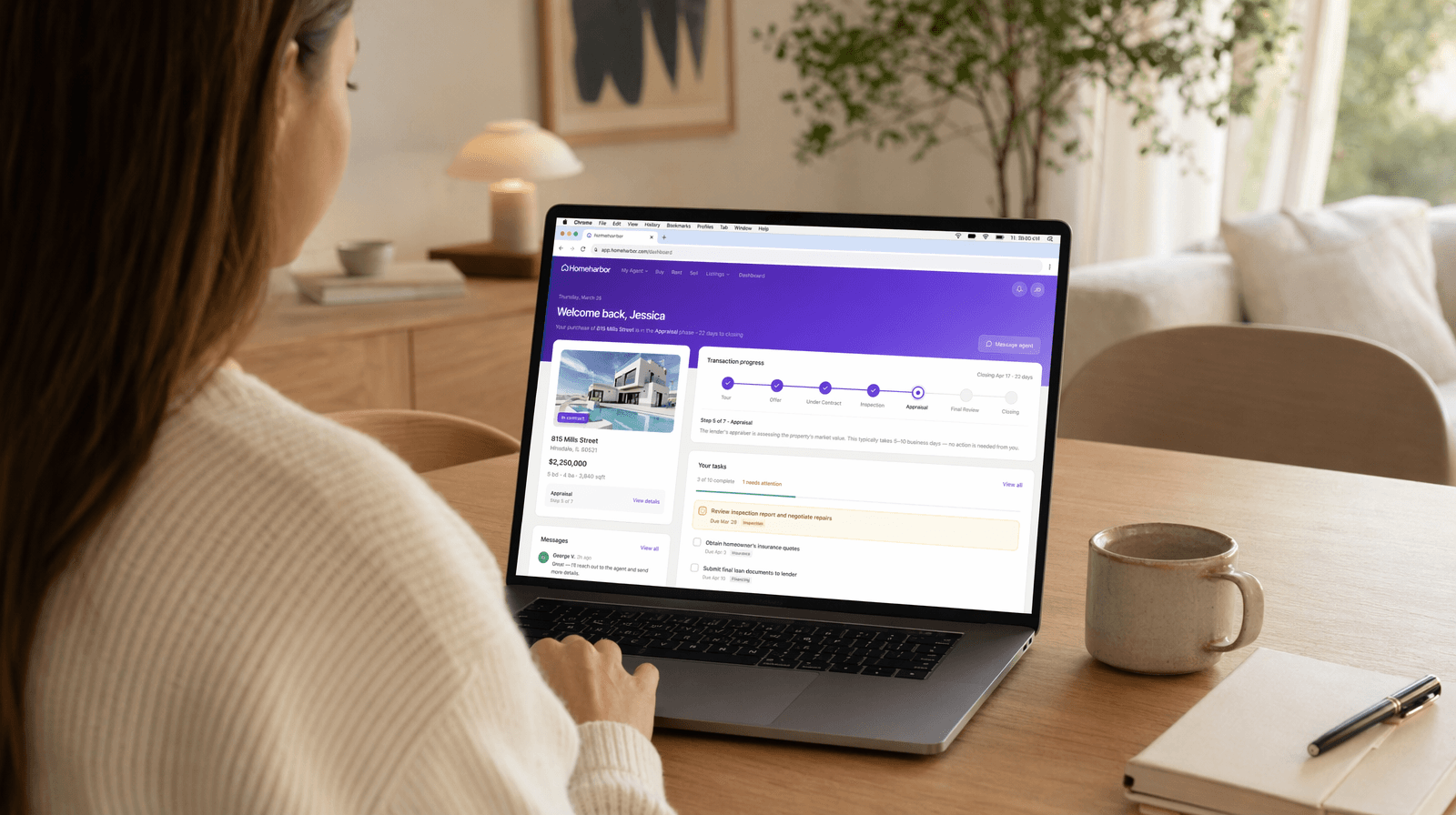
A client portal is a secure, private workspace where businesses and their clients can exchange information, track progress, and communicate without relying on endless email chains or scattered file links. Think of it as a dedicated digital home for each client relationship.
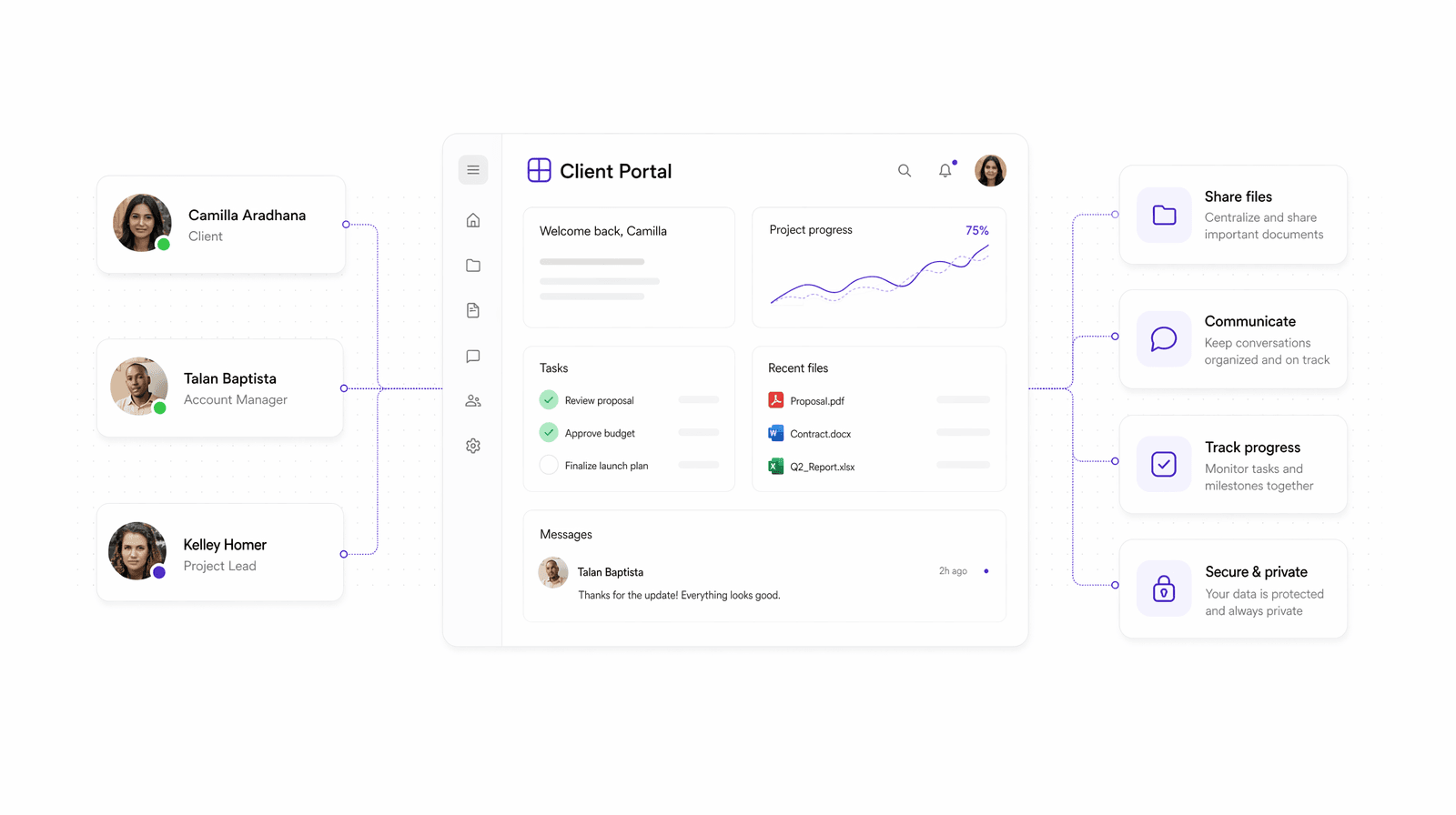
Instead of digging through inboxes to find a document someone sent three weeks ago, both sides access the same shared space. Files, updates, messages, forms, and records all live in one place, organized and accessible on demand.
Portals vary widely depending on the industry:
- A therapy practice might use one so patients can book appointments and complete intake forms before their first session.
- A financial firm might give clients a secure login to view account statements and sign documents.
- A legal team might share case updates without copying seventeen people on every reply.
What ties them together is the core idea: the client gets their own view into your business, filtered to show exactly what's relevant to them and nothing more. That's the key distinction between a client portal and a generic shared folder or project management tool. Access is structured, permissions are intentional, and the experience feels built for that client.
Why Business Teams Need Client Portals in 2026
Client expectations have shifted. According to Orases, approximately 95% of businesses have seen a rise in demand for self-service options from their customers. People want to check a status, grab a file, or sign a form on their own schedule without waiting for a reply email.
For business teams, this pressure shows up fast. A client portal cuts through the noise by giving clients direct access to what they need, when they need it.
The internal benefits are just as real:
- Teams spend less time fielding routine status update requests
- Document exchanges happen through secure, trackable channels instead of email attachments
- Clients see only their own data, reducing the risk of accidental information exposure
- Everyone works from the same source of truth, with no version confusion
Clients who can see real-time progress on their project, case, or account tend to ask fewer questions and trust the process more, freeing your team to focus on actual work.
The Core Features Every Client Portal Should Have
Not every client portal needs to do everything, but certain features are non-negotiable regardless of industry or use case.
- Secure login and user authentication to verify identity and protect sensitive data
- Role-based permissions so each client sees only what belongs to them
- File sharing and document management for contracts, reports, and records
- Real-time status updates or activity tracking to keep everyone informed
- Forms for data collection or intake requests
- Task visibility so clients can follow progress without emailing for updates
The permission layer matters most. Without it, you're building a shared drive. The difference is that each client logs in to a filtered view tailored to them. Activity tracking rounds it out, giving your team a record of what was accessed, submitted, or signed.
Client Portal Use Cases Across Industries
Client portals appear across real industries in meaningfully different ways, even when the underlying idea remains consistent.
- Healthcare practices let patients log in to complete intake forms, access visit summaries, and message their provider without calling the front desk. SimplePractice's client portal is built for therapists and mental health providers managing appointments and telehealth sessions.
- Financial services firms use portals like Interactive Brokers' client portal so clients can view holdings, execute withdrawals, and access account history securely.
- Legal teams share case documents and status updates through portals that keep sensitive information out of uncontrolled email threads.
- Government agencies use portals to manage public benefits. South Carolina's DSS portal lets residents check food stamp eligibility, look up child support cases, and access SNAP benefits online.
The pattern holds: a portal replaces coordination overhead that builds up when two parties share information informally.
Security and Compliance Considerations for Client Portals
Data breaches have surged 235% globally, and 78% of breaches involve unauthorized access through stolen credentials. A portal handling sensitive client data is only as trustworthy as its security layer.
The baseline requirements are non-negotiable:
- End-to-end encryption for data in transit and at rest protects information from interception at every stage.
- Multi-factor authentication verifies user identity beyond just a password.
- Role-based access control keeps clients limited to their own records.
- Audit trails log who accessed what and when, creating accountability.
Compliance requirements vary by industry. Therapy and healthcare portals fall under HIPAA, which governs how patient data gets stored and transmitted. Portals handling EU resident data must comply with GDPR. SOC 2 certification signals that a provider has passed independent security audits, which matters most if you serve enterprise clients who will ask for proof before signing a contract.
How to Successfully Implement a Client Portal
Getting a portal live is the easy part. Getting your team and clients to actually use it takes more intention.
Start by mapping what you need before choosing a tool. Which workflows currently run through email or spreadsheets? What data do clients ask for most? That list becomes your requirements.
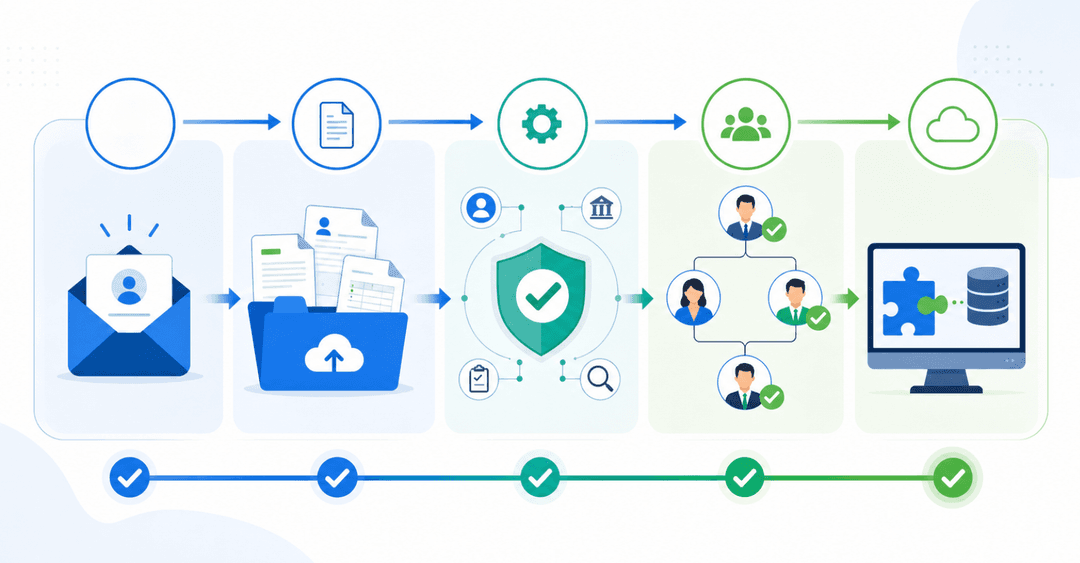
From there, implementation follows a logical sequence:
- Define your permission structure early. Decide which roles exist, what each can see, and who manages access.
- Integrate with the tools you already use. A portal that sits disconnected from your CRM or project tracker creates double entry.
- Pilot with one client before rollout. Catch friction points while the stakes are low.
- Write a short onboarding guide for clients. Even simple portals need a one-page walkthrough.
- Track adoption metrics after launch. Login frequency and feature usage tell you whether the portal is sticking.
The change management piece often gets skipped. If your internal team keeps defaulting to email, the portal fails regardless of how well it's built. Set clear expectations about which communications belong in the portal and reinforce that consistently.
Client Portal vs. Other Collaboration Tools
Client portals are constantly compared to project management tools, CRMs, and file-sharing services. The distinction matters because choosing the wrong tool creates confusion for your team and frustration for clients.
Here's how they actually differ:
| Tool | Primary Purpose | Client-Facing? | Filtered Per-Client View? |
|---|---|---|---|
| Client portal | Secure client collaboration | Yes | Yes |
| CRM | Internal relationship tracking | No | No |
| Project management (Monday, ClickUp) | Team task coordination | Sometimes | Rarely |
| File sharing (Google Drive) | Document storage | Sometimes | No |
| General communication | Yes | No |
A CRM tracks what your team knows about clients. A client portal gives clients direct access to their own information. Those are fundamentally different jobs.
Project management tools can sometimes stretch into client territory, but they're structured around tasks, not relationships. Clients dropped into a shared ClickUp workspace often see too much or too little, and the interface was never designed for them.
The right question is access control. If each client cannot log in and see only their own data, you do not have a portal.
Common Client Portal Challenges and How to Overcome Them
Even well-designed portals hit friction. Here are the most common problems and how to work through them.
- Clients not logging in: Usually a training gap. Send a short welcome email with a direct login link and a clear first action.
- Integration complexity: A portal that can't read your existing data results in duplicate entries. Verify data connections before launch, not after.
- Overly complex interfaces: Clients given too many options ignore all of them. Launch with fewer features and add more based on actual usage.
- Stale content: Portals that don't update quickly lose trust. Assign someone ownership over keeping records current.
- Internal team abandonment: If your team reverts to email, clients will follow suit. Define which communications belong in the portal and hold to it consistently.
The common thread is that most challenges are operational, not technical. The portal itself rarely fails. The process around it does.
The ROI of Client Portals for Business Operations
The numbers behind client portals are hard to ignore. Businesses implementing portals reduce cycle times by 54% on average, with top performers cutting cycle times by over 90%.
The savings compound across several areas:
- Fewer status update emails means less context-switching for your team
- Clients who self-serve through a portal require less reactive support
- Document turnaround accelerates when clients can sign and submit without scheduling a call
- Faster information exchange shortens overall project timelines
Client satisfaction tends to follow. When clients can see what's happening without asking, trust builds quietly in the background.
Choosing the Right Client Portal Solution
Picking the right portal comes down to a few clear criteria.
- Security certifications (SOC 2, HIPAA, GDPR) must meet your industry's requirements before anything else.
- Integration with your existing data sources keeps you from rebuilding what you already have.
- Per-client permission controls should be flexible, not an afterthought.
- Pricing models vary widely: per-user, per-client, or flat rate, each hits differently at scale.
- Vendor support matters more than it looks on a feature checklist.
Ease of use applies to both sides. If your team struggles to keep the portal up to date, clients will notice. If clients find the login confusing, they'll email you instead.
Building Custom Client Portals with No-Code Solutions
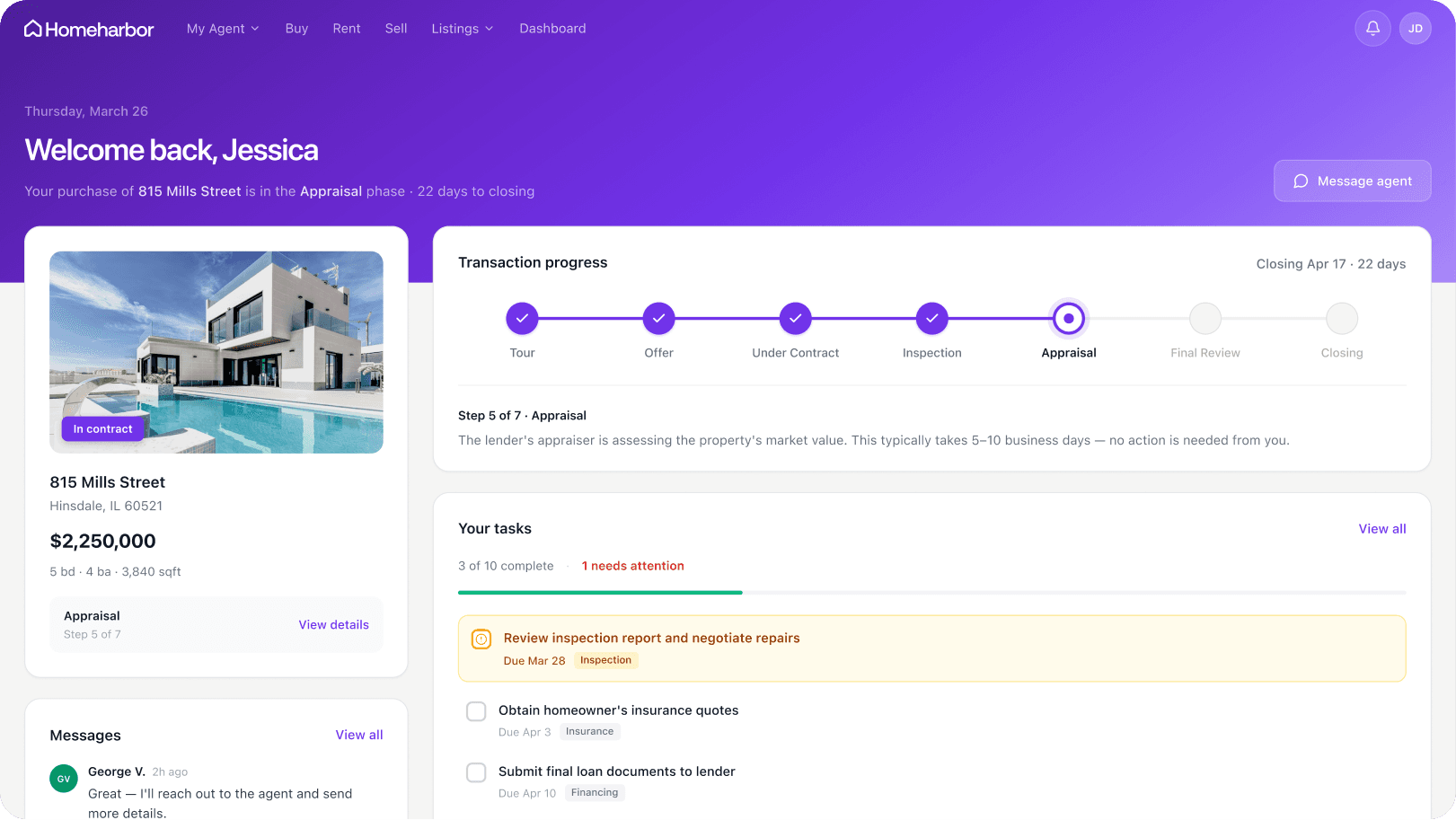
Off-the-shelf portal software works until it doesn't. The moment your process has a wrinkle the vendor didn't anticipate, you're stuck working around a tool that almost fits.
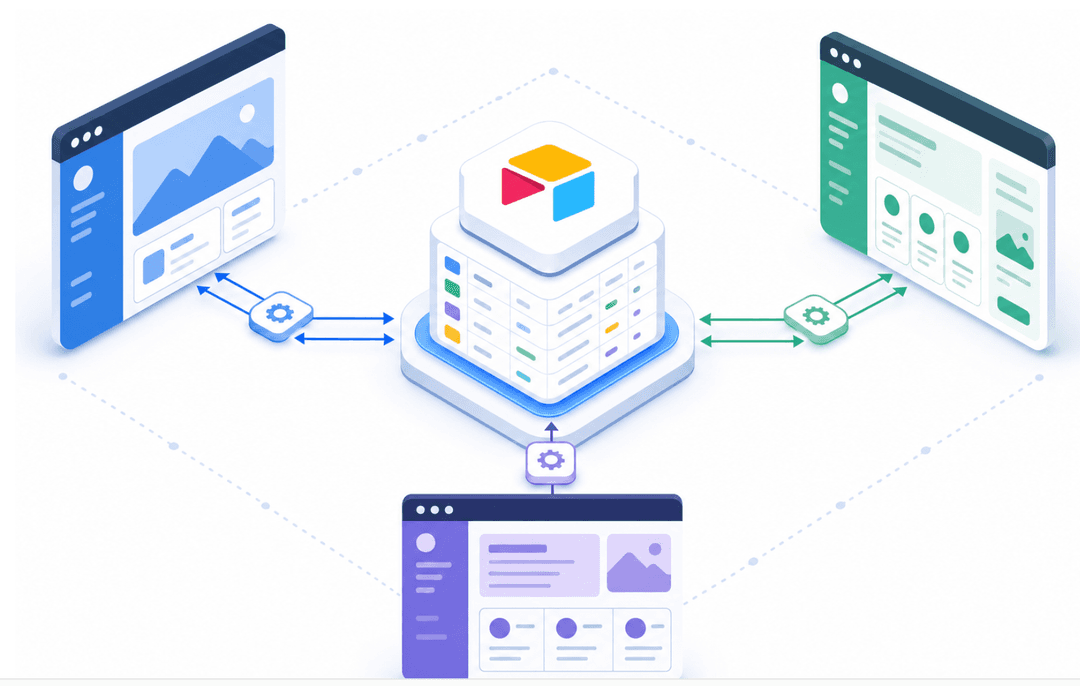
No-code solutions like Stacker take a different approach. Instead of conforming your workflow to a fixed product, you build the portal around your actual data and processes. Connect a Google Sheet or Airtable base, define your permission structure, and configure what each client sees when they log in. No developers required.
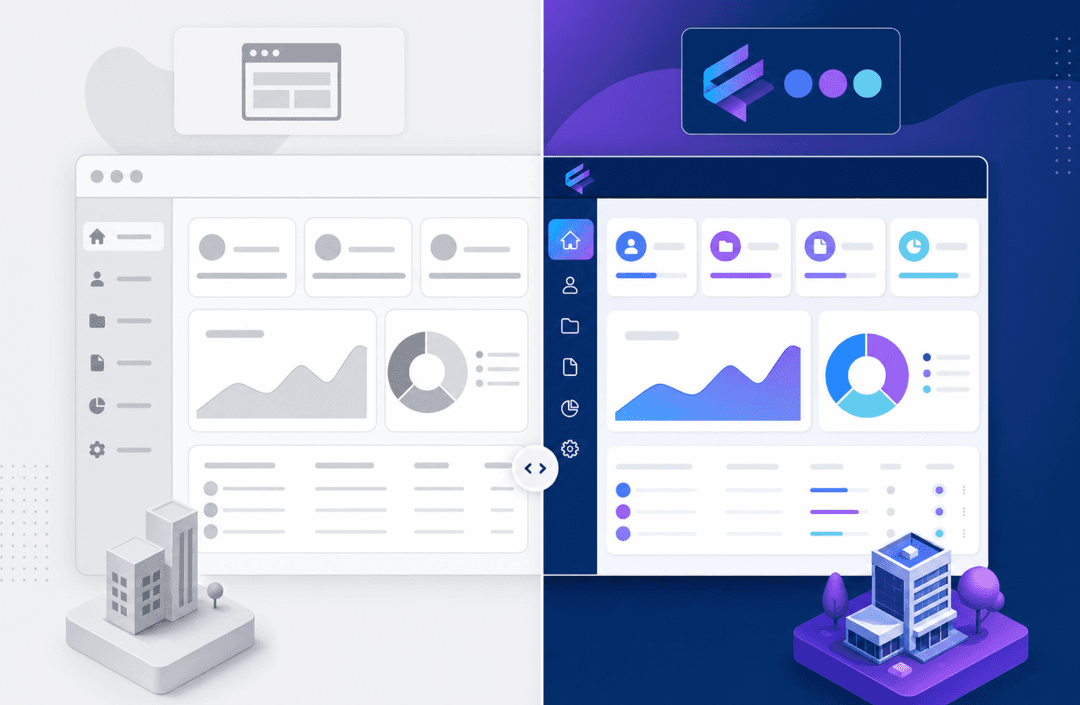
That flexibility matters most for teams with niche workflows. A therapy practice, a solar installation company, a legal operations team. None of them shares the same process. Stacker's role-based permissions, customizable views, and real-time data sync let each of them build a portal that reflects how they actually work.
Final Thoughts on Client Portal Solutions
The gap between needing a client portal and actually using one usually comes down to whether the tool bends to fit your process or forces you to rebuild everything around it. You already have the data, the clients, and the workflow. The portal should just organize access and cut the back-and-forth that bogs everything down. Once you stop treating every file exchange like a special case, the time savings compound fast. Book a demo to walk through how Stacker connects to your existing setup without requiring a rebuild.
FAQs
What's the main difference between a client portal and a shared Google Drive folder?
A client portal includes role-based permissions that filter what each client sees, showing them only their own data. A shared folder gives everyone access to the same files without that automated filtering or structured access control.
How long does it typically take to set up a client portal?
With a no-code solution, most teams can build a working portal in a few hours by connecting existing data sources and configuring permissions. Full rollout, including client onboarding, usually takes 1-2 weeks, depending on workflow complexity.
Can clients access a portal from their mobile devices?
Yes, most client portals are web-based and work on any device with a browser. Some providers also offer dedicated mobile apps, though a responsive web portal typically covers most mobile use cases without requiring a separate app download.
What security certifications should I look for in a client portal?
Match certifications to your industry requirements: HIPAA for healthcare and therapy practices, GDPR for handling EU resident data, and SOC 2 for general enterprise security standards. All portals handling sensitive data should offer encryption and multi-factor authentication at a minimum.
How do I get my team to actually use the portal instead of defaulting to email?
Define clear rules about which communications belong in the portal, then hold to them consistently. Start with one client or workflow as a pilot, train your team on the specific actions they'll take, and track usage to identify where people fall back to old habits.