Your clients email you for status updates, file access, and project details that should be self-serve. You spend hours each week answering questions that could be answered by a dashboard. The fix is a client portal where clients log in to see their own projects, files, and updates without waiting for your reply. Building one used to require a developer, a budget, and weeks of planning, which put it out of reach for most small teams. That barrier is gone: an AI-powered app builder lets you stand up a portal for your business without hiring an engineer.
TLDR:
- You can build a client portal without developers using visual app builders in days vs. months.
- Role-based permissions are non-negotiable: each client sees only their data, not anyone else's.
- Custom portals cost less than off-the-shelf tools as you scale and match your workflow exactly.
- Test permissions by logging in as a real client before launch to catch access errors.
- Stacker connects to your existing spreadsheets and databases to build branded portals with two-way sync.
What Is Client Portal Development and Why It Matters
Client portal development is the process of building a dedicated, secure web space where your clients can log in, access their files, track project status, submit requests, and communicate with your team without relying on email chains or scattered file-sharing links.
For small businesses and service teams, a well-built portal replaces a lot of manual back-and-forth. Clients get self-serve access to what they need; your team spends less time fielding repetitive status updates.
The catch has traditionally been cost and complexity. Custom portal development historically required a developer, a budget, and weeks of build time, barriers that ruled out most small teams before they even started.
The Business Case for Building Your Own Client Portal
Off-the-shelf client portal software solves the basics, but it often creates new frustrations: rigid templates that don't match your workflow, per-seat pricing that balloons as your client list grows, and branding that reminds your clients they're inside someone else's product.
Building your own portal changes that math. You get exactly the fields, views, and permissions your clients need, without paying for features you'll never use.
The client experience reinforces the case. A clunky, email-driven process can frustrate clients, while one that gives them clear self-serve access makes working with you easier. A purpose-built portal can close that gap in ways a generic tool cannot.
Core Features Every Client Portal Needs
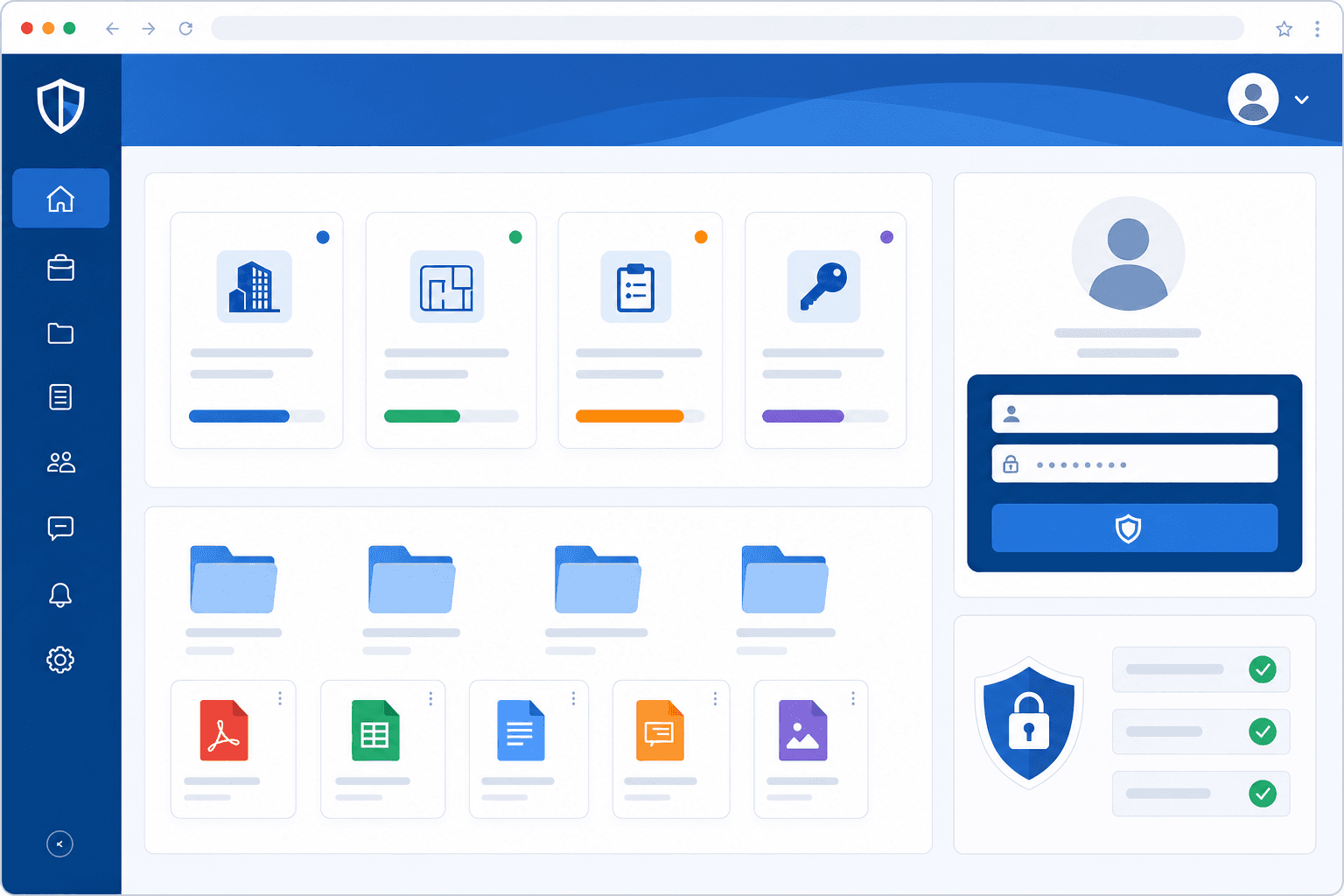
Not every portal needs the same set of features, but some are non-negotiable if you want clients to actually use it. The table below covers what matters and why, from table-stakes requirements to the details that separate a real portal from a glorified shared folder.
| Feature | What It Does | Why It Matters |
|---|---|---|
| Secure login | Clients authenticate before accessing any data | Protects sensitive information and builds trust with clients |
| Role-based permissions | Controls what each user can see and edit | Keeps Client A from seeing Client B's records |
| Document management | Upload, organize, and version files in one place | Replaces scattered email attachments and shared drive links |
| Project status visibility | Dashboards or status fields showing current progress | Gives clients a clear, real-time view of where their work stands |
| In-portal messaging | Communication tied to specific projects or requests | Keeps conversations in context, out of crowded inboxes |
| Mobile access | Portal works on phones without a separate download | Clients check in from wherever they happen to be |
Of these, role-based permissions tend to be the one teams underestimate at the planning stage. Getting them wrong means clients either see too much or too little, and fixing that after launch is more painful than designing it correctly from the start.
Security and Compliance Requirements You Cannot Skip
When you hand clients access to your business data, security stops being optional. A breach or compliance failure can end client relationships faster than any service issue, so getting this right from the start matters.
There are a few requirements worth treating as non-negotiable:
- Role-based access control means each client sees only their own data, not another client's files or records. Without it, one misconfigured view can expose sensitive information to the wrong person.
- Data encryption in transit and at rest protects information whether it's moving between a browser and your server or sitting in a database.
- Audit logs track who accessed what and when, which can help with troubleshooting and may support compliance reviews depending on your industry's specific requirements.
- GDPR and HIPAA alignment depends on your industry and client location. If you serve healthcare clients or anyone in the EU, your portal needs to meet those standards before it goes live.
Before choosing any client portal development tool, confirm it supports these controls natively. Retrofitting security after launch is far harder than building it in from the beginning.
Build vs Buy: Choosing Your Client Portal Options
When you need a client portal, you face a real choice: build something custom from scratch, buy an off-the-shelf product, or find a middle path. Each option carries genuine trade-offs worth thinking through before you commit.
Here are the three paths most teams consider:
- Custom development gives you full control over features and design, but requires a dev team, months of build time, and ongoing maintenance costs that add up fast.
- Off-the-shelf software like SimplePractice or a dedicated client portal app gets you running quickly, but you're working within someone else's feature set and often paying per seat as you grow.
- No-code app builders let you configure a portal around your actual workflows without writing code, sitting between the other two options in both flexibility and cost.
How to Pick the Right Fit
The right choice depends on a few honest questions about your situation:
- How quickly do you need to launch? Custom builds typically take months; no-code tools can get you live in days.
- Do you have technical resources? If there's no dev team available, custom development isn't really on the table.
- How unique are your requirements? Standard portals work well for common use cases like file sharing and status updates. Specialized workflows often need more configuration freedom, such as multi-stage client approvals, conditional intake forms that change based on a client's plan, per-project billing fields pulled from your accounting tool, or client-specific document templates. The more your process deviates from a generic portal, the more configuration freedom you'll want.
- What's your budget ceiling? Off-the-shelf tools have predictable costs; custom builds rarely do.
For most small businesses and consultants without a dedicated engineering team, a no-code app builder offers the most practical path to a portal that actually fits their process.
Using AI and Visual Builders to Create Portals Without Developers
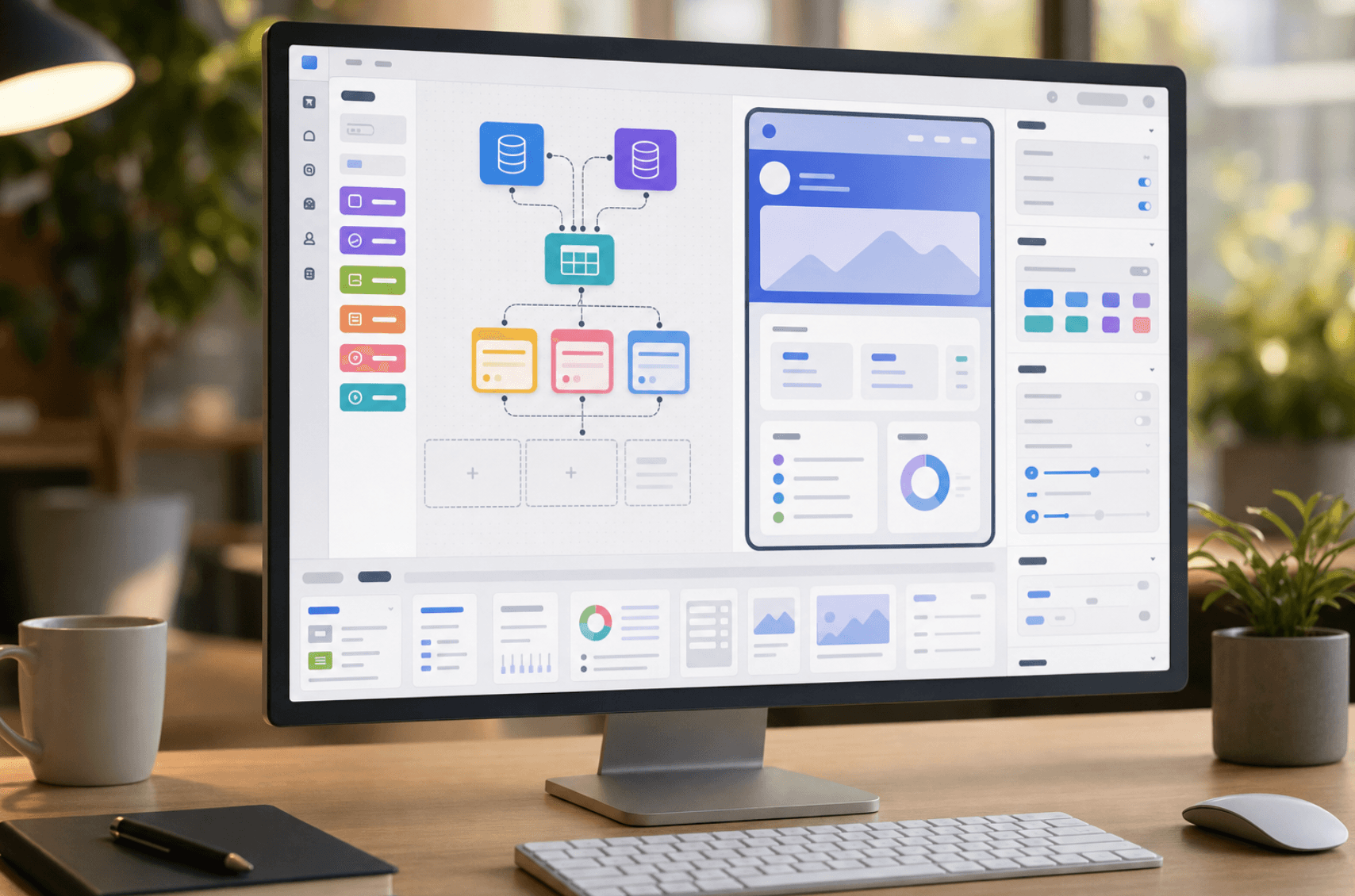
Most teams building a client portal assume they need a developer. In practice, AI-powered app builders let you skip that step entirely. Tools like Stacker let you connect your existing data sources, configure role-based permissions, and publish a working portal without writing a single line of code.
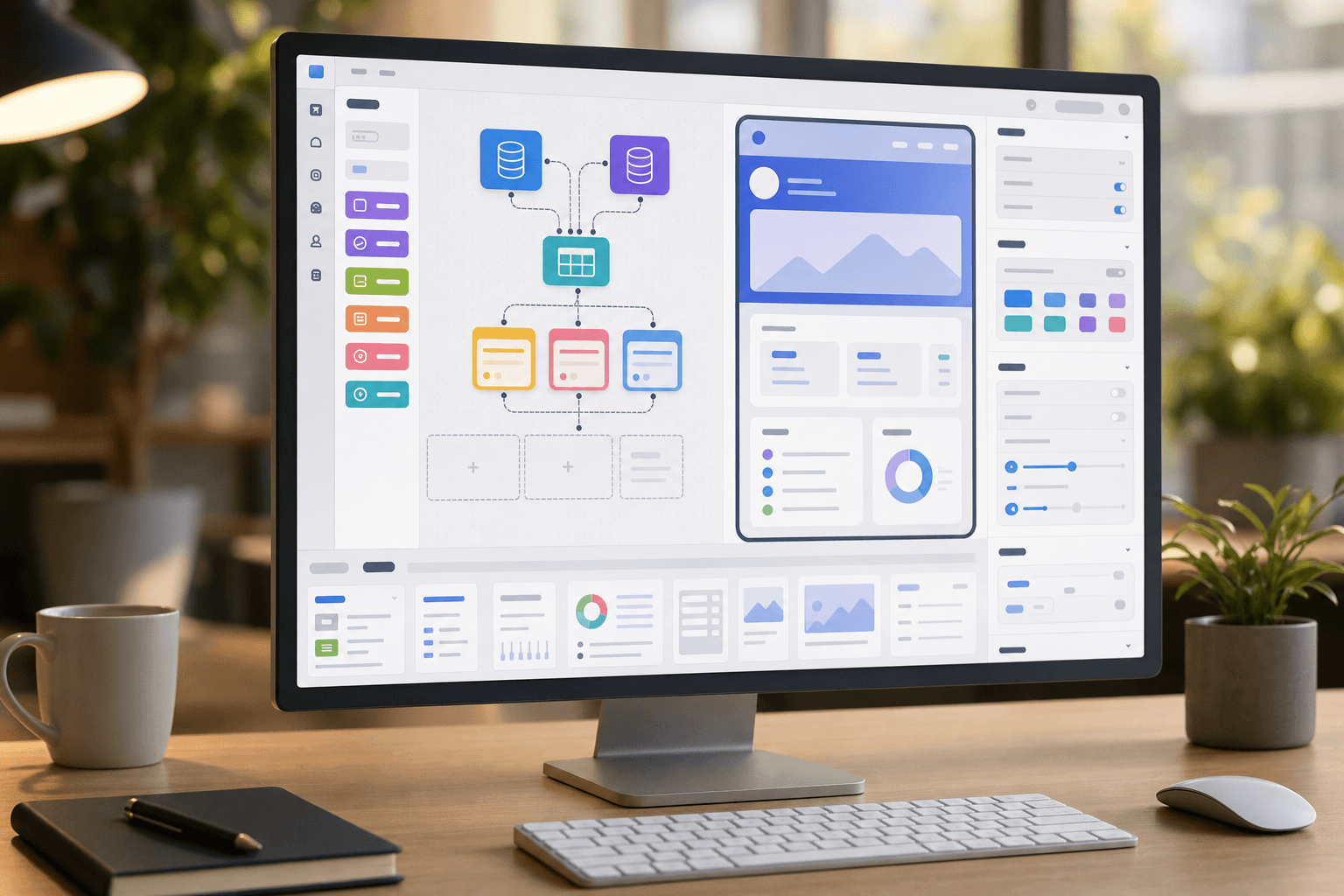
The shift matters because hiring a developer for custom client portal development can cost tens of thousands of dollars and take months. A visual builder gets you there in days.
What to look for in a no-code portal builder
- Data connectivity: your builder should connect directly to sources you already use, like spreadsheets, Airtable, or a database, so you skip manual data entry entirely.
- Permission controls: clients should only see their own records, not your entire dataset. Role-based access is a baseline requirement.
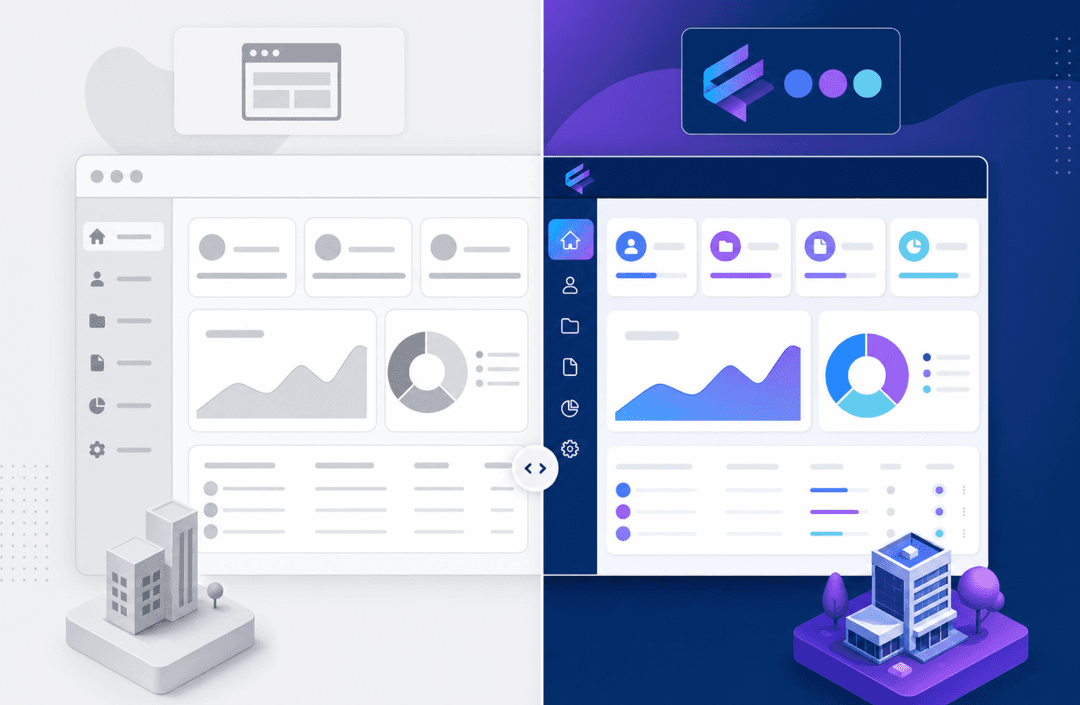
- Custom branding: a portal that matches your brand builds more trust than a generic third-party interface.
- Form and workflow support: clients need to submit requests, upload files, or approve deliverables without emailing you.
Stacker checks each of these without requiring any developer involvement, making it a practical starting point for small businesses and agencies looking to build their first client portal.
Key Steps to Planning and Building Your Portal
Good planning prevents most portal problems. Before you touch any builder or tool, the order in which you make decisions matters more than the decisions themselves.
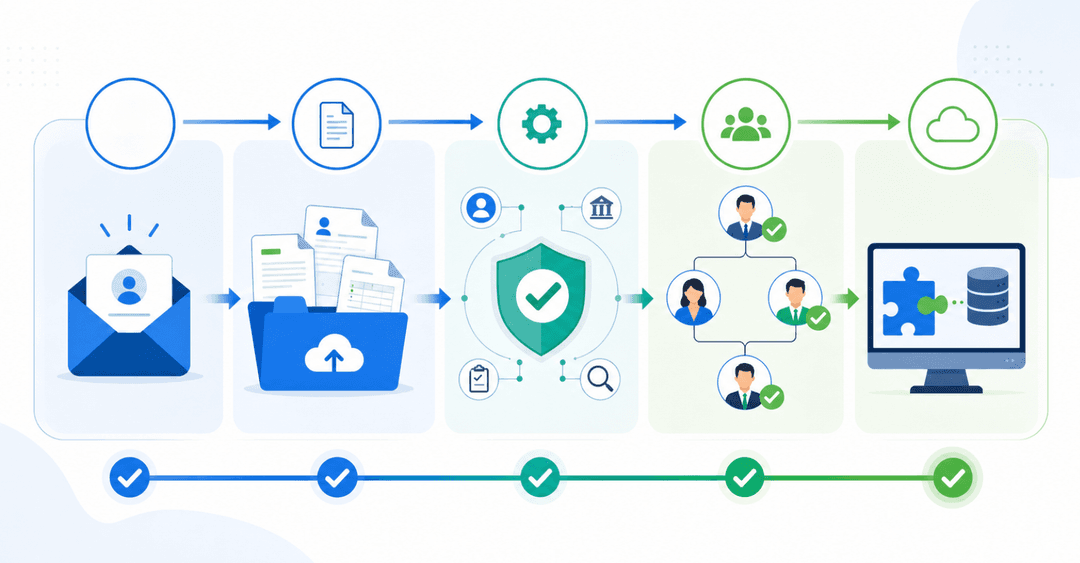
- Define your user roles first. Identify who will access the portal and what each group needs to see. Clients, internal team members, and admins often need very different views of the same underlying data.
- Map the workflows those roles follow. What does a client actually do inside the portal? Trace each action from start to finish before you build anything.
- Choose your data source. Where does the underlying information live today? Pick a builder that connects to it directly instead of forcing a migration.
- Design for the client, not for yourself. Keep navigation simple, surface only relevant information, and brand it to your business so it feels like a natural extension of your service.
- Test with real users before launch. Give two or three actual clients early access and watch where they get confused or drop off.
- Plan your rollout carefully. Send a short walkthrough, offer a live demo, and give clients a clear reason to log in instead of emailing you.
That last step is the one teams skip most often. A portal nobody logs into solves nothing, so the communication around launch matters as much as the build itself.
Integration and Data Strategy
Your portal only works as well as the data feeding it. Most businesses already have client records spread across a CRM, project management tool, or accounting software, and a portal that requires manual re-entry of that information creates more work than it saves.
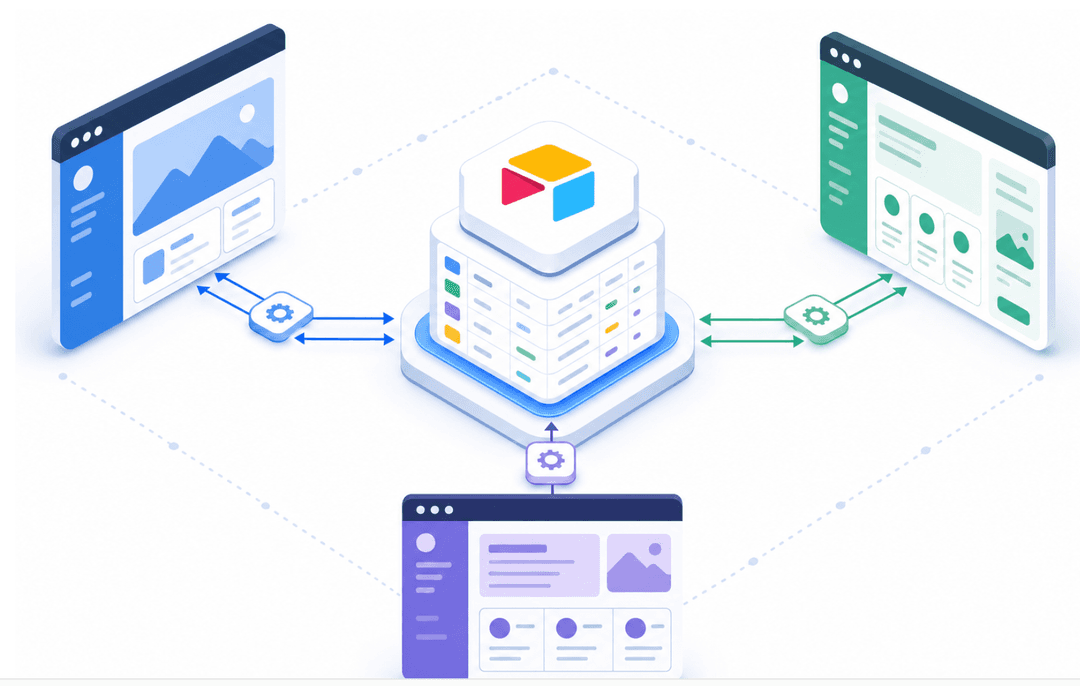
Two-way sync solves this. When your portal connects directly to the tools you already use, changes flow in both directions without anyone copying data between systems. Stacker syncs with sources like Airtable, Google Sheets, HubSpot, Salesforce, and QuickBooks, so your existing workflows stay intact.
Two questions worth asking before committing to any portal builder:
- Can you export your data at any time, in a usable format? If the answer is unclear, that's a sign of potential lock-in.
- Does the tool offer an API for cases where you need a custom integration outside its native connector list?
Vendor lock-in is a real risk with portal software. Building on a tool that owns your data structure or charges heavily for exports means any future migration becomes expensive. Look for builders where you retain clear data ownership from day one.
Common Mistakes and How to Avoid Them
Portal projects tend to fail in predictable ways, and most of the problems show up before a single client logs in.
- Building too much in version one. Ship the simplest portal that solves the core problem, then iterate based on what clients actually use. Feature-heavy portals built on assumptions often launch late and still miss the mark.
- Skipping real permission testing. Before launch, log in as an actual client account and verify you see only what that client should see. Internal testing routinely misses access errors that a real client view would catch immediately.
- Testing only on desktop. Most clients will open your portal on a phone at some point, so check every view on mobile before you go live.
- No onboarding moment. Clients who understand what the portal does will use it. Those who get a login link with no context will email you instead.
Build a Client Portal with Stacker
Stacker lets you build a fully functional client portal without writing a single line of code. You connect your existing data sources, like Google Sheets, Airtable, or a database, and Stacker turns that data into a structured web app your clients can actually log into and use.
Here is what you can set up with Stacker:
- Role-based permissions so each client only sees their own records, files, and status updates, not anyone else's data.
- A branded portal with your logo and colors, so clients feel like they are accessing something built just for them.
- Forms for collecting intake information, approvals, or feedback directly inside the portal, without routing clients to a separate tool.
- Real-time data sync so anything updated in your spreadsheet or database reflects immediately in the client view, with no manual exports needed.
- Automated notifications to alert clients when something changes or when action is required on their end.
The setup follows a straightforward path: connect your data source, define what each user role can see or edit, configure your pages and forms, and publish. Most teams get a working portal live within a day or two, not weeks.
Stacker works well for service businesses that already track client work in a spreadsheet or database and want to give clients visibility without handing over full backend access.
Final Thoughts on Building Your Own Client Portal
You don't need a development team to give clients secure access to their files and project status. What you need is a clear picture of who logs in, what they should see, and where that data lives today. Get those three things right and a no-code builder can turn your existing spreadsheet or database into a working portal faster than you'd spend negotiating a custom development contract. Book a demo to walk through how Stacker connects your data and sets up permissions without code.
FAQ
Can I build a client portal without hiring a developer?
Yes. AI-powered app builders like Stacker let you connect your existing data sources (Google Sheets, Airtable, databases) and configure role-based permissions without writing any code. Most teams get a working portal live within a day or two, compared to the months and tens of thousands of dollars custom development typically requires.
How do I secure a client portal so each client sees only their own data?
Use a tool with built-in role-based access controls where each client account sees only their own records automatically. Stacker handles this natively: you define user roles once, and the tool enforces field-level and table-level restrictions without requiring backend code or manual configuration for each new client.
What's the difference between white label and branded client portals?
A white label portal removes the software vendor's branding entirely and lets you apply your own logo, colors, and domain. A branded portal adds your logo and colors but may still show the vendor's name or "powered by" text somewhere in the interface.
Should I integrate my portal with existing tools or start fresh?
Integrate with existing tools if your data already lives in a CRM, project management system, or spreadsheet. Two-way sync means updates flow in both directions automatically, so your team keeps working in familiar tools while clients get portal access. Starting fresh only makes sense if your current data structure is broken beyond repair.
How do I get clients to actually use the portal after launch?
Send a short walkthrough explaining what they can do inside the portal, offer a live demo, and give them a specific reason to log in instead of emailing you (like real-time project status or instant document access). Most portals fail because teams skip the onboarding moment: clients who understand what the portal does will use it; those who just get a login link will keep emailing.