Everyone says they want a customer portal, but most teams stall because they're not sure which customer portal builder to use or how long it'll take to get live. The good news: if you already have your data in a spreadsheet, CRM, or database, you can connect a home builder customer portal or any business portal in a week or two. You just need to know what to focus on so you don't overbuild or pick a tool that doesn't fit your permission model.
TLDR:
- Portal builders cut support volume by giving customers self-service access to orders and files.
- Role-based permissions, two-way data sync, and SSO support are non-negotiable features.
- Portal builders launch in days to weeks; custom development takes months and needs engineers.
- Most portal failures come from skipping permissions setup or launching without user testing.
- Stacker connects to your existing data sources and builds portals through AI-assisted conversation.
What Is a Customer Portal Builder
A customer portal builder is a tool that lets you create a private, web-based workspace where your customers can log in, view their data, submit requests, track orders, or manage their accounts without you writing a single line of code. Learn more about customer portals and how they work.
Unlike general website builders, these tools are built around access control and data. You decide who sees what, connect the portal to your existing records, and give each customer a personalized view of only their information.
Home builders, service firms, and SaaS companies all use them to reduce repetitive status emails and support requests.
Benefits of Building a Customer Portal
A customer portal gives clients instant self-service access and frees your team from having to field the same status questions repeatedly. The gains show up across several areas:
- Self-service access reduces inbound support volume by letting customers look up contracts, project updates, or billing records on demand without emailing your team.
- Shared visibility reduces back-and-forth by giving customers and your team a single source of truth for files, statuses, and next steps.
- Role-based permissions let you control exactly what each customer sees, so sensitive data stays protected without requiring manual gatekeeping.
- A branded customer portal experience builds trust, especially for home builder customer portal use cases where homeowners track construction milestones and warranty details over months or years.
For home builders and contractors, this last point carries extra weight. A homeowner portal keeps buyers informed through every phase of a build, reducing anxious check-in calls and building confidence in your process before the keys are handed over.
Key Features to Look for in a Portal Builder
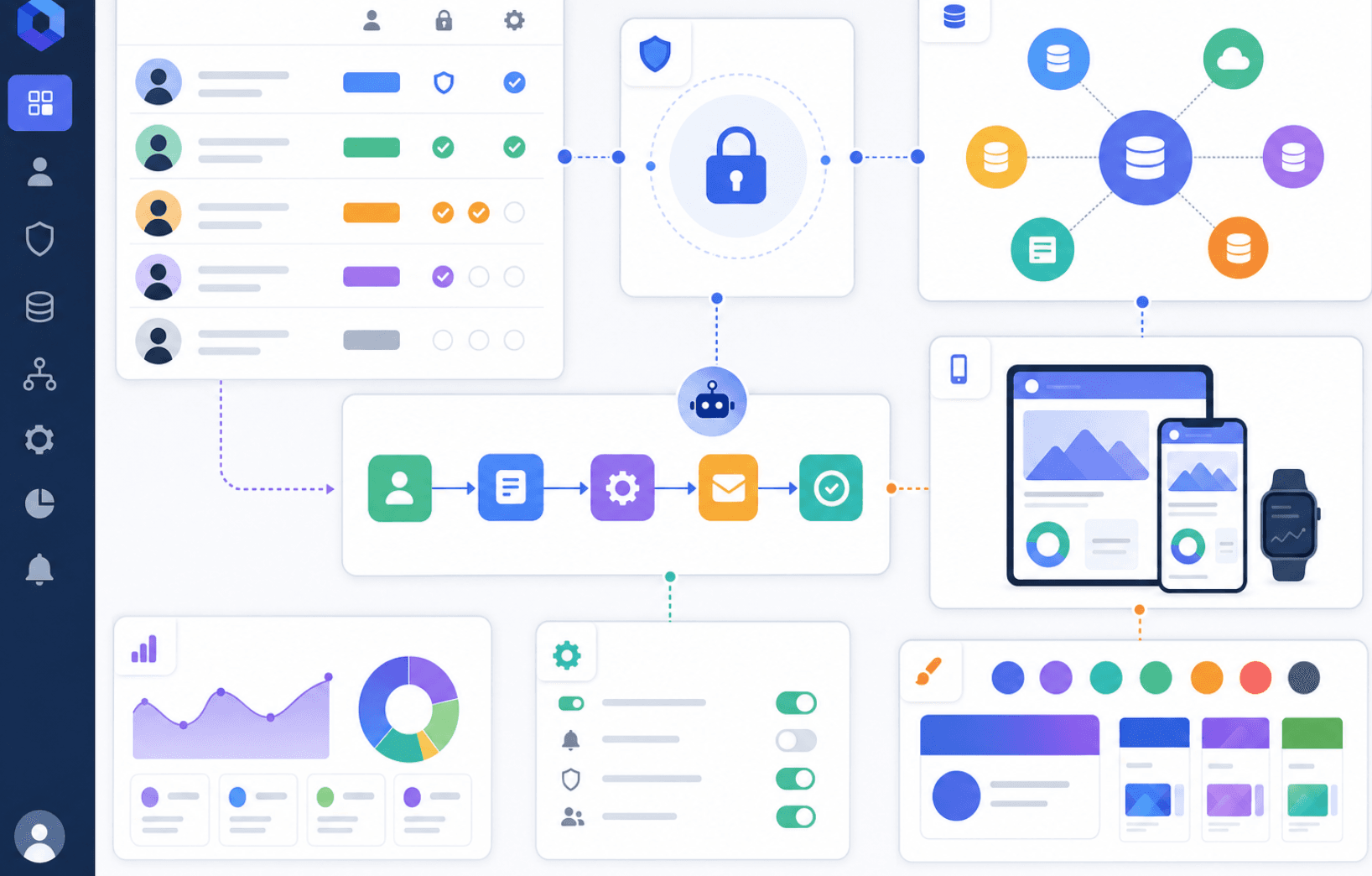
Not all portal builders handle the same workload. Some manage simple read-only views without issue, but break down once you add multiple user types, live data connections, or a branded experience that looks like your business.
Here are the features worth checking before you commit:
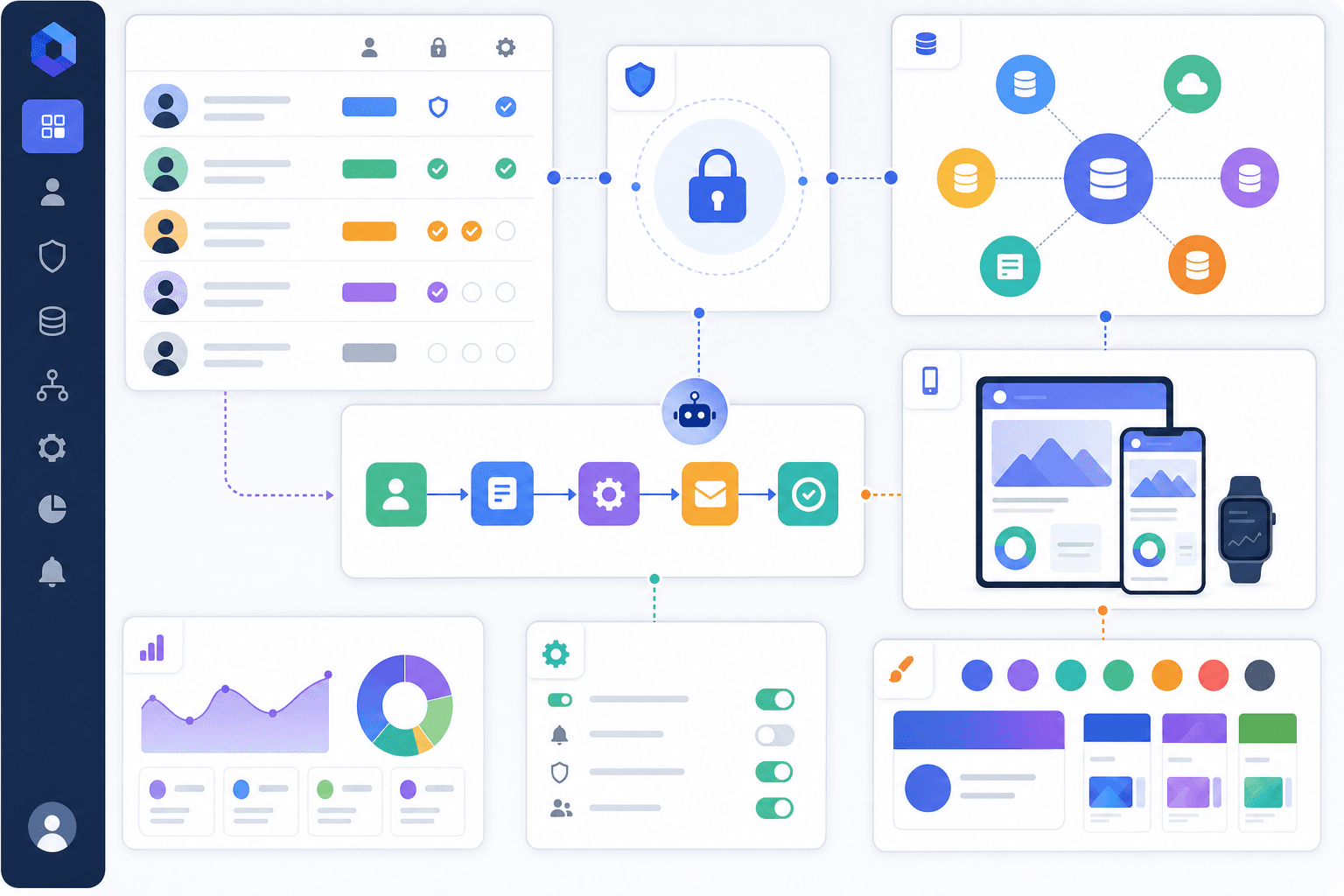
- Role-based permissions: controls who can see which records or fields, and are table stakes for any portal serving more than one type of user
- Authentication: secure, low-friction login out of the box, with SSO support for teams that need it
- Data integration: two-way sync with the tools you already run on, so records stay in one place
- Workflow automation: status updates, approvals, and notifications that trigger on their own without manual follow-up
- Mobile responsiveness: works cleanly on any device without a separate build
- Branding controls: custom colors, fonts, and layouts tied to your business, not the tool's defaults
Security and Compliance Requirements
When you give external users access to your data, security becomes mandatory. A customer portal builder needs to support role-based permissions so that each user sees only what they're supposed to. Look for SSO support, audit logs, and encryption both in transit and at rest.
If your business handles sensitive information, check whether the builder meets relevant compliance standards. Here is what each standard means in practice:
- SOC 2 Type II: Confirms the vendor has been independently audited on security, availability, and confidentiality controls over a period of time (typically six to twelve months). A Type II report is stronger evidence than a Type I, which only covers a single point in time. Ask vendors for their most recent report and check when it was issued.
- GDPR: Applies if any of your portal users are based in the EU or if you process data of EU residents. Check where the vendor stores data, whether they offer a Data Processing Agreement (DPA), and whether they support data deletion requests. Storing data on EU-based servers significantly simplifies compliance.
- HIPAA: Required if your portal handles protected health information (PHI). Look for a vendor willing to sign a Business Associate Agreement (BAA), which is required under HIPAA. Not all portal builders offer this, and those that do typically reserve it for higher-tier plans.
Some builders offer these certifications out of the box; others require a higher-tier plan or custom configuration. Confirm which tier includes the compliance features you need before signing a contract. Upgrading later can be disruptive and costly.
Questions to Ask Before You Commit
- Does the builder support row-level or field-level permissions, so you can restrict access at a granular level within a single view?
- Is SSO available on your target plan, or is it gated behind an enterprise tier?
- Where is customer data stored, and in which region? This matters if you operate in the EU or handle sensitive or compliance-governed data.
- Does the vendor publish a SOC 2 Type II report or similar third-party audit that you can share with your own compliance team?
Skipping this checklist early is a common mistake. Rebuilding a portal after a security gap surfaces costs far more time than vetting requirements upfront.
Data Integration and Backend Connectivity
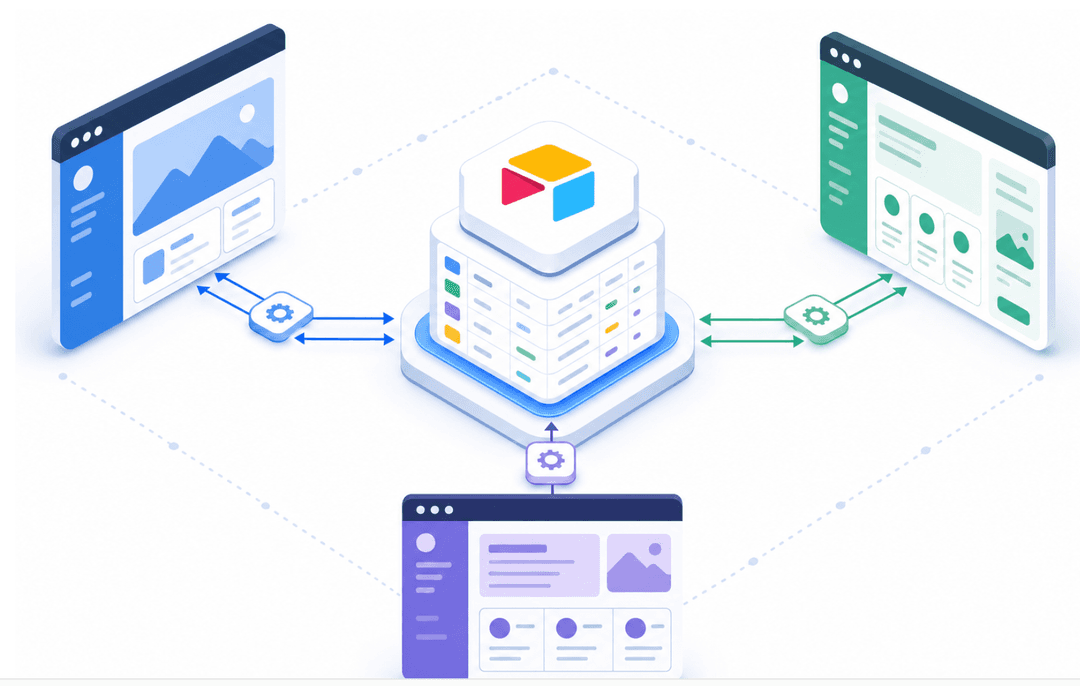
A customer portal is only as useful as the data it can read and write. If your portal sits disconnected from your CRM, project management tool, or billing system, your team ends up doing double-entry work, and your clients get stale information.
Look for a builder that connects directly to the sources you already rely on. The best options support two-way sync, so changes made in the portal are automatically reflected in your source data.
Common integrations worth confirming before you commit:
- CRM connections (Salesforce, HubSpot) so client records stay current without manual exports
- Spreadsheet sync (Google Sheets, Airtable) for teams whose data still lives in rows and columns
- Database support (PostgreSQL, MySQL) for businesses with structured backend data
- REST API access for connecting to custom or less common data sources
DIY Portal Builders vs Custom Development
There are two paths to building a customer portal: hire developers to build one from scratch, or use a dedicated customer portal builder.
Custom development gives you full control, but that control comes at a cost. Projects routinely take months and require ongoing engineering resources just to maintain what you've built.
Portal builders sit in the middle ground. You get a configurable product without the dev overhead, and most teams can go from setup to launch in days instead of quarters.
- Custom builds suit companies with highly specialized workflows that no off-the-shelf tool can handle, and a dedicated engineering team to support them long-term.
- Portal builders work well for ops teams, client success managers, and small-to-mid-size businesses that need something real up and running fast, without waiting in a dev queue.
| Factor | Custom Development | Portal Builder |
|---|---|---|
| Time to launch | Months | Days to weeks |
| Upfront cost | High | Low to moderate |
| Maintenance burden | High (engineering required) | Low (managed by vendor) |
| Flexibility | Unlimited | Configurable within the tool |
| Best for | Unique, complex workflows | Standard portal use cases |
The trade-off is honest: custom code scales to nearly any requirement, but most businesses never need to reach that ceiling. A well-chosen portal builder covers use cases like client onboarding, order tracking, document access, and project status views faster and more cheaply.
How to Choose the Right Portal Builder for Your Business
Before committing to a builder, it helps to run through a short checklist of questions that will quickly narrow your options.
Here are the factors worth weighing:
- What data source are you connecting to? If your business already runs on Google Sheets, Airtable, or a SQL database, look for a builder that connects directly to those sources instead of forcing a migration.
- Who are your portal users? External clients need stricter permission controls than internal staff. Confirm that the builder supports row-level or role-based access before you proceed.
- How much customization do you need? Some builders offer ready-made templates that get you live in hours; others give you more layout control but take longer to configure.
- What does your team look like? If no one on your team writes code, rule out any builder that requires it for basic setup or ongoing changes.
- What is your budget? Pricing models vary widely, from per-user fees to flat monthly tiers, so map the cost against your expected number of portal users.
A Note on Home Builder Customer Portals
Home builders and residential contractors have specific requirements that not every builder handles well. You need clients to track build progress, approve selections, and access documents, all without having to call your office. Look for a builder that supports file uploads, status tracking views, and conditional visibility so buyers only see what applies to their lot or phase.
The right choice comes down to fit: match the builder's strengths to your actual workflow, not the one with the longest feature list.
Implementation Timeline and Launch Strategy
Most customer portal projects stall not because of the tech, but because teams underestimate the sequencing. A clear launch order keeps you moving.
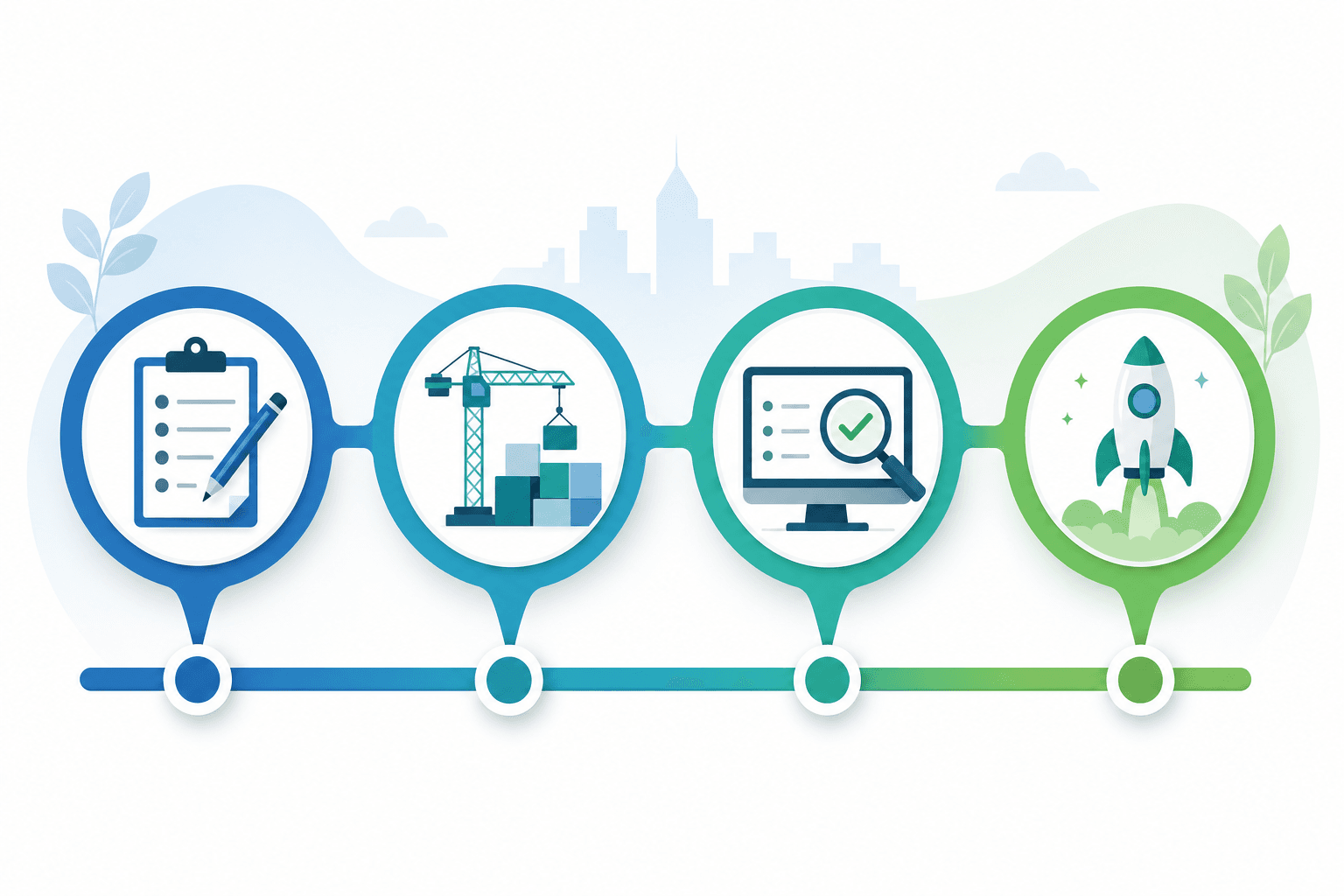
A Realistic Four-Week Timeline
Here is a sequencing that works for most teams building with a no-code customer portal builder:
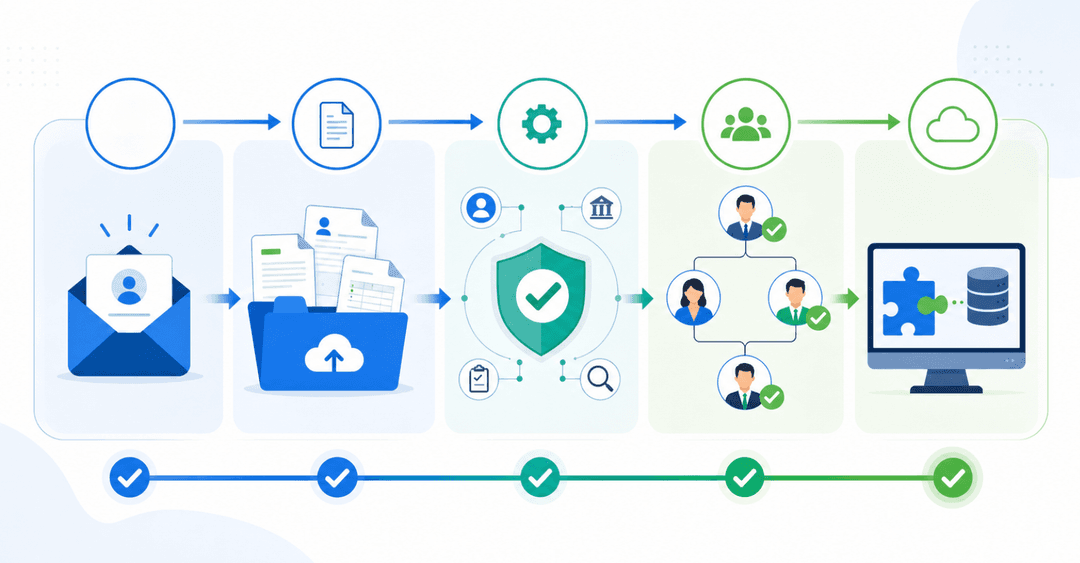
- Week 1: Define your use case and data structure. Identify which data sources the portal needs to read from or write to, and map out which user roles need access to what.
- Week 2: Build your first working view. Connect your data source, set up role-based permissions, and get one core workflow functional before adding more.
- Week 3: Test with five to ten actual customers or team members, collect feedback, and fix the friction points you find.
- Week 4: Fix, refine, and open access. Resolve the issues from testing, finalize your branding, and roll out to your full user base.
What to Tackle Before You Build
Jumping into a build before you have clarity on a few questions tends to create rework. Before touching any tool, confirm:
- Who your external users are and what they need to do inside the portal
- Where your data currently lives and whether it can connect via API or native integration
- What your permission structure looks like across different customer tiers or roles
- Whether you need two-way data sync or read-only access
Getting these answered in writing, even briefly, cuts build time considerably.
Measuring Portal Success and ROI
After your portal goes live, tracking a few key numbers tells you whether it's actually working or just adding complexity.
Adoption rate: What share of eligible users logged in during the first 30 days? A healthy portal typically sees 60–80% of invited users log in within the first month. Low adoption usually points to onboarding friction, a confusing invite email, an unclear login flow, or a homepage that doesn't surface the right information immediately. Fix the entry experience before assuming users don't need the portal.
Support ticket volume: A well-built portal should reduce the need for clients or vendors to ask repetitive status questions. Measure ticket volume in the 30 days before launch and compare it to the 30 days after. If volume hasn't dropped by the 60-day mark, audit which self-service features are going unused and whether the data behind them is current and accurate.
Time-to-resolution: Track how long it takes from a client submitting a request to receiving a response or resolution. Portals with two-way sync and automated notifications tend to cut resolution time by removing the back-and-forth of email chains. If resolution times aren't improving, check whether notifications are firing correctly and whether clients can actually find the request submission flow.
Data accuracy rate: If clients are emailing to flag wrong information in the portal, your data sync has a gap. Track how often clients report stale or incorrect records. Even one or two complaints per week erodes trust quickly. Set up a simple log to capture these reports and trace them back to the source.
Review these four numbers together at the 30, 60, and 90-day marks. A portal that scores well on adoption but poorly on ticket reduction likely has a feature discoverability problem, not a data problem.
Common Portal Implementation Mistakes
Skipping permissions setup is one of the most common ways a portal launch goes sideways. If every user can see every record, you'll get support tickets from confused clients and, worse, potential data exposure. Map out your user roles before you write a single line of configuration.
The second mistake is building without real user input. A portal that looks complete internally can still confuse the people it was built for. Run a quick walkthrough with two or three actual clients before you go live.
Finally, watch for data sync gaps. If your portal pulls from a spreadsheet or database that teams update manually, outdated information erodes trust fast. Confirm your data source is live and accurate before launch day.
Building a Customer Portal With Stacker
Stacker is an AI-powered app-building tool built around portal use cases.
Teams across industries run critical workflows on Stacker, from client onboarding and document management to application review systems.
Where horizontal AI tools require you to explain what a good portal looks like from scratch, Stacker already knows. Years of portal-specific use cases are baked into the AI, so the output is production-ready. As your requirements change, you refine through conversation instead of filing a ticket and waiting.
Final Thoughts on Selecting the Right Portal Builder
Most teams don't need unlimited customization; they need a working portal that handles their actual use case without months of development time. The right customer portal builder integrates with the tools you already use, protects sensitive data with role-based permissions, and gives your clients self-service access that reduces support volume. If your business runs on spreadsheets, CRMs, or databases and you need external users to securely view their records, book a demo to see how Stacker handles portal builds.
FAQ
Can I build a customer portal without coding?
Yes. Modern portal builders like Stacker let you create fully functional client portals by describing what you need in plain language, no code required. The AI handles authentication, permissions, and data connections while you focus on which information your customers need to access.
Customer portal builder vs custom development?
Portal builders launch in days with low upfront cost and managed maintenance, while custom development takes months, costs far more, and requires ongoing engineering resources. Custom builds suit highly specialized workflows with dedicated dev teams; portal builders fit standard use cases where speed and cost matter more than unlimited flexibility.
What's the difference between a customer portal and a regular website builder?
A customer portal builder is built around access control and personalized data views, where each customer logs in and sees only their information.
How long does it take to launch a customer portal?
Most teams go from setup to launch in two to four weeks when using a no-code portal builder. Week one covers data structure and use-case definition; week two builds the first working view; week three runs user testing; and week four handles refinements before the full rollout.
What security features should a home builder's customer portal include?
Role-based permissions so each homeowner sees only their project data, secure authentication with SSO support, audit logs tracking who accessed what, and encryption for data in transit and at rest. If you handle sensitive financial or personal information, verify the builder meets SOC 2 or relevant compliance standards before committing.