
Your support inbox is full of questions that customers could answer themselves if they just had access to the right screen. Order status, account history, open tickets, and past invoices. All of it lives somewhere in your system, but reaching it means emailing your team and waiting for a reply. A customer service portal closes that gap by giving everyone a login that lets them see only their own data and handle routine tasks without your involvement. You just need to set it up before the volume becomes unmanageable.
TLDR:
- Customer care portals cut support workload by 25-63%, saving teams $30,000+ yearly.
- Your portal needs secure login, role-based permissions, and ticket tracking to replace emails.
- AI builders generate working portals from plain descriptions in days, instead of weeks of custom dev.
- Customers now expect self-service options; a portal has become a baseline, not a differentiator.
- Stacker builds branded customer portals with authentication and permissions already configured.
What Is a Customer Care Portal?
A customer care portal is a secure, branded web app where customers log in to manage their relationship with your business. They can check order status, submit a request, or download a document without sending emails or waiting on hold.
The difference from a basic support page is the level of personalization. A support page is static, showing the same content for everyone. A portal knows who's logged in. Each customer sees their own data, history, and open tickets. That role-based access is what sets it apart from a FAQ page and makes it a self-service hub your customers can rely on at any time, without looping in your team.
Why Customer Care Portals Matter in 2026
Most teams already have or plan to build a self-serve customer portal, and customers increasingly reach for self-service options before calling or emailing a support rep.
That gap is where portals earn their keep. Customers want answers on their own schedule. Your team wants fewer repetitive tickets. A portal satisfies both sides simultaneously, with no incremental cost per interaction beyond setup.
Today, having a portal is less a competitive edge and more a baseline expectation. The question is how quickly you can get it right.
Key Features Every Customer Care Portal Should Include
Not every portal needs ten features on day one. But certain capabilities consistently determine whether customers return to use it or revert to emailing your team.
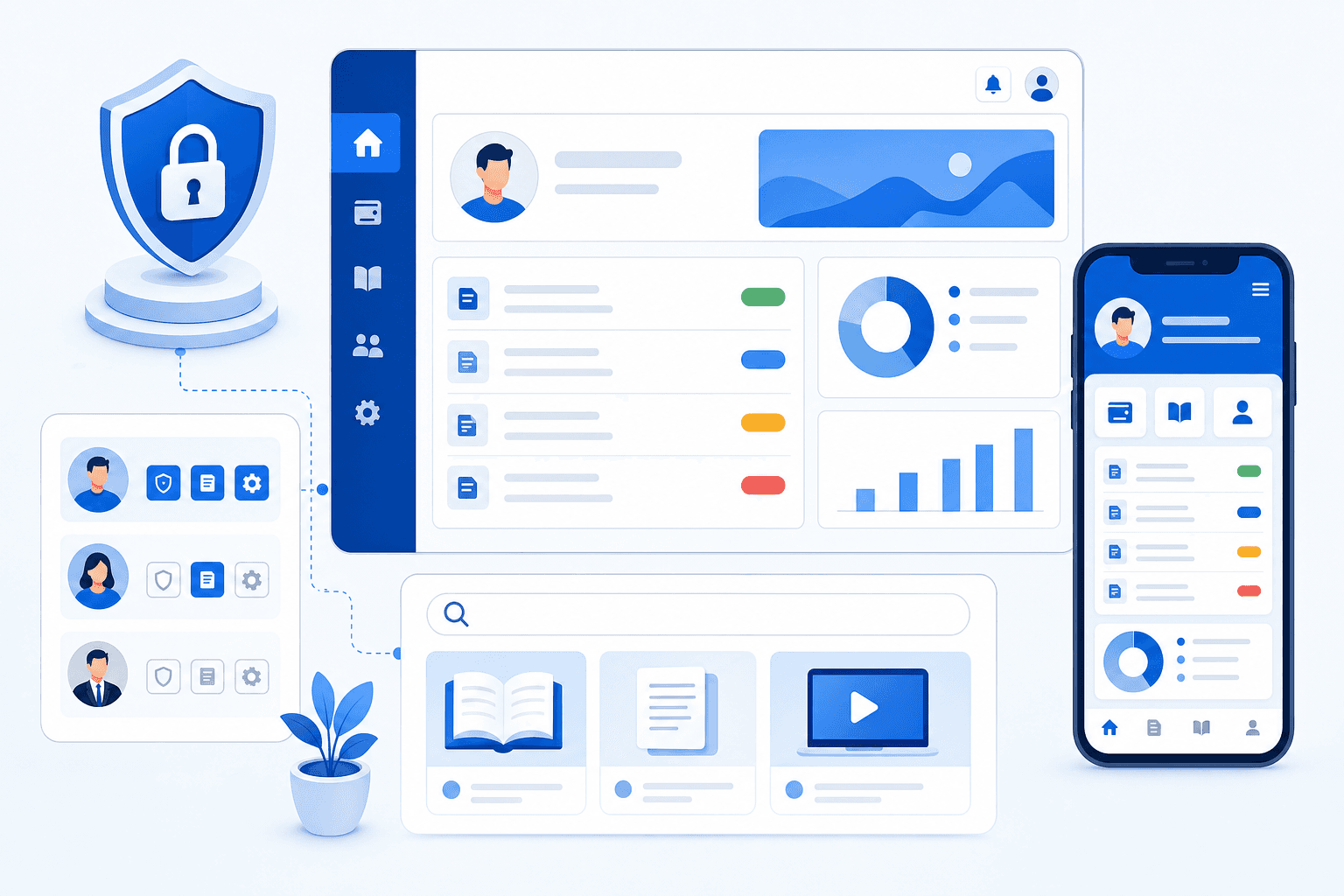
- Secure login and authentication: Customers need to trust that their data is private. Password protection, multi-factor authentication, and session controls are non-negotiable starting points.
- Personalized dashboards: Each user sees only their own records, history, and status updates, not a generic feed shared with everyone.
- Ticket and request management: Customers can submit, track, and update issues without sending an email or making a call.
- Self-service knowledge base: Surfaces answers before they become tickets, reducing inbound volume without adding headcount.
- Role-based permissions: Different users get different access levels, so no customer ever sees another customer's data.
- Mobile responsiveness: If the portal breaks on a phone, it immediately fails a large share of your users.
- Escalation paths: When self-service falls short, reaching a real person shouldn't require starting the process over from scratch.
Types of Customer Care Portals by Use Case
Not all portals look the same under the hood. The type you build shapes everything from your data model to your permission structure.
| Type | Who It Serves | Typical Use Cases |
|---|---|---|
| B2B | Business clients, vendors, partners | Account management, order tracking, vendor onboarding, contracts |
| B2C | End consumers | Order status, returns, account preferences, support requests |
| Employee (internal) | Staff and teams | HR tickets, IT support, onboarding, policy documents |
| Industry-specific | Patients, homebuyers, agency clients | Healthcare records, real estate deal status, and deliverable approvals |
Knowing which category fits your business upfront saves considerable rework later. A B2B portal often needs multi-account structures where each client company has multiple users with different access levels. A B2C portal is simpler in hierarchy but higher in volume. Industry-specific portals have their own requirements, such as compliance documentation in healthcare or milestone tracking in real estate.
The Business Impact of Customer Care Portals
Organizations consistently report reductions in service workload after launching self-service. For a team handling 1,000 tickets monthly, even a modest deflection rate translates to hundreds of fewer tickets each month, a meaningful reduction in staffing costs and response time.
Three categories account for most of that value:
- Cost reduction: Fewer tickets mean lower staffing costs without sacrificing service quality.
- Revenue protection: Customers who resolve issues quickly and without friction are less likely to churn.
- Team time savings: Automated status updates and document delivery free your team for work that actually requires a human.
Common Challenges When Building Customer Portals
Even with the right tools in place, building a customer care portal comes with real friction. Knowing where teams typically get stuck helps you plan ahead.
- Data access gets complicated fast. Connecting your portal to live CRM, ticketing, or order data without exposing sensitive backend systems requires careful permission scoping. A common mistake is granting broad read access at the table level instead of filtering by the logged-in user's records, which can allow one customer to inadvertently see another's data. Map out exactly which fields each role needs before writing a single permission rule.
- Keeping content current is easy to overlook. A knowledge base that goes stale erodes trust quickly, so you need a clear ownership process for updates. Assign a named owner to each article or category, set a recurring review cadence (quarterly works for most teams), and flag articles automatically when related product workflows change.
- Authentication adds friction. Balancing secure login requirements with a smooth user experience is an ongoing tradeoff, especially for B2B portals with multiple user roles. Requiring MFA at every login frustrates low-risk users; skipping it entirely creates compliance exposure. A tiered approach that enforces MFA for admin roles while keeping standard login for read-only users usually strikes the right balance.
- Adoption is never automatic. Customers need a reason to log in instead of just calling or emailing support. If your portal doesn't immediately surface something useful an open ticket, a recent invoice, a project update most users will close the tab and default back to email. Seed the portal with recent, relevant data before launch so the first login feels worthwhile.
How to Build a Customer Care Portal (Step-by-Step)
Start with a clear objective before touching any tool. Vague goals produce portals nobody uses. See how to create a portal the right way.
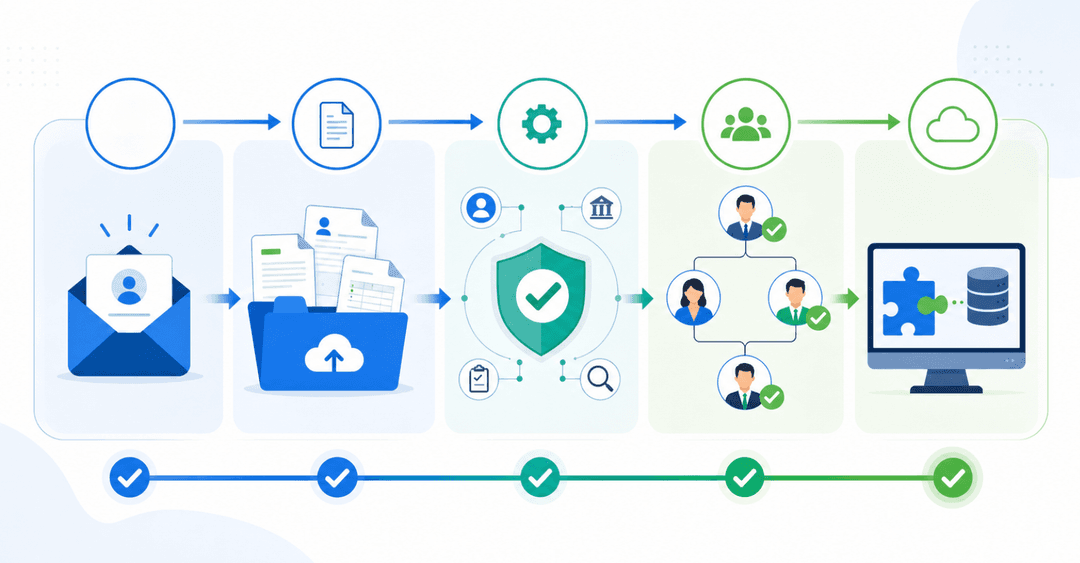
- Define what customers need to do without contacting your team: check status, upload files, and view history.
- Map the data those tasks require and where you store it (CRM, spreadsheet, ticketing system).
- Choose your build approach: custom code, no-code builder, or an AI-powered builder like Stacker that generates a working portal from a plain-language description.
- Set permissions first. Decide what each user role can see and do before building any screens.
- Design around the most common task, not the most complex one. Most users have one or two jobs to do.
- Test with actual customers before launch. Watch where they hesitate.
- Launch with a clear entry point such as an email, a link in your invoice, or a button on your site.
Choosing Between Building Custom vs. Using Portal Software
When deciding how to build your customer care portal, you have two options: build it from scratch or use dedicated portal software.
Custom builds give you full control over features and design, but they require developer resources, longer timelines, and ongoing maintenance costs.
Portal software gets you up and running faster, often with no-code or low-code tools that your team can manage without engineering support.
For most businesses, portal software hits the right balance of speed, flexibility, and cost.
Driving Adoption of Your Customer Portal
Even a well-built portal fails if customers don't use it. Adoption depends on removing friction from the first interaction and reinforcing the habit over time.
Start by making the portal easy to find. Mention it in onboarding emails, support signatures, and your website navigation. Customers should never have to search for where to log in.
A few practices that consistently improve adoption:
- Send a short welcome email with a direct login link and a one-sentence explanation of what they can do once logged in.
- Offer a brief walkthrough or tooltip tour on first login to help users feel comfortable right away.
- Ask for feedback early so you can fix confusing steps before they become reasons to disengage.
Building Customer Portals with AI-Powered Tools
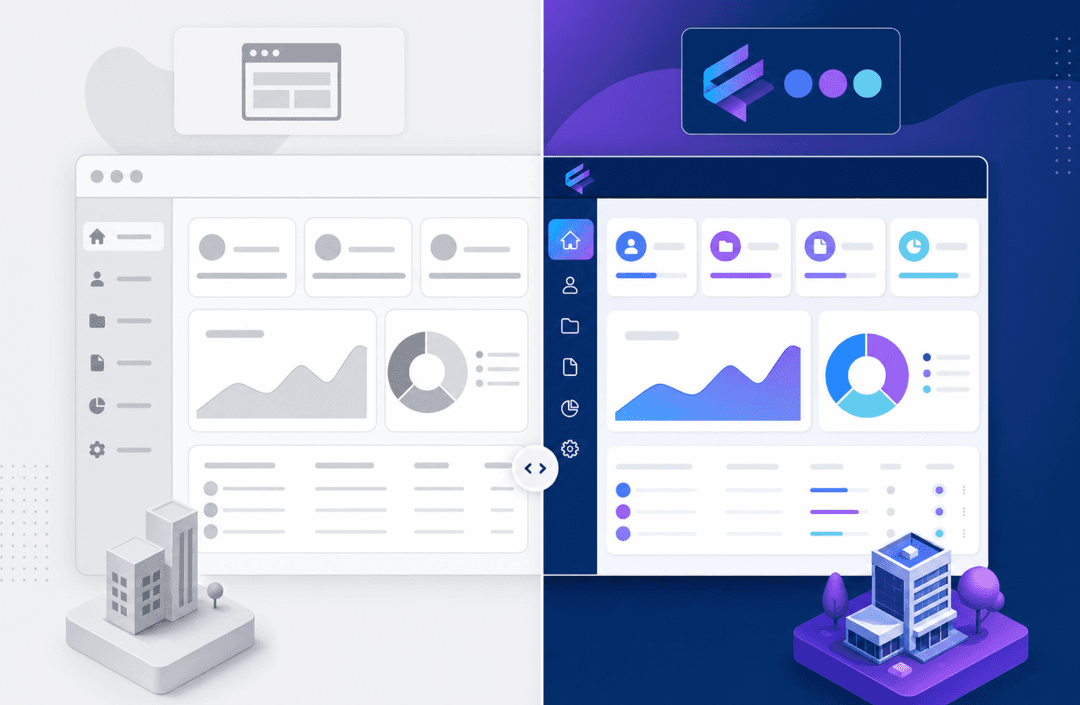
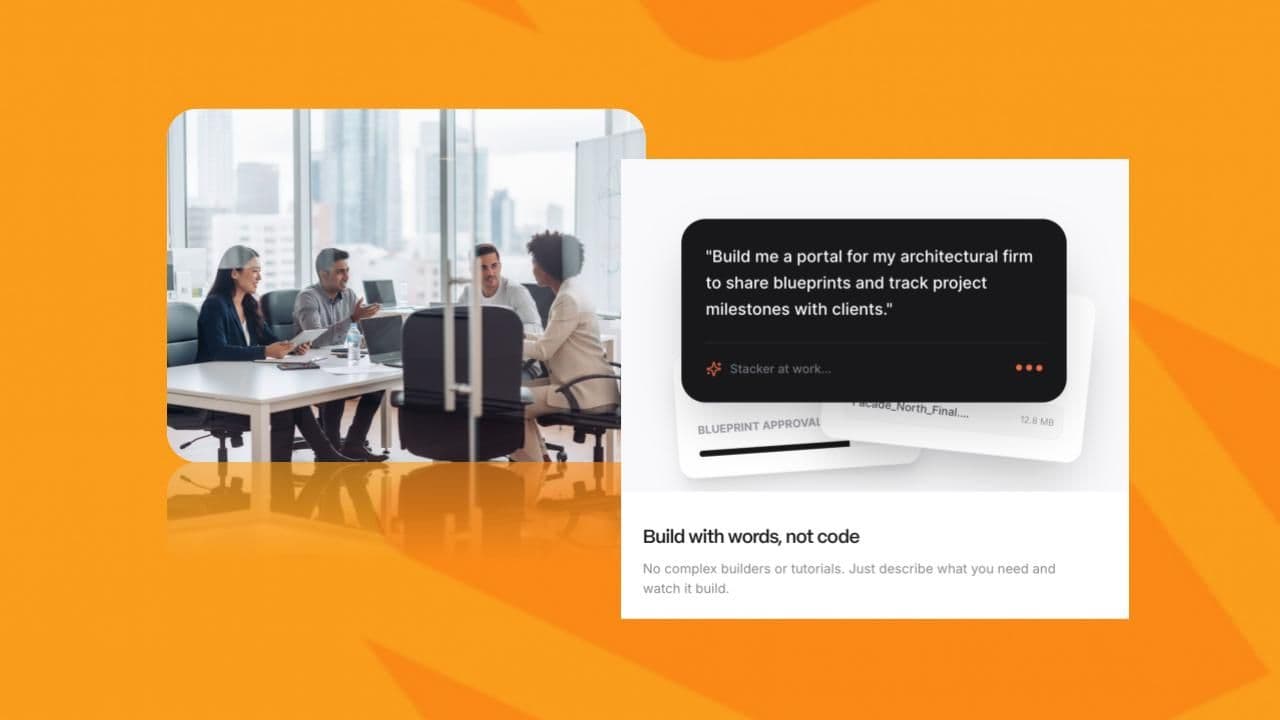
No-code tools reduced the technical barrier to building a portal, but they still required you to learn the tool, wire up data models, and manually configure permissions. AI-assisted builders simplify this further by letting you describe what you need in plain language and generating a working app from that description.
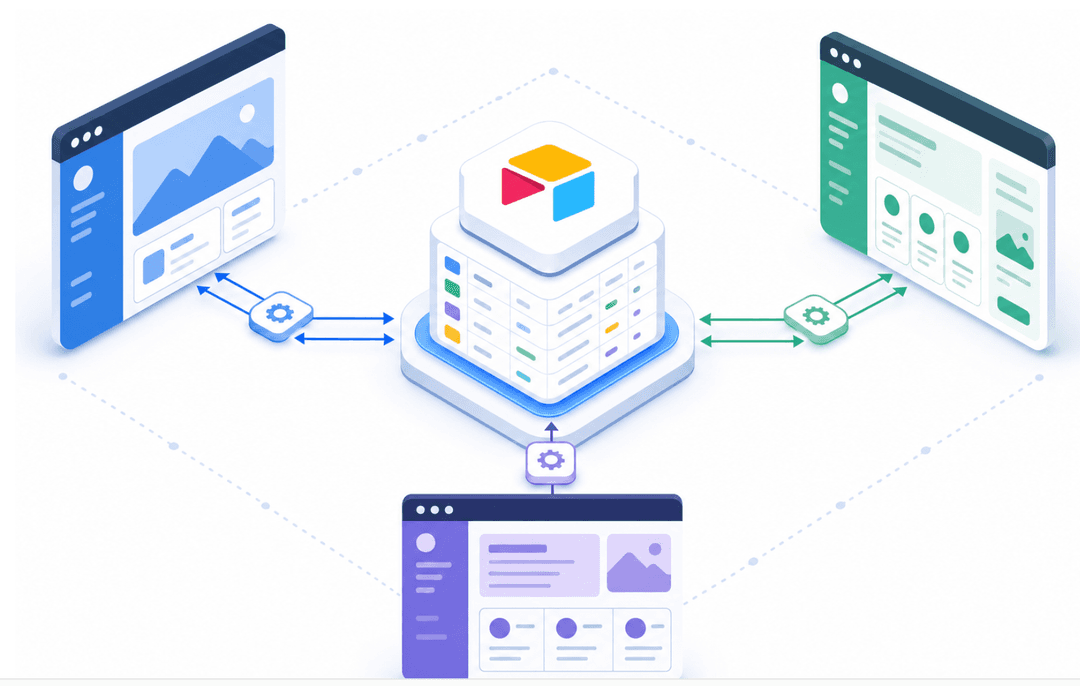
Stacker is built around this approach. It already understands portal logic out of the box: role-based access controls, client-specific data views, and branded layouts. When something needs adjustment, you refine it through conversation instead of reconfiguring from scratch. Existing data in Airtable, Salesforce, or Google Sheets connects through two-way sync, so nothing gets replaced or migrated.
Summary
A customer care portal is table stakes for any business managing ongoing client relationships. The question is how quickly you can get it right.
Start by mapping what customers ask for most often, then match your approach to your timeline and resources. Custom code works if you have dev capacity. Portal software gets you there faster.
For teams that need something working in days, AI-powered builders like Stacker close that gap without requiring technical expertise or lengthy setup cycles.
Final Thoughts on Building Your Customer Portal
A well-designed portal for customer service turns repetitive questions into self-service actions, freeing your team to work on issues that actually need human attention. The businesses that succeed launch with basics first and refine based on real usage patterns. You can build something custom or use software that gets you there faster. Book a demo to see what's possible with your current data setup.
FAQs
What is a customer portal?
A customer portal is a secure, branded web app where customers log in to access personalized information and complete tasks without contacting your team. Unlike a static support page that shows identical content to everyone, a portal knows who's logged in and displays only that customer's own data, order history, tickets, and documents through role-based access controls.
Can I build a customer care portal without coding?
Yes. AI-powered builders like Stacker let you describe what you need in plain language and generate a working portal automatically, with authentication, permissions, and hosting included. You can also connect it to existing data in tools like Airtable, Salesforce, or Google Sheets without migrating anything, so your current workflows stay intact.
Customer care portal vs industry-specific portal software?
Industry-specific portals are built for one vertical (like construction or real estate) and often excel at either functionality or design, but rarely both. General-purpose portal builders give you flexibility to match your exact process and brand, and they adapt as your business changes without forcing you into a rigid structure someone else designed.
How long does it take to launch a customer portal?
Most teams can build and launch a basic customer portal in 2-3 days using AI-powered tools, with full customization and adoption work taking 1-2 weeks depending on complexity. Custom-coded builds with a developer typically take 4-12 weeks from scoping to launch, while no-code drag-and-drop builders like Softr or Noloco fall somewhere in between but still require manual layout and permission configuration.
What features should a customer portal include?
Start with secure login, personalized dashboards showing each customer only their own records, and ticket submission with status tracking. Add a self-service knowledge base to deflect common questions, mobile responsiveness so it works on phones, and clear escalation paths when customers need to reach a real person without starting over.