
You're probably managing vendors through some combination of email threads, shared drives, and whoever remembers where the updated W-9 got saved. A vendor portal replaces that mess with a secure system where each supplier logs in, sees only their own documents and payment status, and handles onboarding or invoice submission without creating another email chain for your team to untangle. The value isn't complicated: one organized place for purchase orders, invoices, contracts, and payment tracking, instead of information scattered across six different places that nobody can find when they actually need it.
TLDR:
- Vendor portals centralize supplier relationships by consolidating POs, invoices, and documents in one secure place
- Processing invoices manually costs $9.40 each on average, per Ardent Partners' 2025 report; portals cut this through automation and self-service
- Role-based permissions let vendors see only their own records while your team manages approvals and compliance
- Off-the-shelf portals work for standard workflows; custom builds fit complex vendor requirements or unique compliance needs
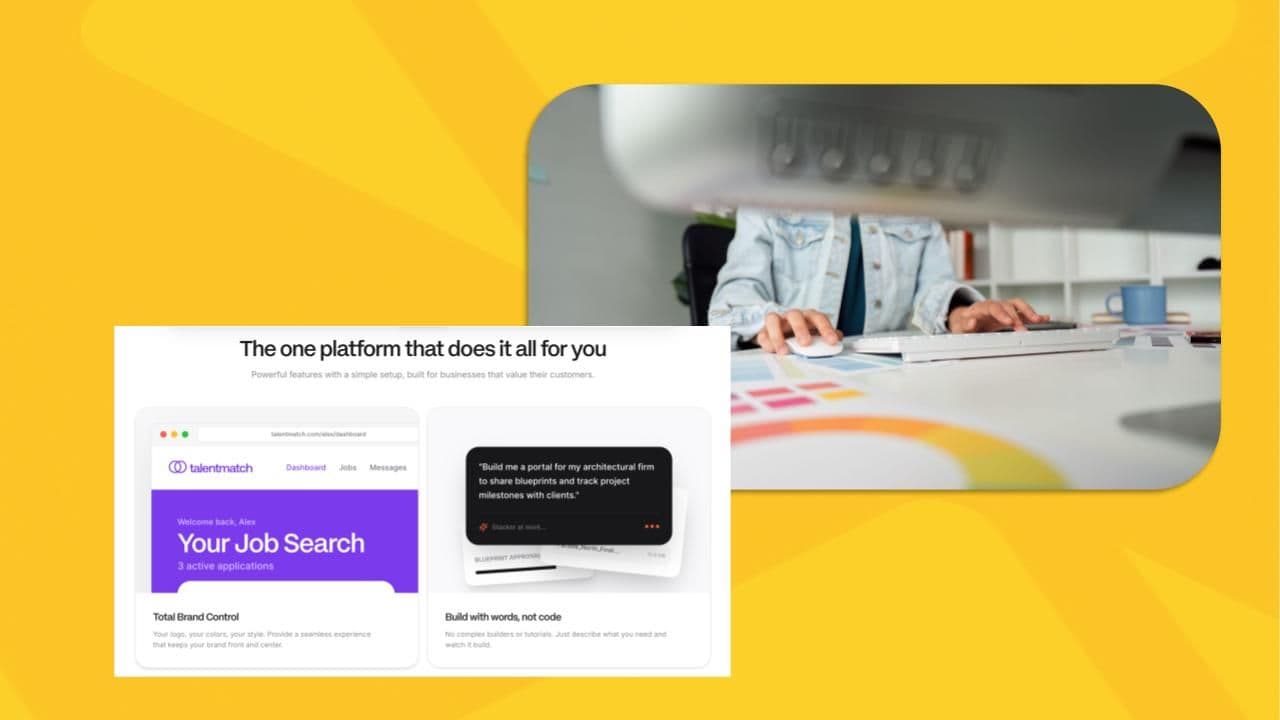
- Stacker builds working vendor portals from plain-language descriptions, with authentication and permissions included
What Is a Vendor Portal?
A vendor portal is a secure web-based environment where businesses manage their relationships with suppliers and vendors. Each vendor logs in with their own credentials, sees only what's relevant to them, and interacts with your team in an organized, traceable way. Structure is what separates it from a shared inbox.
The core value is consolidation. Purchase orders, invoices, contracts, and payment status stop bouncing between email threads and spreadsheets. Vendors get visibility into where things stand, and your internal team spends less time fielding status requests.
Who uses vendor portals?
Vendor portals appear across industries and organization types:
- Government agencies, such as the NYC Department of Education, use portals like Finance 360 and Polaris to manage approved vendors and process payments.
- Large enterprises like Verizon and Amazon run their own portals to onboard and communicate with network and supply chain partners.
- Property management companies use tools like AppFolio to coordinate vendors alongside tenant and lease management.
- Procurement teams across sectors rely on tools like Coupa to handle sourcing and supplier compliance at scale.
Key Features of Vendor Portals
The features that define vendor portals aren't complicated individually. It's how they connect that creates a self-service experience for vendors and reduces your team's administrative load.
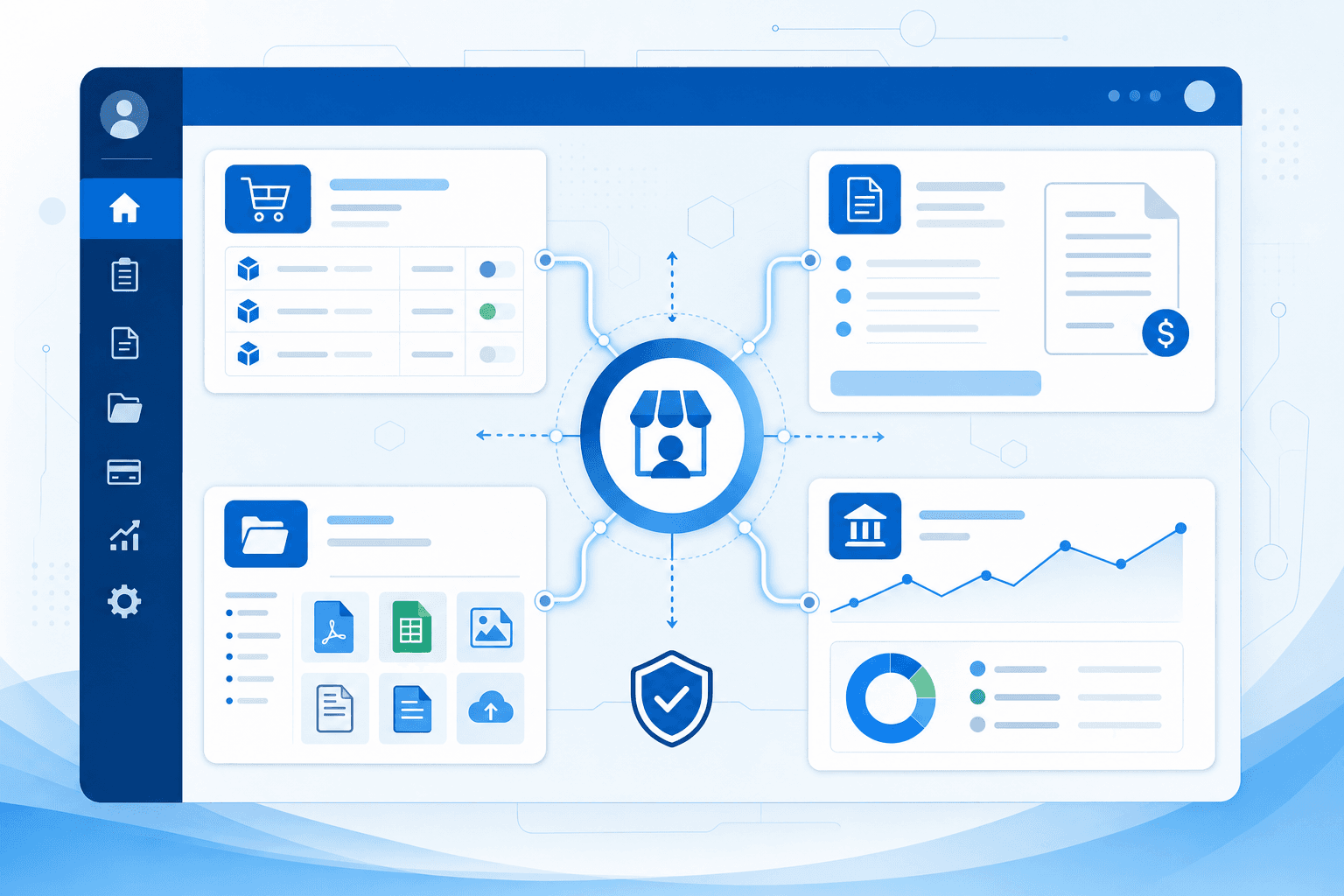
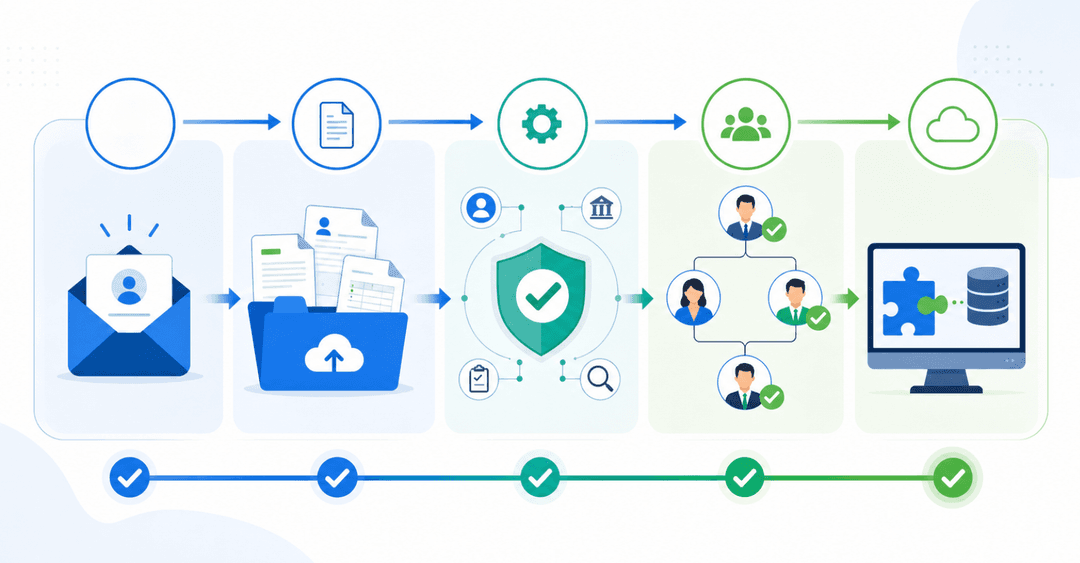
- Vendor onboarding: New suppliers submit credentials, tax forms, and compliance documents through a structured flow, not an email chain.
- Purchase order management: Vendors receive, review, and confirm POs directly in the portal, with status tracked automatically.
- Invoice submission: Vendors submit invoices and monitor approval progress without having to chase anyone.
- Document storage: Contracts and compliance documents stay tied to each vendor record in a single searchable place.
- Payment visibility: Vendors see scheduled payment dates without calling your finance team.
- Performance analytics: Procurement teams track on-time delivery, spend, and compliance scores across their supplier base.
- Role-based permissions: Each user sees only what their role allows, whether they're a new contractor or a senior procurement manager.
Benefits of Using a Vendor Portal
The vendor management software market hit $11.4 billion in 2026 and is projected to reach $25 billion by 2032, growing at a 14% CAGR, according to Research and Markets. Companies aren't spending that kind of money on novelty. They're replacing slow, error-prone manual processes with vendor portals that actually scale.
The practical gains are concrete:
- Automation reduces manual data entry and eliminates duplicate payments or invoice mismatches
- Real-time status visibility cuts back-and-forth between vendors and your finance team
- Compliance tracking keeps certifications, licenses, and contracts current without chasing anyone
- Audit trails make regulatory reporting faster and easier to defend
- Consolidated spend data surfaces savings opportunities that scattered records never would
Vendor Portal vs Supplier Portal vs Vendor Management System
The terms vendor portal and supplier portal mean the same thing. Both describe a self-service interface where external partners log in, submit documents, and track their standing with your organization. The naming difference is industry convention, nothing more.
A Vendor Management System (VMS) covers a broader scope entirely. It spans the full vendor lifecycle: sourcing, contract management, performance tracking, and risk monitoring. A vendor portal is often one component of a VMS, providing vendors with a dedicated login to submit invoices, confirm purchase orders, upload compliance documents, and check payment status without contacting your team directly.
| Term | Scope | Primary Users |
|---|---|---|
| Vendor Portal | Document submission, invoice tracking, onboarding, status updates | Vendors and suppliers |
| Supplier Portal | Same as vendor portal | Suppliers (manufacturing and procurement industries) |
| Vendor Management System | Full lifecycle: sourcing, contracts, performance, risk | Internal procurement and finance teams |
Common Use Cases for Vendor Portals
Vendor portals show up across nearly every sector, but the specific problem varies by function.
- Procurement teams use portals to centralize onboarding, compare bids, and track contracts across dozens of supplier relationships at once.
- Accounts payable routes invoices through structured approval workflows, cutting manual matching and reducing payment disputes.
- Operations teams coordinate delivery schedules and monitor fulfillment status without having to chase vendor emails.
- Compliance officers track certifications, insurance documents, and audit requirements with automatic expiration alerts instead of calendar reminders.
The industry context shapes how portals get deployed:
- Government agencies like the NYC DOE manage approved vendor lists, applications, and payment processing across thousands of service providers.
- Healthcare organizations run procurement through vetted supplier networks with strict credential requirements.
- Manufacturers track raw material vendors against quality benchmarks tied to production schedules.
- Professional services firms use contractor management portals to coordinate subcontractors and outside counsel.
The interface varies, but the underlying need is consistent: a single, organized place to manage external partner relationships without letting them spill into email.
How Vendor Portals Reduce Procurement Costs
Processing a single supplier invoice costs an average of $9.40, according to Ardent Partners' 2025 report. Multiply that across hundreds of vendors and thousands of invoices annually, and the manual overhead adds up to a real budget problem.
Vendor portals cut that cost through several concrete mechanisms:
- Structured invoice submission removes manual data entry and the re-keying errors that come with it
- Self-service status tracking reduces inbound payment inquiries from vendors to your finance team
- Centralized vendor records prevent duplicate supplier profiles, which in turn prevents duplicate payments
- Built-in contract terms and renewal alerts keep compliance rates higher without someone manually monitoring expiration dates
- Automated approval routing shortens cycle times from days to hours
Faster approval cycles mean vendors get paid sooner, which improves relationships and often unlocks early payment discounts. Switching to a new system requires planning but delivers these benefits quickly. Higher compliance rates reduce audit exposure. Lower inquiry volume frees up finance staff for work that requires actual judgment.
Vendor Portal Security and Compliance
Security and compliance are two areas where vendor portals carry real operational weight. When external vendors access your systems through a partner portal, they handle sensitive data such as contracts, payment details, and proprietary business information, so how that access is controlled matters.
Most vendor portals handle this through role-based permissions, meaning each vendor only sees what they need to see. Audit logs track every action taken within the portal, supporting accountability and simplifying compliance reviews.
In regulated industries, portals often need to meet standards such as SOC 2, GDPR, or HIPAA, depending on the data they handle. Choosing a portal that documents its compliance certifications upfront saves significant trouble during vendor onboarding or internal audits.
Integration with ERP and Procurement Systems
A vendor portal sitting in isolation creates its own problems. Without connections to your ERP, accounting software, and procurement systems, someone still ends up re-entering data manually, and that person is probably in your finance team.
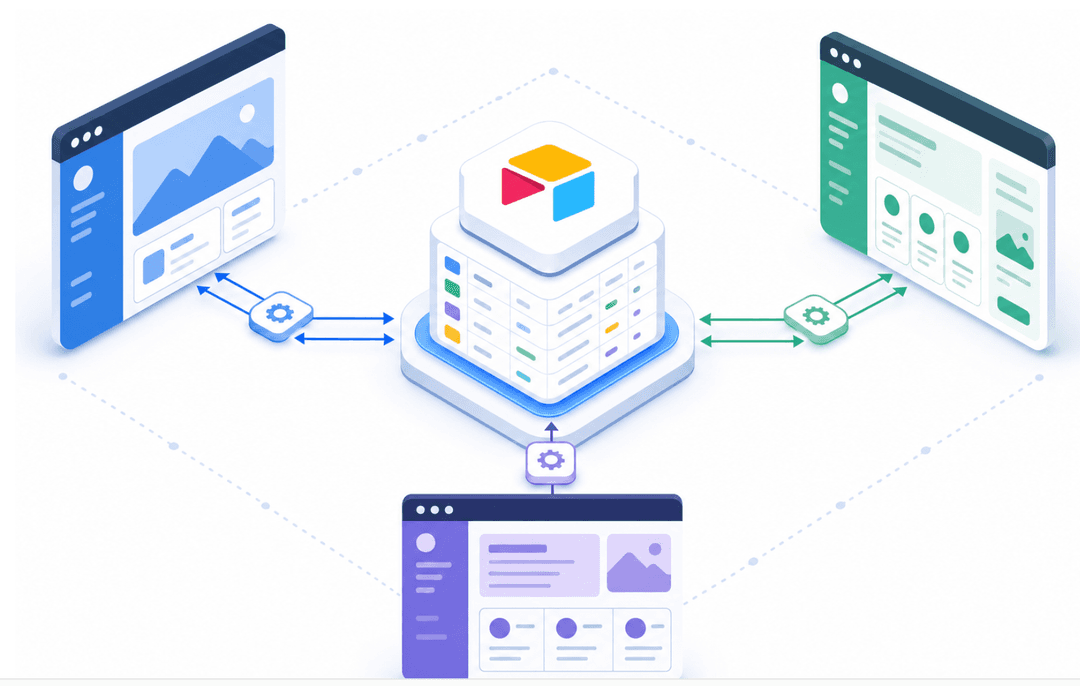
API-based integration solves this by letting the portal push and pull data automatically. A PO approved in your ERP appears in the vendor portal without anyone copying it over. An invoice submitted by a vendor flows directly into your accounts payable queue. The portal becomes the external-facing layer on top of systems your internal teams already use, instead of a separate record to maintain.
In practice, this means your finance team works inside the tools they already know — SAP, NetSuite, QuickBooks — while vendors interact with a clean, purpose-built interface. Neither side needs to change its workflow. The integration handles the handoff. When a vendor updates their banking details in the portal, that change propagates to your ERP automatically. When your team closes out a contract, the vendor's portal access reflects that status automatically, without manual updates.
A few integration factors worth checking before you commit to a portal:
- Does it connect via REST API or pre-built connectors? Pre-built connectors to your specific ERP reduce setup time considerably.
- How does it handle sync conflicts? If a vendor updates a record at the same time your team does, the system needs a clear rule for which version wins.
- Is the sync real-time or scheduled? Batch syncs that run nightly can leave vendors seeing stale payment statuses for hours.
- What happens when the integration breaks? Look for portals that surface sync errors visibly so your team catches them before vendors do.
Common integration points include:
- ERP systems (SAP, Oracle, NetSuite) for PO and invoice synchronization
- Accounting software like QuickBooks or Xero for payment status and reconciliation
- Procurement tools like Coupa for sourcing workflows and contract management
- HR or credentialing systems for vendor compliance and certification tracking
Choosing Between Off-the-Shelf and Custom Vendor Portals
Off-the-shelf portals are the right call when your procurement process follows a standard pattern. They offer fast setup and built-in workflows that work for most teams without heavy configuration.
Custom or configurable portals make more sense when your vendor relationships are complex, your data lives across multiple internal systems, or your compliance requirements don't fit a generic mold.
A few questions worth asking before you decide:
- How quickly do you need the portal to be live?
- Do your vendors have unique onboarding steps or specific document requirements?
- Will this need to connect to existing finance or ERP systems?
- How much ongoing maintenance can your team realistically handle?
Building a Vendor Portal Without Code
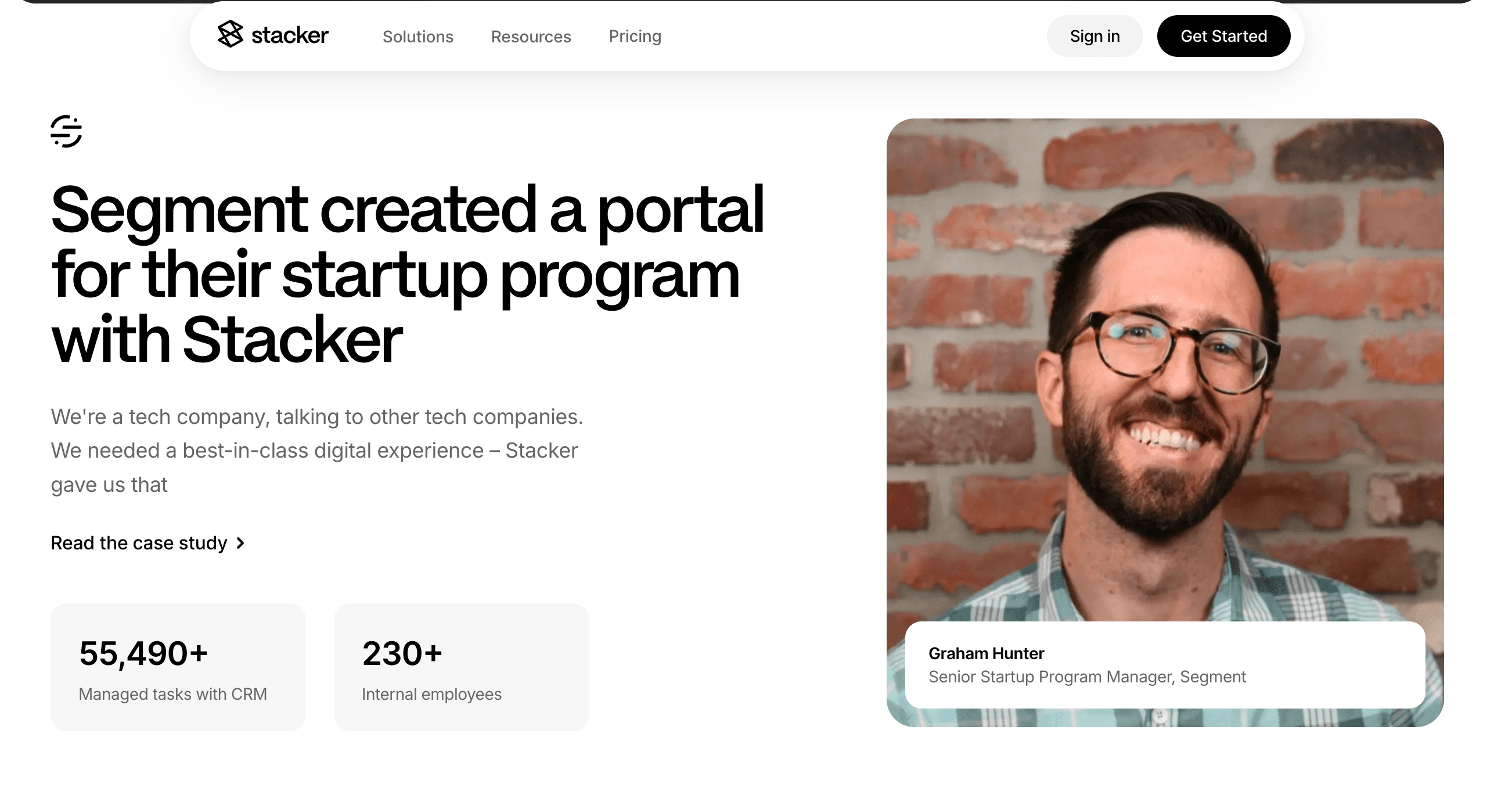
If your vendor relationships don't fit a standard template, building your own portal used to mean hiring a developer. That's no longer the case.
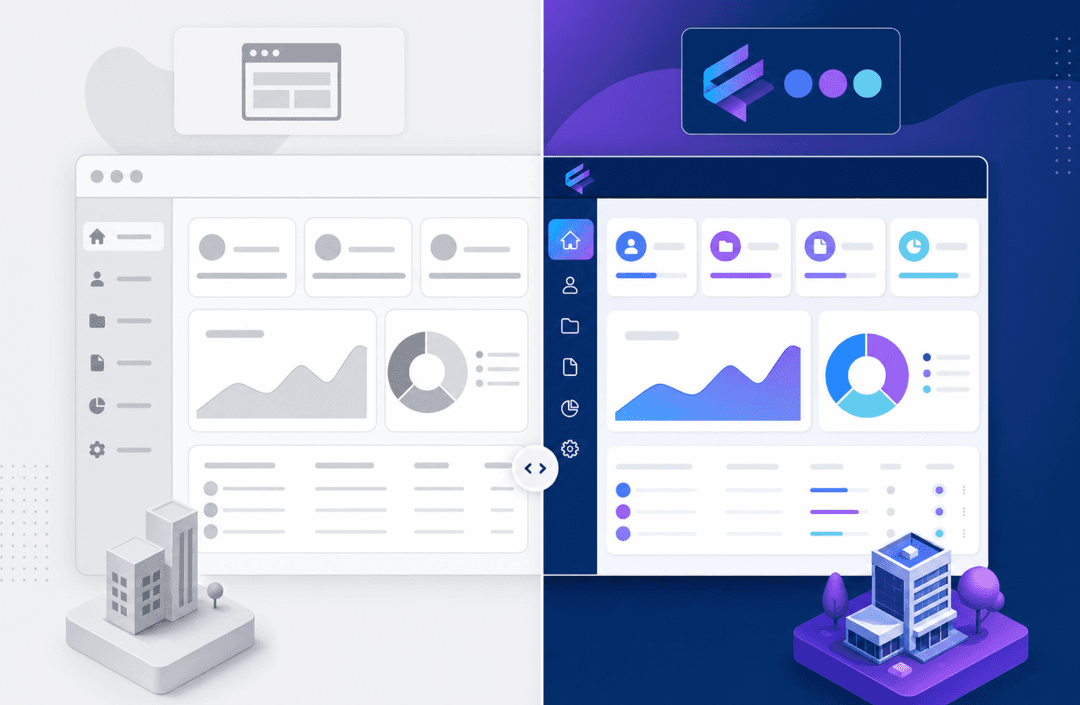
With Stacker, you describe your vendor workflow in plain language and get a working portal built around it. Onboarding flows, PO tracking, invoice submission, and role-based permissions for both vendors and your internal team. External vendors log in and see only their own records. Your procurement team manages approvals, compliance, and performance from a separate view in the same app.
Stacker also syncs with Airtable, Google Sheets, and Salesforce, so your existing vendor data stays where it lives while the portal adds a proper external-facing interface on top. A working build in minutes, not months.
Final Thoughts on Vendor Portals
The gap between managing vendors through email and running a real vendor portal is bigger than most teams realize until they make the switch. Your procurement process gets cleaner, your vendors get better service, and your finance team reclaims hours every week. You can schedule a quick demo to see how Stacker builds a portal tailored to your vendor workflows.
FAQs
What's the main difference between a vendor portal and a vendor management system?
A vendor portal is a self-service interface that allows external vendors to log in to submit documents, track invoices, and check payment status. A Vendor Management System covers the full vendor lifecycle, including sourcing, contract management, performance tracking, and risk monitoring, with the portal often serving as one component within it.
Can I build a vendor portal without hiring a developer?
Yes. Tools like Stacker let you build a working vendor portal by describing your workflow in plain language, with features like onboarding flows, PO tracking, invoice submission, and role-based permissions already built in. Your procurement team manages approvals from a single view, while vendors see only their own records.
How do vendor portals actually reduce procurement costs?
Vendor portals cut the average $17.60 per invoice cost by eliminating manual data entry, reducing payment inquiry calls to your finance team, and preventing duplicate payments through centralized vendor records. Automated approval routing also shortens cycle times from days to hours, often unlocking early payment discounts.
What security features should I look for in a vendor portal?
Role-based permissions that limit each vendor to only their own data, audit logs that track every action for compliance reviews, and documented certifications like SOC 2, GDPR, or HIPAA, depending on your industry. These features protect sensitive contract and payment data while simplifying regulatory reporting.
Should I connect my vendor portal to existing ERP and accounting systems?
Yes, if you want to avoid manual data re-entry. API-based integration lets approved purchase orders from your ERP appear automatically in the vendor portal, while vendor-submitted invoices flow directly into your accounts payable queue without requiring data copying between systems.