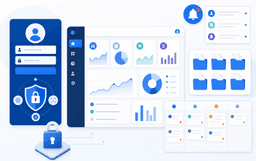
Your support inbox is full of requests that clients could handle themselves if they just had a login: checking order status, downloading past invoices, seeing ticket updates, or grabbing shared files. That's the core problem customer portal solutions are built to solve, but the market is crowded with options that all claim to do the same thing. You're weighing plug-and-play tools, open source builds, specialized software for consultants, and configurable app builders, and the differences aren't always obvious from a pricing page. Small businesses need something fast to set up; larger teams need deep integrations and granular permissions; regulated industries need compliance built in from day one. We're breaking down what makes a working customer portal, how to compare free versus paid tiers, what features matter by business type, and how to match your workflow to the right fit without overbuying on complexity you don't need.
TLDR:
- Customer portal solutions let clients access data, submit requests, and track orders 24/7 without contacting your team.
- 61% of customers prefer self-service for simple tasks; portals reduce ticket volume and manual follow-up.
- Look for role-based access, file sharing, ticket tracking, SSO, and integrations with your existing tools.
- Security requirements vary: healthcare and legal portals must meet SOC 2 or HIPAA compliance requirements from day one.
- Stacker connects to your spreadsheets or databases and uses AI to generate a working portal in minutes without code.
What Is a Customer Portal Solution?
A customer portal solution is a secure, web-based space where your clients, customers, or partners can log in to access information, submit requests, track orders, view documents, and manage their relationship with your business without contacting you directly.
The core idea is self-service. Rather than routing every question through email or phone, customers get direct access to what they need, when they need it.
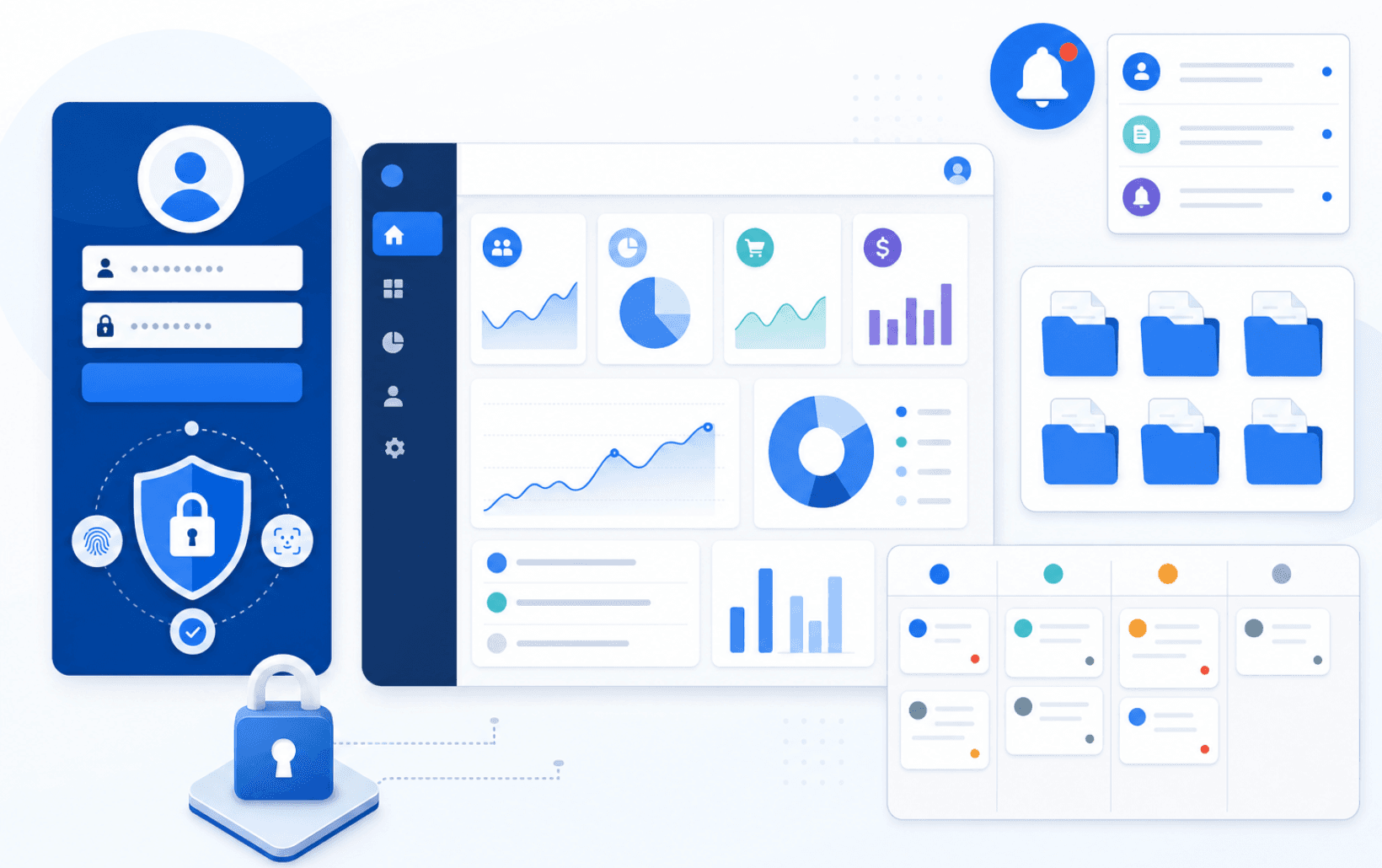
Most customer portal solutions include a few common building blocks:
- A login system with role-based access, so each user only sees what's relevant to them
- A central place to view account data, past orders, invoices, or case history
- Tools for submitting support tickets, uploading files, or filling out forms
- Notifications or status updates that keep customers informed without manual follow-up
The right solution for your business depends on what your customers actually need to do inside that portal and how much flexibility your team has to set it up and maintain it.
Why Businesses Are Adopting Customer Portal Solutions
Customer expectations have shifted over the past few years. Clients and customers now expect 24/7 access to their account information, support history, and shared documents, without having to wait for an email reply or a callback from a rep.
That shift is driving adoption of self-service portal solutions across industries as businesses look to meet customers where their expectations already are.
That shift is pushing businesses toward customer portal solutions at a steady pace. Most customers prefer to handle simple tasks on their own rather than wait for support to respond. When customers can log in and get what they need on their own schedule, ticket volume drops, and satisfaction scores tend to rise.
For small businesses especially, the best client portal software replaces scattered email threads and manual status updates with a single, organized space where clients can check order status, download invoices, or submit requests.
Core Features Every Customer Portal Solution Should Include
A customer portal is only as useful as the features backing it up. Before comparing specific tools or pricing tiers, it helps to know which capabilities actually matter so you can compare options against your real needs, not just a vendor's feature list.
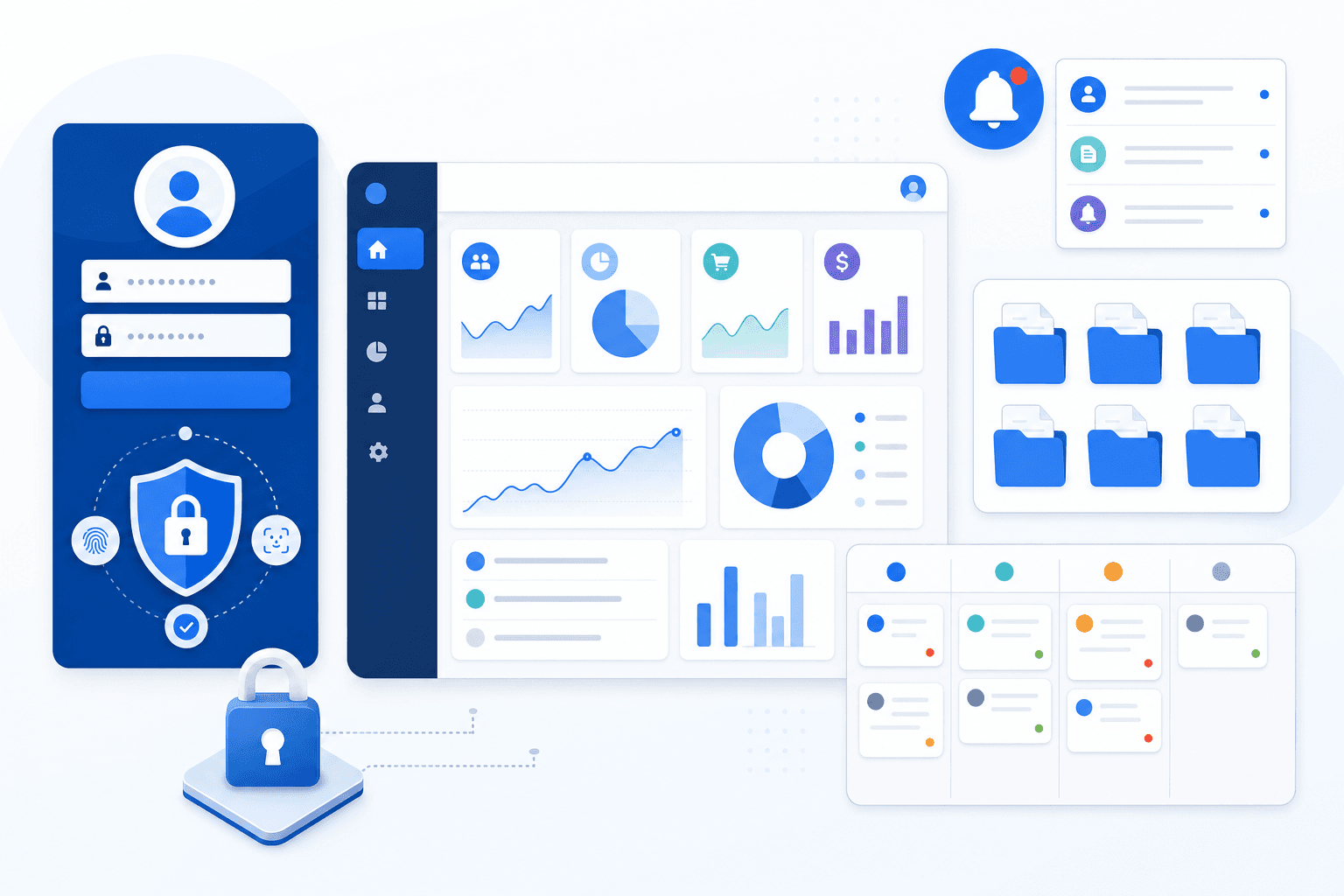
Here are the core features worth looking for:
- Secure login and role-based access control so different users only see what's relevant to them, whether that's a client reviewing their own account or an admin managing the full dataset.
- A self-service dashboard where customers can check order status, submit requests, or access documents without contacting your team directly.
- File sharing and document management that lets you exchange contracts, invoices, or reports in one organized place.
- Ticket or case tracking to keep support requests visible and accountable on both sides.
- Notifications and messaging to keep customers informed without relying on separate email threads.
- Integration with your existing tools, such as your CRM, billing system, or help desk, so data stays consistent across your workflow.
The right combination depends on your use case. A consulting firm focuses on document exchange and project updates. A SaaS company may weigh ticket tracking and self-service heavily. A small business running client accounts might need only a secure login, a dashboard, and file sharing to start.
Security and Compliance Requirements for Customer Portals
When customers log in to view invoices, submit support tickets, or access sensitive documents, security stops being optional. A breach in your customer portal can expose client data, damage trust, and trigger regulatory penalties that far outweigh the cost of building things right the first time.
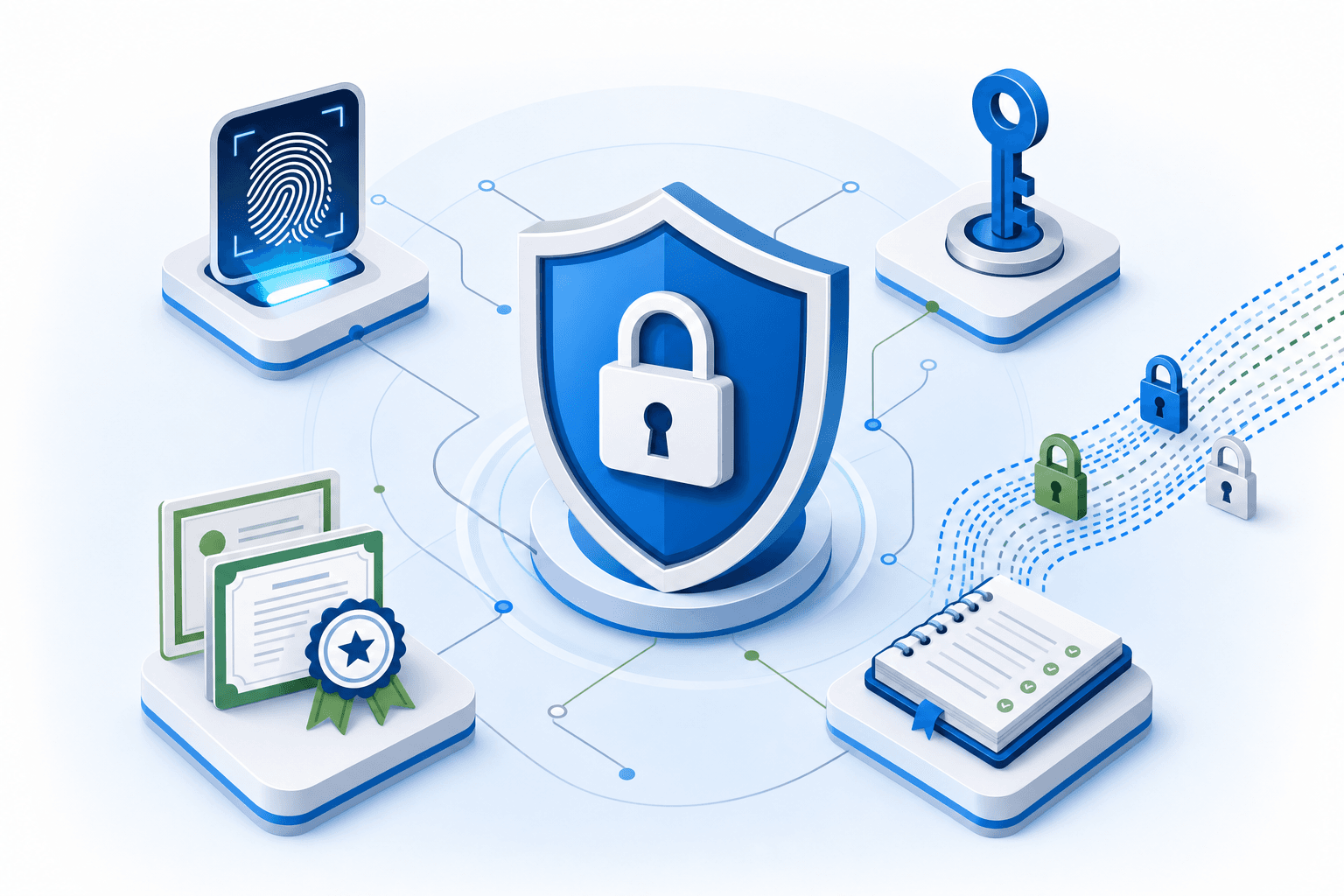
Here are the core security requirements to look for in any customer portal solution:
- Role-based access control lets you restrict what each user sees based on their account, team, or permission level, so a customer never sees another customer's records.
- SSL encryption and data encryption at rest protect data in transit and at rest.
- Single sign-on (SSO) support lets customers log in through an identity provider they already trust, reducing password fatigue and credential risk.
- Audit logs track who accessed or changed what, which is often a requirement for SOC 2, HIPAA, or GDPR compliance.
- Two-factor authentication (2FA) adds a second verification step, sharply reducing unauthorized access from stolen credentials.
If your business handles healthcare data, financial records, or serves enterprise clients, confirm that your chosen solution carries the relevant certifications before committing. Many vendors will list SOC 2 Type II or GDPR compliance on their security pages, but the scope of that coverage varies. Ask directly whether the certification covers the features you plan to use.
Measuring the ROI of Customer Portal Solutions
Before committing budget to any customer portal solution, you need a clear picture of what success looks like. ROI here goes beyond cost savings — it covers time recovered, support ticket volume, client satisfaction scores, and how quickly your team can onboard new customers.
A few metrics worth tracking from day one:
- Support ticket deflection rate: the percentage of questions resolved through self-service before they reach your team.
- Client onboarding time: how many days it takes a new customer to become fully active.
- Portal adoption rate: the share of clients who log in and engage regularly.
- Staff hours reallocated: time your team gets back from manual status updates and repetitive emails.
Set a baseline before you go live, then compare at 30, 60, and 90 days post-deployment to see where the portal is actually moving the needle.
Build vs Buy: Comparing Implementation Approaches
When choosing a customer portal solution, one of the first decisions you'll face is whether to build something from scratch or buy an existing product. Each path has real trade-offs worth thinking through before you commit.
Building a Custom Portal
Building gives you full control over features, design, and integrations. For companies with unique workflows or strict data requirements, that flexibility can be worth the investment. The downside is cost and time. Custom development often runs into six figures and takes months before anything is live.
Buying an Off-the-Shelf Solution
Pre-built software gets you up and running faster, often within days. You trade some flexibility for speed and lower upfront cost. Most tools in this category cover the core needs well: document sharing, ticketing, status tracking, and client logins.
A Middle Path: App Builders
Tools like Stacker let you build a fully customized portal without writing code. You connect your existing data sources, configure the experience your clients need, and publish without a development team. This suits small businesses and ops teams that need something tailored but can't afford a full build.
Customer Portal Solutions for Different Business Types
Portal requirements shift significantly based on who logs in and what they need to accomplish. A B2B buyer managing a multi-year contract has very different expectations from a patient accessing health records or a contractor checking their job queue.
| Business Type | Who Logs In | Key Needs |
|---|---|---|
| B2B | Buyers, procurement contacts | Contract access, order history, multi-user accounts |
| Professional services | Consulting or legal clients | Document sharing, project updates, and billing |
| Vendor/partner | Contractors, suppliers | Job assignments, submissions, compliance docs |
| Customer support | End users | Ticket tracking, knowledge base |
| Healthcare/legal | Patients, clients | Secure records, case status updates |
| Real estate/agencies | Clients, buyers | Docs, deliverable approvals, project progress |
| Manufacturing | Distributors, buyers | Order tracking, inventory visibility |
B2B and vendor portals typically need the most granular permission controls, since multiple people from the same organization may log in with different access levels. A healthcare or legal portal adds compliance requirements on top of that baseline.
Matching Portal Features to Business Context
Not every portal needs every feature. A consulting firm running a client portal for document sharing and project updates typically does not need inventory visibility. A manufacturing distributor, on the other hand, may care deeply about real-time order tracking and very little about case status workflows. Starting with your specific user type helps you avoid overbuying features you won't use.
- Small businesses and solo consultants often favor ease of setup and low cost over deep customization, making lighter-weight solutions a sensible starting point.
- B2B companies with multiple buyer contacts per account need role-based access that ties permissions to organizations rather than individual users.
- Compliance-sensitive industries like healthcare and legal require portals that meet data security and compliance standards from the start, not as an afterthought.
Common Implementation Challenges and How to Overcome Them
Even well-chosen customer portal software can run into friction during rollout. Knowing where teams typically get stuck helps you sidestep the same issues.
Here are the most common challenges and practical ways to work through them:
- User adoption often stalls when the portal adds steps instead of removing them. Keep the interface focused on what clients actually need to do, and walk new users through it before expecting self-service.
- Data migration from spreadsheets or legacy systems takes longer than expected. Audit your existing records before setup, identify what needs cleaning, and migrate in stages rather than all at once.
- Permission errors are a frequent early headache. Test role-based access thoroughly with a small group before opening the portal to all clients.
- Single sign-on and authentication setup can trip up non-technical teams. Choose software that offers pre-built integrations with your existing identity provider to reduce configuration work.
- Keeping portal content current is an ongoing responsibility, not a one-time task. Assign a clear owner for updates so clients never encounter stale information.
How Stacker Helps Businesses Build Custom Portals With AI
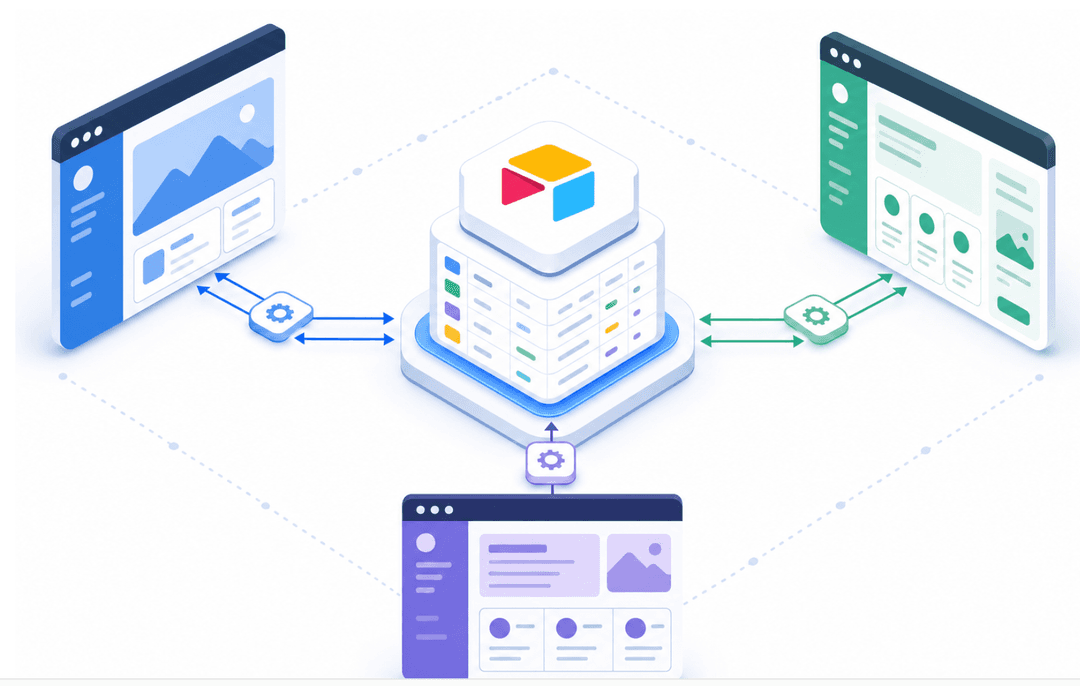
Stacker takes a different approach to customer portals by letting you build one from your own data using AI. Instead of configuring a rigid off-the-shelf tool, you connect your existing data sources and generate a working app in minutes.
Here is what that looks like in practice:
- You connect a data source such as Airtable, Google Sheets, or a SQL database, and Stacker reads its schema to understand your data structure.
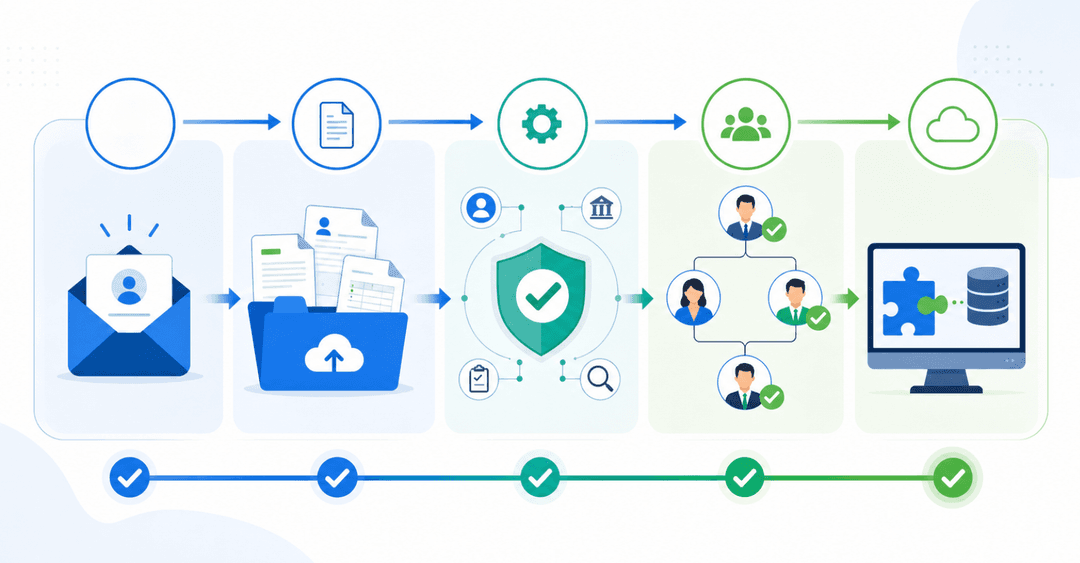
- AI then generates a portal tailored to your data, which you can refine using a visual editor with no coding required.
- You control exactly who sees what through role-based permissions, so clients only access their own records.
- Customers can submit forms, track requests, view documents, and update their own information directly through the portal.
This works well for small businesses that need a client-facing portal without hiring a developer, and for ops teams that want to stop routing every request through email. If your data already lives in a spreadsheet or database, Stacker can turn it into a working portal in hours compared to the 3–6 months a custom build typically requires.
Final Thoughts on Customer Portal Solutions for Your Business
A working customer portal replaces scattered email threads and repetitive status updates with one organized space where clients can help themselves. The setup matters less than whether your customers can log in and get what they need without waiting on your team. Start with secure access, a simple dashboard, and the documents or tracking features your clients ask about most. Book a demo if you want to build something custom from your data without a development team. The right portal should feel like a relief for both sides, not another tool to manage.
FAQ
What's the best customer portal software for a small business?
The best fit depends on your needs: if you want something up and running quickly with minimal setup, tools like Zendesk or HubSpot work well for support-focused portals. If you need a custom portal that connects to your existing spreadsheets or databases without writing code, Stacker lets you build one tailored to your workflow in hours rather than months.
Can I build a customer portal without hiring a developer?
Yes. Tools like Stacker use AI to generate a working portal from your existing data sources, no coding required. You connect your spreadsheets or databases, describe what your clients need to access, and Stacker builds a secure, branded portal you can refine through conversation.
Customer portal solutions vs building a custom portal from scratch?
Pre-built solutions get you live faster and cost less upfront, typically launching within days for a few hundred dollars per month. Custom development gives you complete control but usually requires six figures and months of work before anything goes live. App builders like Stacker offer a middle path: fully customized portals built on your data without hiring developers.
How long does customer portal implementation typically take?
Implementation timelines vary by approach: off-the-shelf tools can go live in days but may require workflow adjustments to fit their structure. AI-powered app builders like Stacker generate working portals in minutes to hours, with refinement taking days to weeks, depending on complexity. Custom development typically spans 3-6 months from requirements gathering to launch.
What security features should a customer portal include?
Every customer portal needs role-based access control so clients only see their own data, SSL encryption for data in transit, and audit logs to track who accessed what. If you handle regulated data or serve enterprise clients, confirm the solution is SOC 2 Type II- or GDPR-compliant and covers the specific features you plan to use.