
Your project tracker should tell you what's overdue and who's stuck without you having to ask. But most tools are built for internal teams, while real projects involve clients who need limited access, contractors who handle specific tasks, and stakeholders who want updates without a login. Choosing the right project tracker means figuring out whether a free template will work, whether paid software fits your workflow, or whether your process is different enough that you need something custom. We'll walk through each option, what breaks first, and how to decide which category actually matches what your business needs right now.
TLDR:
- Project trackers range from free Excel templates to custom-built apps, each suited to different team sizes and workflow complexity.
- Spreadsheets work for small teams on simple projects, but break down when working with external collaborators or with real-time needs.
- Look for task ownership, deadline tracking, status visibility, and granular access control when choosing tools.
- Custom trackers make sense when clients or contractors need scoped access without exposing all your data.
- Stacker builds custom project trackers from plain-language descriptions, with role-based permissions and external stakeholder access built in.
What Is a Project Tracker and Why Your Business Needs One
A project tracker is any system that helps you monitor the status, progress, and ownership of work. That could be a spreadsheet, a sticky note wall, a dedicated app, or something built for your team's specific processes.
The core purpose is knowing where things stand without having to ask. The difference between a basic tracker and a useful one is real, though. A task list tells you what exists. A proper project tracker tells you what's overdue, who's responsible, and where work is getting stuck.
That distinction matters more as work becomes more complex. Single-person projects are forgiving. Multi-step workflows involving clients, contractors, and deadlines are not. The sections ahead cover each tracker type, what each is good at, and how to decide which one your business actually needs.
Types of Project Trackers: From Templates to Software Solutions
Project trackers come in three broad categories. Knowing what each one is built for saves you from picking the wrong tool and wondering why it's not working.
There are a few ways to think about which category fits your situation: how complex your projects are, how many people need access, and whether your process is standard or highly specific.
| Tracker Type | Cost | Best For | External Collaboration | Customization | Key Limitations |
|---|---|---|---|---|---|
| Spreadsheet Templates (Excel, Google Sheets) | Free | Small teams under 5 people with simple, short-term projects | Limited - requires manual sharing, and version control becomes problematic | Highly flexible but requires manual setup and maintenance | No real-time updates, version conflicts, or breakdowns with multiple editors or external stakeholders |
| Microsoft Project | Paid (per user licensing) | Complex project scheduling with detailed resource allocation and Gantt charts | Limited external access - primarily designed for internal teams | Extensive features but within Microsoft's framework | Steep learning curve, expensive at scale, not built for client-facing workflows |
| Asana, ClickUp, Monday | Free tier available, paid plans for advanced features | Teams needing task boards, workflows, and built-in collaboration | Guest roles available but may require paid seats or have limited functionality | Moderate - pre-built templates and workflow options | Per-seat pricing adds up, limited ability to create truly custom workflows or granular permissions |
| Custom-Built Applications (Stacker) | Subscription-based, no per-seat fees | Projects involving external stakeholders with specific access needs or non-standard workflows | Built for it - role-based permissions let clients and contractors see only their relevant data | Fully customizable to match exact business processes and data relationships | Requires initial setup time, though AI builders like Stacker eliminate coding requirements |
Spreadsheet Templates
Free Excel and Google Sheets templates are the default starting point for most teams. No cost, no setup, and most people already know how to use them. Project tracker templates in Word, Notion, or PDF formats also fall under this category. They work well for straightforward tracking, but they don't update automatically or alert you when something's off.
Standalone Project Management Software
Tools like Microsoft Project, Asana, ClickUp, and Monday are purpose-built for tracking work. They come with built-in dashboards, notifications, and team collaboration. Most offer free tiers with limited features and paid plans as complexity grows.
Custom-Built Applications
When neither templates nor off-the-shelf software fits your exact process, teams build something specific. This includes tools built with app builders, internal tools, or client-facing portals designed around a specific workflow instead of a generic one.
Key Features to Look For in Project Tracking Tools
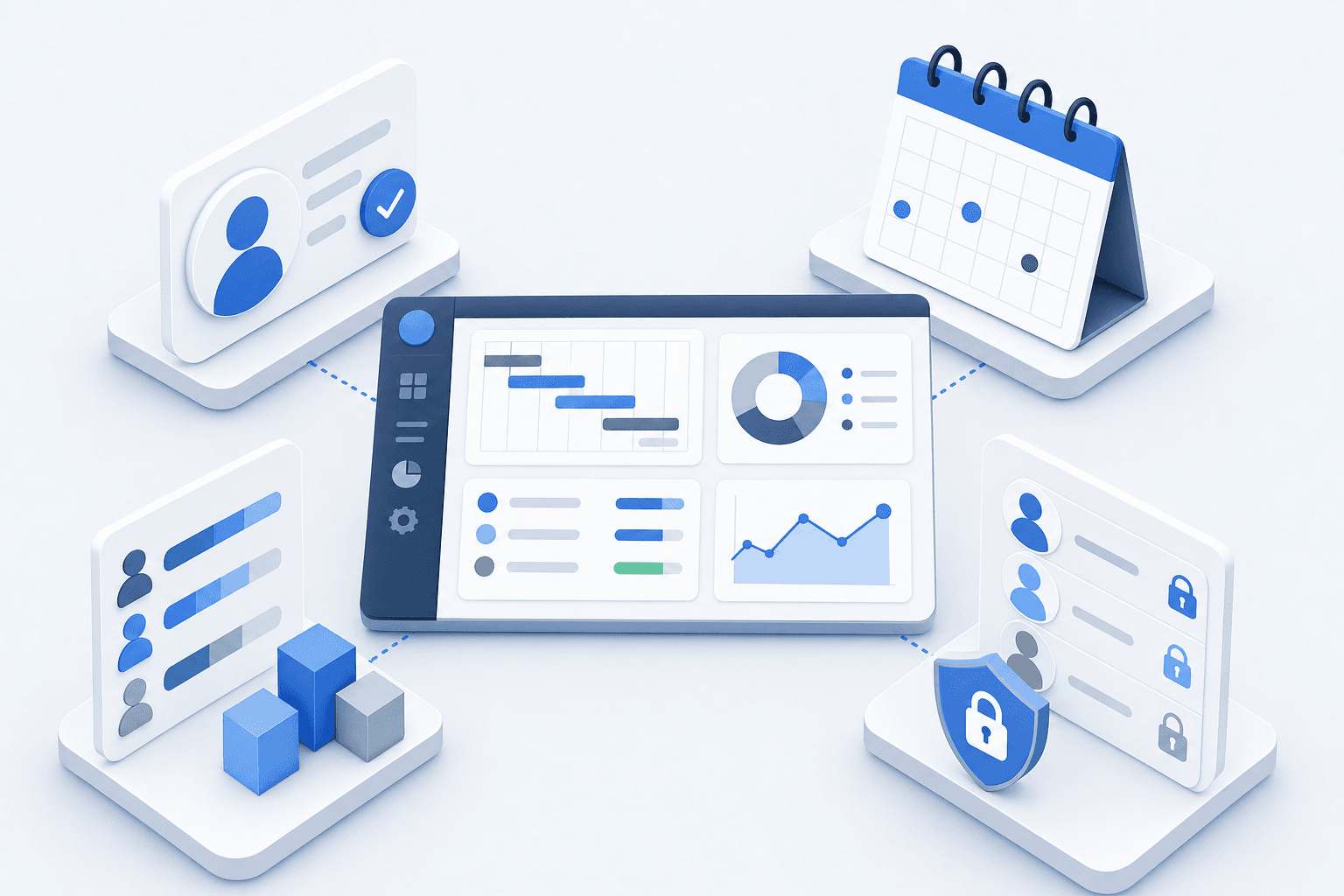
Not every tracker needs every feature. But certain capabilities signal whether a tool will hold up as work gets more complex.
- Task assignment and ownership: every item should have a clear owner. If something belongs to "the team," it belongs to no one.
- Deadline tracking: due dates visible at a glance, with a way to flag what's overdue without manual checking.
- Status visibility: see where each task stands without opening every record individually.
- Resource allocation: knowing who's overloaded before things slip, not after.
- Access control: who can see and edit what, especially once clients or contractors are involved.
That last point is where simpler tools tend to fall short. The more external people touch your work, the more granular your permissions need to be.
When Spreadsheet Project Trackers Work and When They Don't
Spreadsheet-based project trackers have a real place in many workflows. A free project tracker Excel template or a project tracker template in Google Sheets can get a small team organized quickly, without any onboarding or subscription costs.
Spreadsheets work well when:
- Your team is small (fewer than five people), and projects don't overlap heavily
- You need a one-time tracker for a short-term initiative
- Budget is zero, and simplicity is the top requirement
- You're a student using free project management software for students
They start breaking down when:
- Multiple people edit the same file, and version conflicts pile up
- You need real-time status updates across several active projects
- Reporting takes longer than the actual work it describes
- Your tracker lives in email attachments instead of a shared workspace
A multiple project tracking template excel free download can stretch further than a single-sheet setup, but even those hit a ceiling fast when teams grow or deadlines get complex. At that point, dedicated project tracker software starts making more practical sense.
Off-the-Shelf Project Management Software: What to Consider
When choosing off-the-shelf project tracker software, the right fit depends on your team size, workflow complexity, and budget. Most tools fall into a few broad categories: simple task boards, full-featured project management suites, and spreadsheet-based trackers.
Here are the key factors to weigh before committing:
- Scalability: Will the tool grow with your team, or will you hit a ceiling at 10 users?
- Integration support: Does it integrate with the tools you already use, such as Slack, Google Workspace, or your CRM?
- Learning curve: A feature-rich tool that nobody uses is worse than a simple one that gets adopted quickly.
- Cost structure: Many tools charge per seat, so a free plan can become expensive fast as your team grows.
- Customization: Can you adapt views, fields, and workflows to match how your team actually operates?
No single tool wins across every category. The best project tracker for a five-person startup looks very different from what a 200-person construction firm needs.
Custom Project Trackers: When Your Business Needs Something Different
Off-the-shelf tools assume your workflow fits a standard mold. When it doesn't, you end up bending your process to fit the software instead of the other way around.
Custom trackers make sense in several situations. Here are the most common signals that a generic tool won't cut it:
- Clients or contractors need access to specific records, scoped tightly to their role, without seeing data that isn't relevant to them
- Your workflow has unique stages or data relationships that generic tools can't model out of the box
- Multiple audiences need different views of the same underlying data, without separate systems stitched together through manual exports
Collaboration With External Stakeholders: A Key Decision Factor
Many project-tracking tools are built with internal teams in mind, but real-world projects often involve clients, contractors, vendors, and other external parties who need visibility into progress without full system access.
Before choosing a tool, consider how your external stakeholders will interact with it. Can you share read-only views? Can clients leave comments or approve deliverables without needing a paid seat? Does the tool let you control what each person sees?
Some options worth considering here:
- Guest or viewer roles that give outside parties access without exposing sensitive data or requiring a paid license for each person.
- Shareable links or public boards that let stakeholders check status updates on their own schedule.
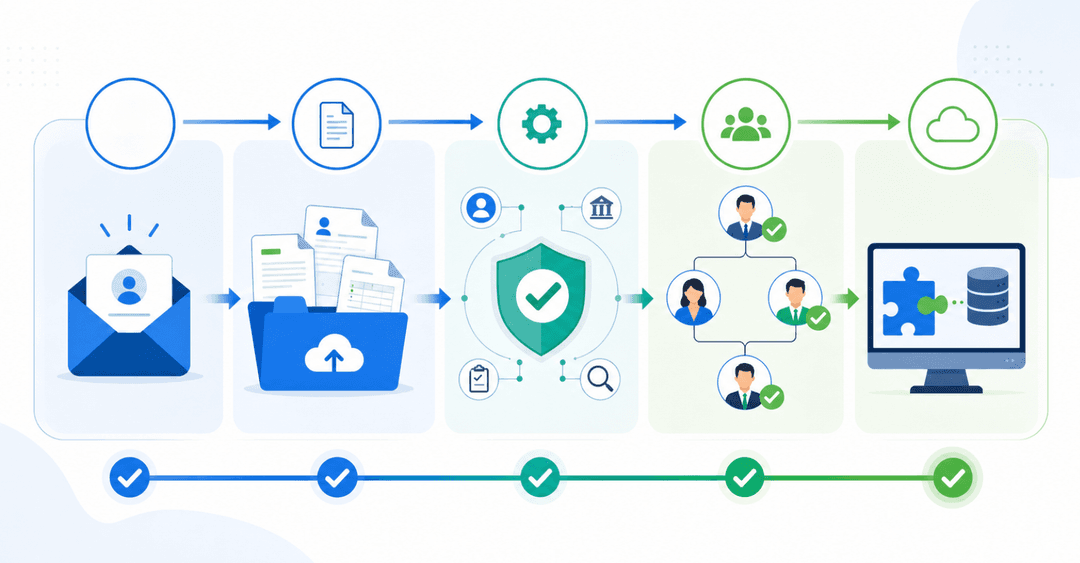
- Approval workflows that route deliverables to the right external contact for sign-off.
If your projects regularly involve outside collaboration, this feature set should weigh heavily in your final decision.
Building a Custom Project Tracker With AI
If your projects involve external stakeholders with specific access needs or workflows that don't map onto any standard tool, building something custom used to mean hiring a developer or waiting months for IT.
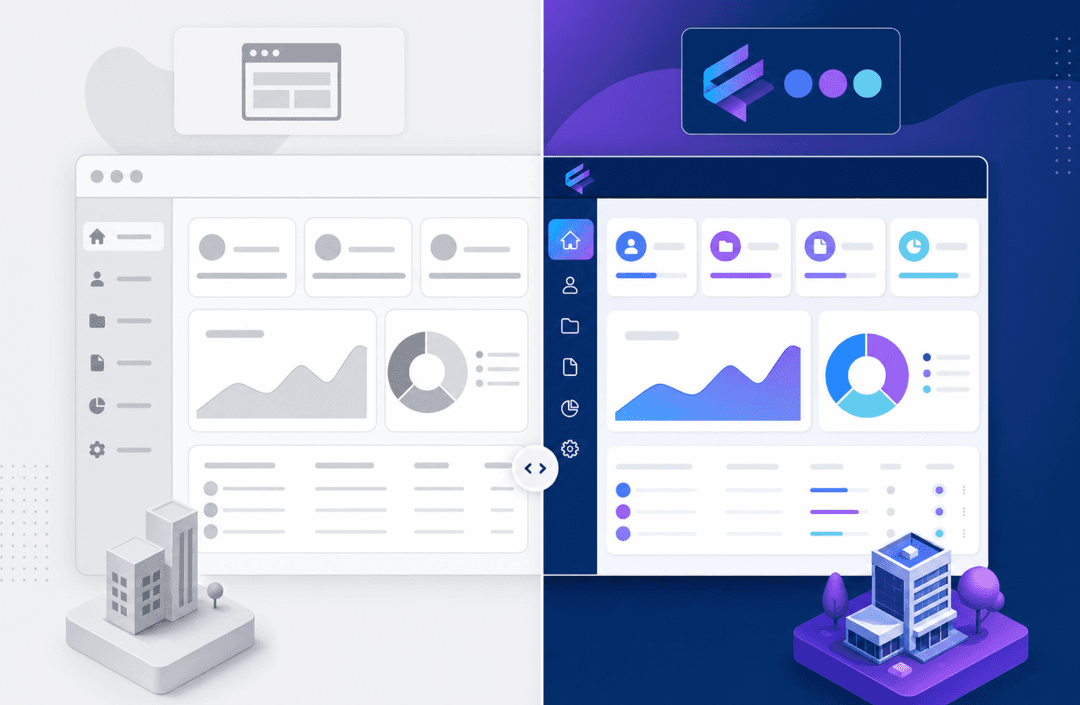
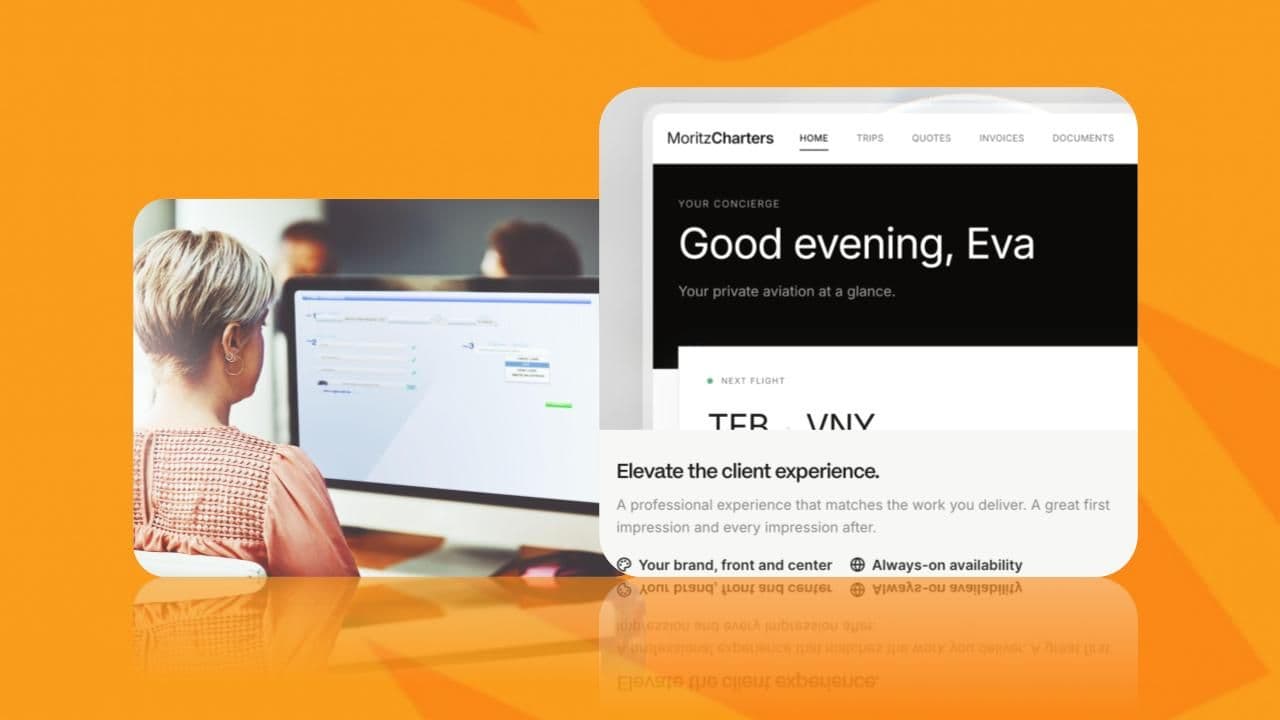
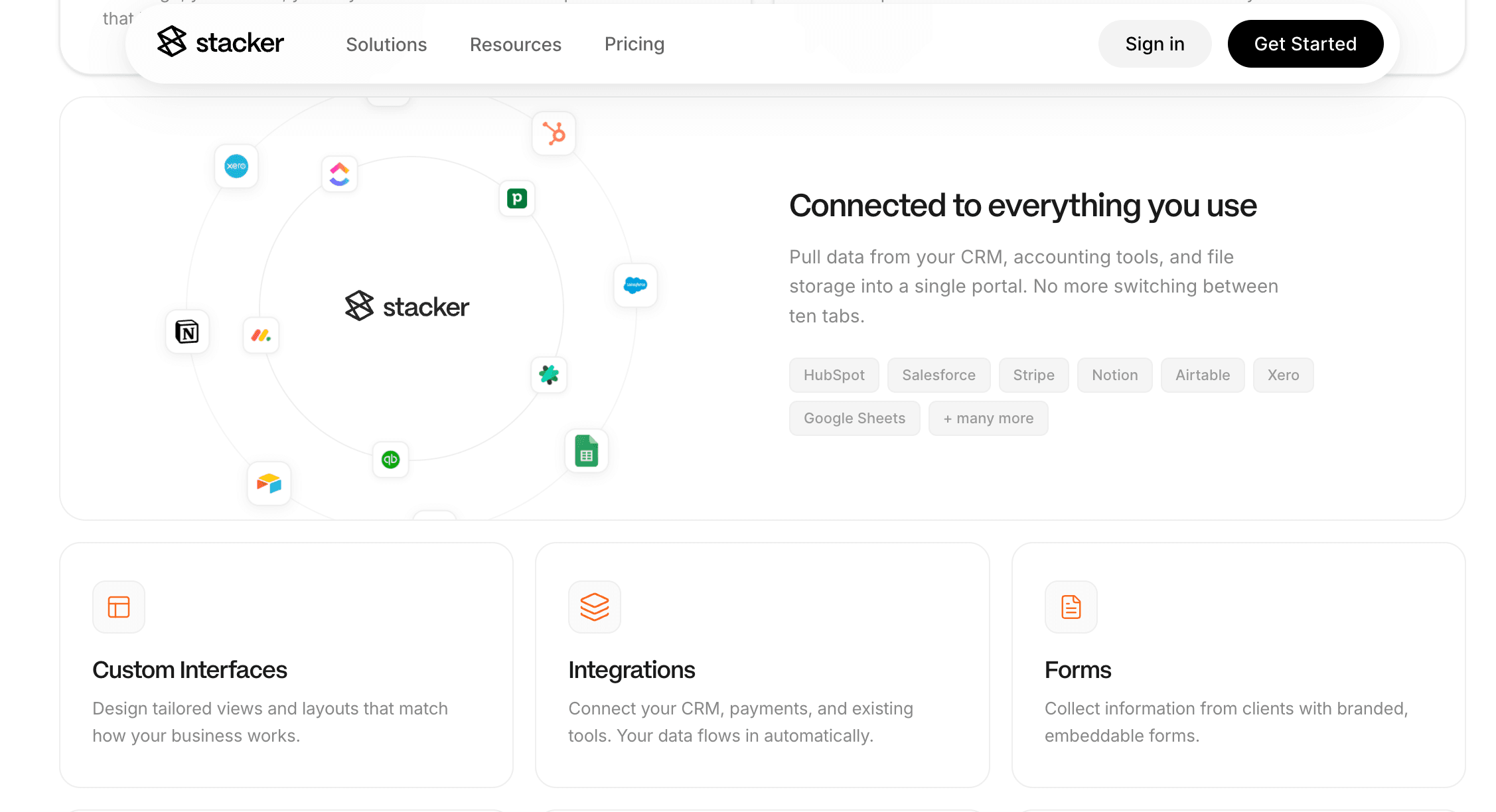
Stacker lets you describe the project tracker you need in plain language, and the AI builds a working app from it. Custom stages, role-based permissions, and client-facing views scoped to each user's data. Internal team members see one thing. Clients or contractors see only what's relevant to them. No manual exports, no shared spreadsheet everyone can accidentally edit.
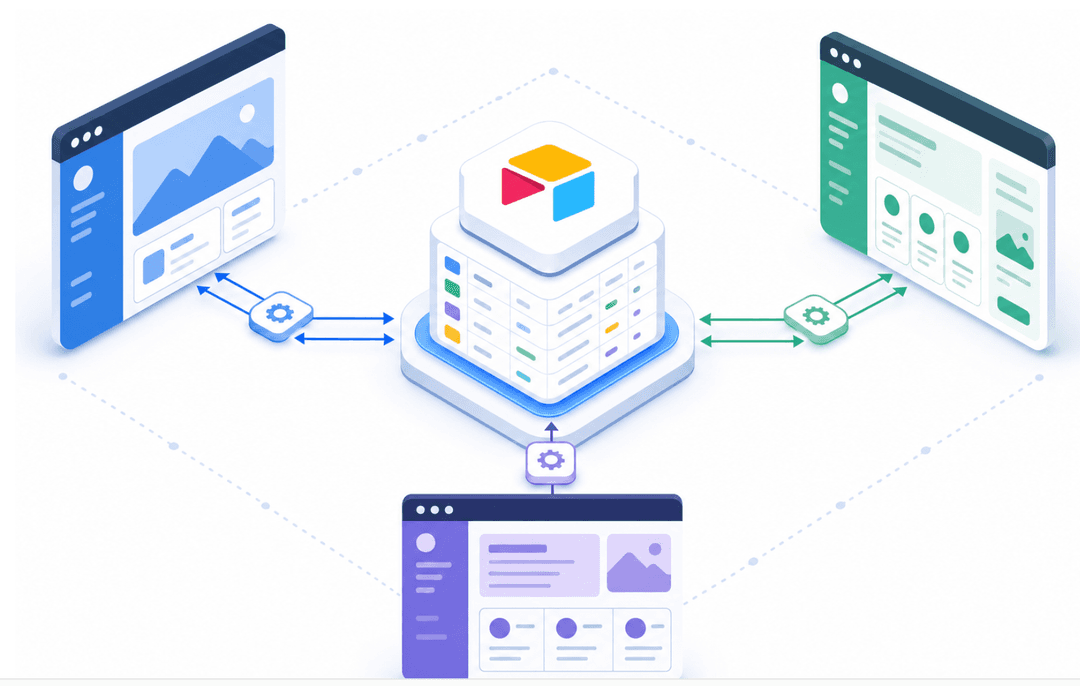
Because Stacker integrates with tools like Airtable, Google Sheets, and Notion, your existing data doesn't need to be moved. The tracker just becomes a better interface on top of it. If you've outgrown templates and off-the-shelf software isn't flexible enough, build your custom project tracker without writing a line of code.
Final Thoughts on Project Tracker Options
The right project tracker is the one people actually use, which usually means it fits your process without extra steps or workarounds. Start simple if you're small, upgrade when coordination gets hard, and go custom when external stakeholders need controlled access to specific data. Your tracker should make status updates easier, not add another layer of work. If you're curious what a purpose-built solution looks like, book a demo, and we'll show you.
FAQs
What's the best way to build a project tracker if off-the-shelf software doesn't fit your workflow?
Use an AI-powered app builder to create a custom tracker tailored to your actual process. Tools like Stacker let you describe your needs in plain language and generate a working tracker with role-based permissions, custom stages, and client-facing views without requiring development skills.
Project tracker Excel vs. dedicated project management software?
Excel works well for small teams (under five people) with simple, short-term projects with a zero budget. Dedicated software becomes necessary when multiple people need real-time updates, you're managing overlapping projects, or external stakeholders need controlled access to specific data.
Can I build a project tracker that gives clients access without showing them everything?
Yes. Custom-built trackers with role-based permissions let you control exactly what each person sees. Clients can view their project status and submit updates while your internal team sees the full picture, all in the same system, without manual exports or duplicate spreadsheets.
How do I know when spreadsheet project trackers stop working?
Watch for version conflicts from multiple editors, reporting that takes longer than the work itself, and status updates living in email attachments instead of a shared workspace. If you're managing more than one active project with external stakeholders, you've likely outgrown spreadsheets.
What should I look for in project tracker software if my projects involve contractors or vendors?
Focus on tools with granular access controls, guest roles that don't require paid seats, and the ability to share specific views without exposing sensitive data. The tracker should let external parties see only what's relevant to them while your team maintains full visibility.