
Stacker

Search Documentation

Search for pages and topics in the documentation

6 min read

Creating agents

Agents live inside your app. Open the Agents section from the app sidebar, create an agent, then shape how it thinks, what it can do, and where it runs.

Finding the Agents library

Open your app and go to Agents in the sidebar — a library of every agent in the app. Click an agent to open its settings, or use New agent to start from scratch.
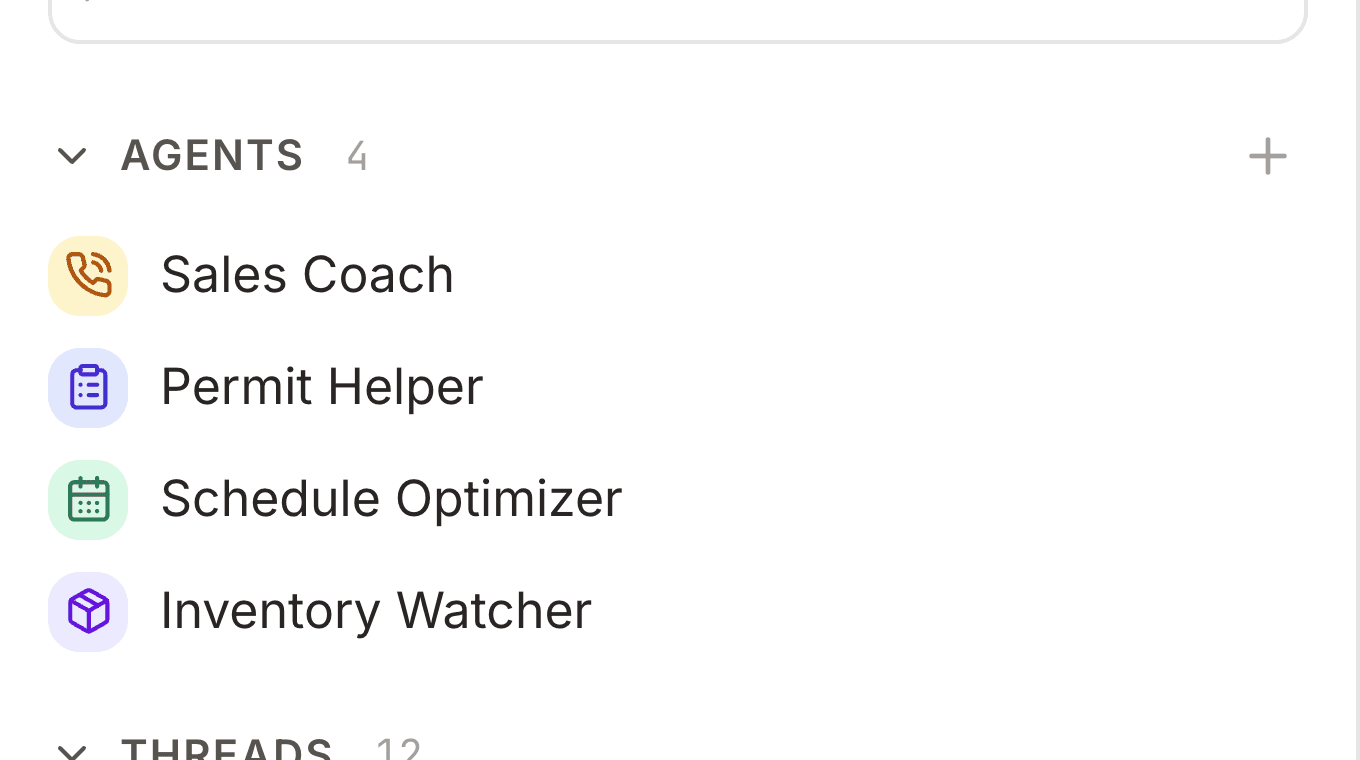
Agents sidebar section expanded with a list of agents and a plus button to create a new one
The Agents section in the sidebar lists every agent in the app. Use the + button to create a new one.

Agent settings tabs

Click an agent to open its settings. A tab sidebar on the left jumps between overview, configuration, channels, tools, and more — the panel on the right shows the fields for the active tab.
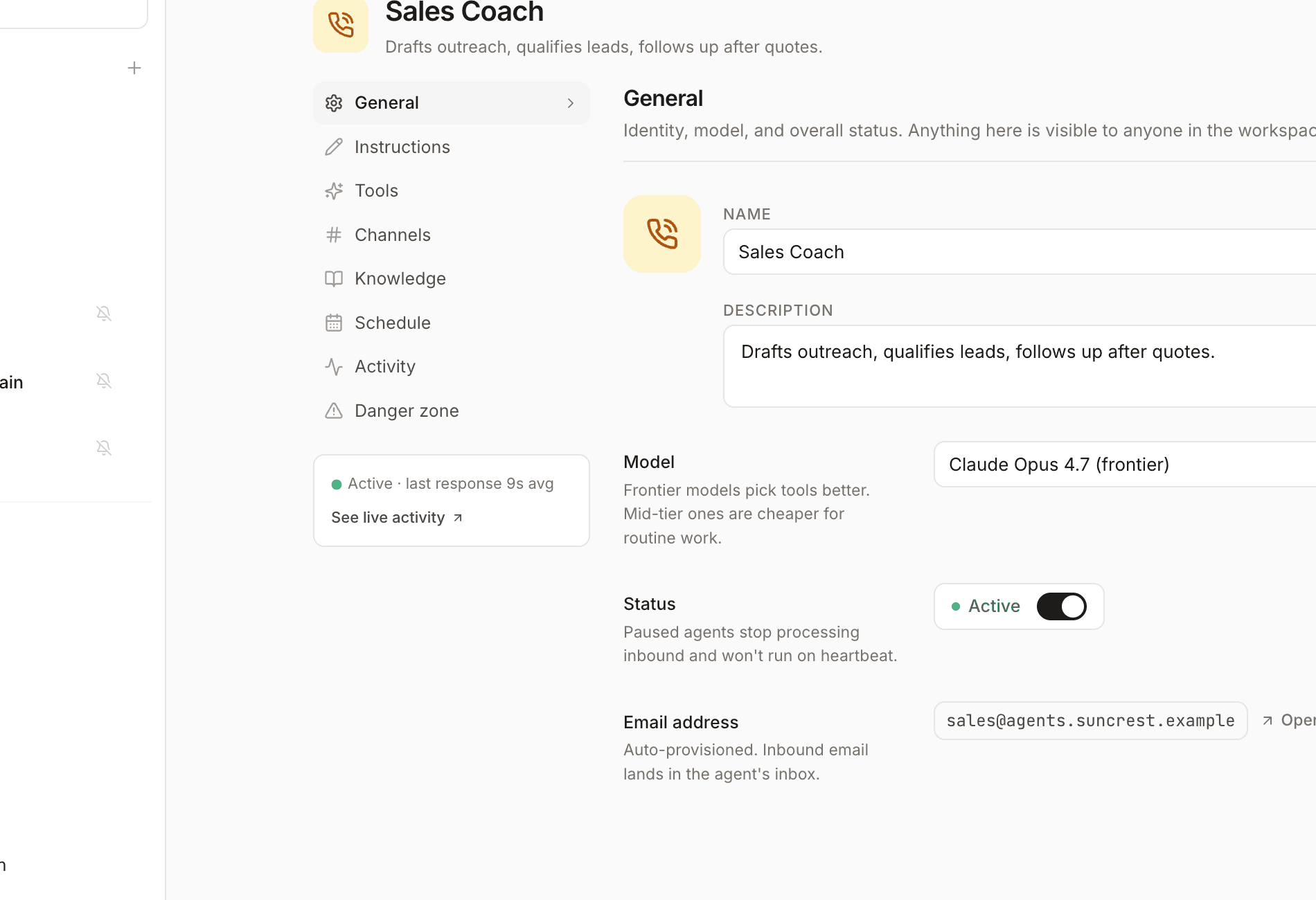
Agent settings page with a vertical tab sidebar and the General configuration panel open
Agent settings: pick a tab on the left, edit on the right.

What each tab controls

Overview

At-a-glance stats: active threads, connected channels, scheduled callbacks, skills, memory entries, and lifetime cost. Jump links take you to the tab you need.

Config

Name, description, icon, and colour; instructions (the system prompt); model choice; max iterations per run; daily cost cap; and optional memory context seeded into every conversation.

Channels

Where and how the agent runs: in-app chat, Slack, Telegram, WhatsApp, Gmail, webhooks, voice, per-record threads, heartbeat schedule, inbound email address, and HTTP callbacks. See Channels.

Tools

Choose which tools the agent can use — grouped capabilities like read/write records, send email, browse the web, or run skills. See Tools.

Skills, Threads, Memories

Attach agentskills.io files the agent can run; browse conversation history; and inspect or edit what the agent has remembered across threads.

Writing good instructions

Instructions are the agent's job description. Be specific about tone, what data to use, when to ask the user vs act, and what it must never do.

What strong instructions include

Role

Who the agent is — e.g. "You are a support agent for Acme's customer portal."

Scope

Which tables, workflows, or channels matter; what's out of bounds.

Process

How to work — gather context, confirm destructive actions, escalate when stuck.

Output style

Concise vs detailed, when to use lists or tables, language preferences.

Example instructions

You help customers check order status and request returns.

Always look up the order in the Orders table before answering.
If the order is older than 30 days, explain the return policy and offer to create a support ticket.
Never delete records — only update status fields the user confirms.
Keep replies under 3 short paragraphs.

One-off threads

From the chat launcher you can start a one-off thread without using a saved agent — pick a model, toggle tool grants, and add optional instructions for that conversation only. Nothing is added to the Agents library; when the thread ends, those settings don't carry over to the next chat.