
Data, connections & integrations
Agents work with your app's data, can pull in more via data connections, and can take action in other apps through integrations. The words overlap — this page spells out what each one means and where to configure it.
Your app's data
Data is what lives inside your app: tables and the records in them. Agents read and update this data with the Read records and Write records tool grants on the agent's Tools tab.
Some tables are created manually in Setup. Others are filled automatically by a data connection that syncs rows in on a schedule — but once synced, agents treat them like any other table.
- Lookup and update — "Find the deal for Acme Corp" or "Mark this ticket resolved" work against app tables.
- Synced tables — when a connection syncs HubSpot contacts or Postgres rows, those records appear in tables your agent can query.
Data connections — sync data in
A data connection pulls data from an external source into your app on a schedule. Examples: Airtable, Stripe, HubSpot, Postgres, Salesforce, Google Sheets as a sync source. You add and manage these in Setup → Connections.
Each connection maps external objects to tables, runs incremental or full syncs, and surfaces status (healthy, syncing, needs re-auth). See Data Sync for connector details, filters, and schedules.
Read sync context
Manage data connections
Mid-chat connection prompts are covered in Starting threads.
Integrations — act in other apps
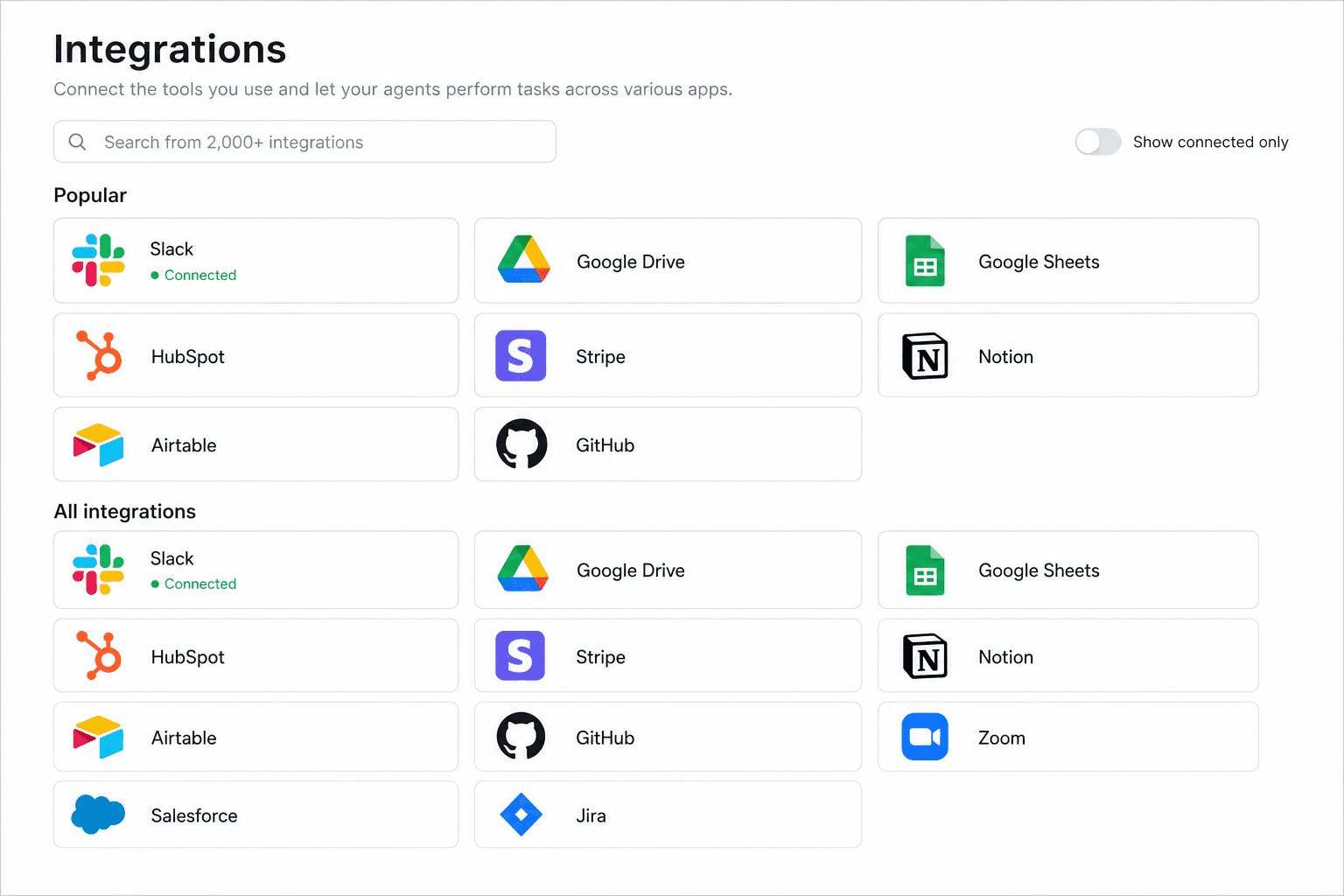
An integration is a third-party app your workspace has authorized so agents can call its APIs — create a Google Doc, post to Slack, charge Stripe, list HubSpot deals via live actions, and thousands of other operations. For many major integrations, agents aren't limited to the catalog: they can reach deeper into the provider's API when a pre-built action doesn't cover what you need, using the account you've already connected. Integrations do not replace data sync; they let agents do things in external systems in real time.
Open the Integrations page from the agents sidebar (or go to /{appSlug}/integrations) to browse the catalog, connect accounts, and manage what's already linked.
Connect first
Per-agent grants on the Tools tab
Request mid-chat
Connection vs integration — quick comparison
Both features use the word "connection" in the product, which is the main source of confusion. Here is the distinction:
| Term | Purpose | Where to set up | Agent access |
|---|---|---|---|
| Data connection | Sync external rows into app tables on a schedule | Setup → Connections | Read/write records on synced tables; optional Manage data connections grant |
| Integration | Authorize a third-party app for live API actions (e.g. Google Sheets, Slack, Stripe). Each integration can have one or more authorized accounts — team or private — such as two separate Google accounts. | Integrations page → app tile → manage accounts | Enable each connected app on the Tools tab; the agent picks which account when running an action |
Rule of thumb — if the agent needs rows stored in your app, use a data connection (or existing tables). If it needs to do something in another product right now, use an integration.
Same name, different systems
Stripe illustrates why both exist: a data connection can sync customers and subscriptions into tables for reporting, while a Stripe integration lets an agent create a charge or look up a customer via the live API without waiting for the next sync.
Slack is similar: connecting Slack on the Integrations page (or as a channel on the agent's Channels tab) is about messaging. That is separate from syncing Slack data into tables via a data connection, if you use one.
Grant only what each agent needs on Tools. Most support agents need read/write records; ops agents might also need a few integrations or Manage data connections when they help wire up syncs.